How to clean a phone case (clear, silicone, printed and leather)
A step-by-step way to clean every common case material without dulling the print, clouding clear plastic or damaging the phone, based on Apple's and the makers' guidance.
Written by the YOONIG team · Updated · 6 min read

The short version: phone out, damp cloth, nothing harsh
Take the phone out, wipe the case inside and out with a soft, lint-free cloth dampened with water, dry it, and let it air-dry fully before the phone goes back in. That's Apple's method for silicone, clear, polycarbonate and TPU cases, which covers most cases sold today (Apple: How to clean your Apple products).
Leather and fabric cases need a different routine, and a few popular shortcuts (alcohol wipes, bleach, a run through the dishwasher) do more harm than good. The details for each material are below.
You need very little: two soft, lint-free cloths (a microfiber glasses cloth is ideal), some water, and for leather or fabric a little mild soap or detergent. A soft-bristled brush helps with grit in the corners.
Clear, silicone, polycarbonate and TPU cases, step by step
This covers our printed hard shells, two-layer Tough and MagSafe cases, Clear cases and Silicone cases. Work around the buttons, the camera opening and the corners, where dust and skin oils collect.
The makers of our cases say the same in their care notes: a soft, damp cotton or microfiber cloth, and no chemicals. For the Slim case the maker allows a drop of dish soap if water alone doesn't shift it, and adds to keep the case away from high-alcohol liquids, hand and sun creams, direct sunlight and excessive heat.
- Take the phone out of the case. Cleaning with the phone inside traps moisture against it, and Apple's general advice is not to get moisture into any openings.
- Dampen a lint-free cloth with water and wring it out until it's barely wet.
- Wipe the outside, then the inside, then the edges, button covers and cut-outs.
- For grit in a corner or a button cover, use a dry soft-bristled brush before the cloth, not after.
- Dry with a second cloth, then leave the case to air-dry completely.
- Wipe the back of the phone too before you put it back, so you aren't sealing grit in.
What not to use, and why
Apple's list of things to keep off these cases is specific: window cleaners, household cleaners, aerosol sprays, solvents, ammonia, abrasives and cleaners containing hydrogen peroxide. On a printed case, abrasives and solvents are also the quickest way to dull a glossy finish or wear through the design.
Alcohol is the one that surprises people. Apple does allow 70 percent isopropyl alcohol wipes on the hard, nonporous surfaces of its devices, which is the phone, not the case. For cases, Apple's instructions call for water, and our case makers say to avoid chemicals and high-alcohol liquids. So disinfect the phone if you want to, and give the case a damp cloth.
Don't put any case in the dishwasher or washing machine, and don't dry it on a radiator or with a hair dryer. Heat is one of the things the Slim case's maker specifically says to keep it away from.
Leather and fabric cases
Leather: Apple suggests a clean cloth with warm water and mild hand soap, used gently, and warns that cleaning a leather case might affect its color. Disinfectant wipes are out; Apple says not to use them on fabric or leather surfaces.
Fabric: for its FineWoven and TechWoven cases Apple gives an exact method. Mix 1 teaspoon (5 mL) of liquid laundry detergent into 1 cup (250 mL) of water, rub the case gently for one minute with a cloth dipped in the solution and wrung out, wipe it with a separate cloth dampened with fresh water, then dry it with a soft, dry, lint-free cloth.
Sticky residue, scratches and yellowing
Sticker or adhesive residue left by a grip or a label is a separate job with its own risks to the print; how to remove sticker residue from a phone case covers what's safe.
Light scuffs on a glossy or matte case can't be polished out without an abrasive, which Apple advises against, and polishing a printed case wears the print. Usually it's better to leave them; how to remove scratches from a phone case is honest about what works.
A yellow tint on a clear case isn't dirt, so cleaning won't remove it. Why clear phone cases turn yellow explains what causes it and how to slow it down.
MagSafe cases and chargers: clean the contact side too
On any case, the inside of the back is the part that presses against the phone, and on a MagSafe compatible case that's also where the magnetic module sits. Grit trapped there gets pressed into the back of the phone every time an accessory snaps on. Give the inside a careful wipe and look at it in good light before the phone goes back in.
The charger deserves the same attention. For its MagSafe charger and battery pack, Apple says to brush any debris off the magnetic ring first, then wipe the silicone middle of the charging area with a microfiber cloth dampened with 70 percent isopropyl alcohol. If your case holds a card, take the card out before charging; Apple warns against putting cards between an iPhone and a MagSafe charger (Apple: How to use your MagSafe Charger).
AirPods covers and the charging case
A printed cover over your AirPods charging case, like our AirPods cases, comes off and cleans like a phone case: damp cloth, then dry.
The charging case underneath is an electronic device, and Apple's guidance for it is different: a soft, dry, lint-free cloth, slightly dampened with isopropyl alcohol if necessary; debris removed from the charging port with a clean, dry, soft-bristled brush; nothing put into the port and no liquid in it (Apple: How to clean your AirPods). The full routine, earbuds included, is in how to clean AirPods and the charging case.
How often to clean a case
A quick wipe every week or two keeps oils from building up along the edges, which also helps a clear case stay clearer for longer. Do a full phone-out clean whenever you feel grit inside, because trapped grit can mark the back of the phone.
Silicone needs it more often, since it picks up lint in pockets; how to clean a silicone phone case goes deeper on that one material. And if the case no longer grips the phone, cleaning won't fix it: a case that's loose, cracked at a corner or peeling is due for replacement, and how often should you replace your phone case lists the signs.
Frequently asked questions
Can I use alcohol wipes on my phone case?
Not as a routine. Apple's instructions for silicone, clear, polycarbonate and TPU cases call for a soft cloth slightly dampened with water, and our case makers say to avoid chemicals and high-alcohol liquids. Apple allows 70 percent isopropyl wipes on the phone's hard surfaces, not on the case.
Can I wash a phone case with soap?
For leather, Apple suggests warm water and mild hand soap. For the Slim case, its maker allows a drop of dish soap on a damp cloth. For other hard and silicone cases, water on a soft cloth is Apple's method.
Can I put a phone case in the dishwasher?
No. Apple's method for cases is a soft, damp cloth, and the maker of our Slim case specifically says to keep it away from excessive heat. A dishwasher cycle is hot water, detergent and a heated dry, all three at once.
How do I get dust out of the corners of a case?
Brush the corners and button covers with a dry soft-bristled brush, then wipe with a damp cloth wrapped over a fingertip. Let the case dry fully before the phone goes back in.
Will cleaning damage the print on my case?
A damp, soft cloth won't. Abrasive pads, scrubbing powders and solvents can dull or wear a printed surface, so leave them out.
Should I clean my phone and case at the same time?
Yes, but separately: take the phone out, clean each one, and let the case dry completely before you put them back together.
Shop the story
 Lemons on Black Phone CaseFromQAR 104.00Phone case · choose your model
 Navy Garden Floral Phone CaseFromQAR 104.00Phone case · choose your model
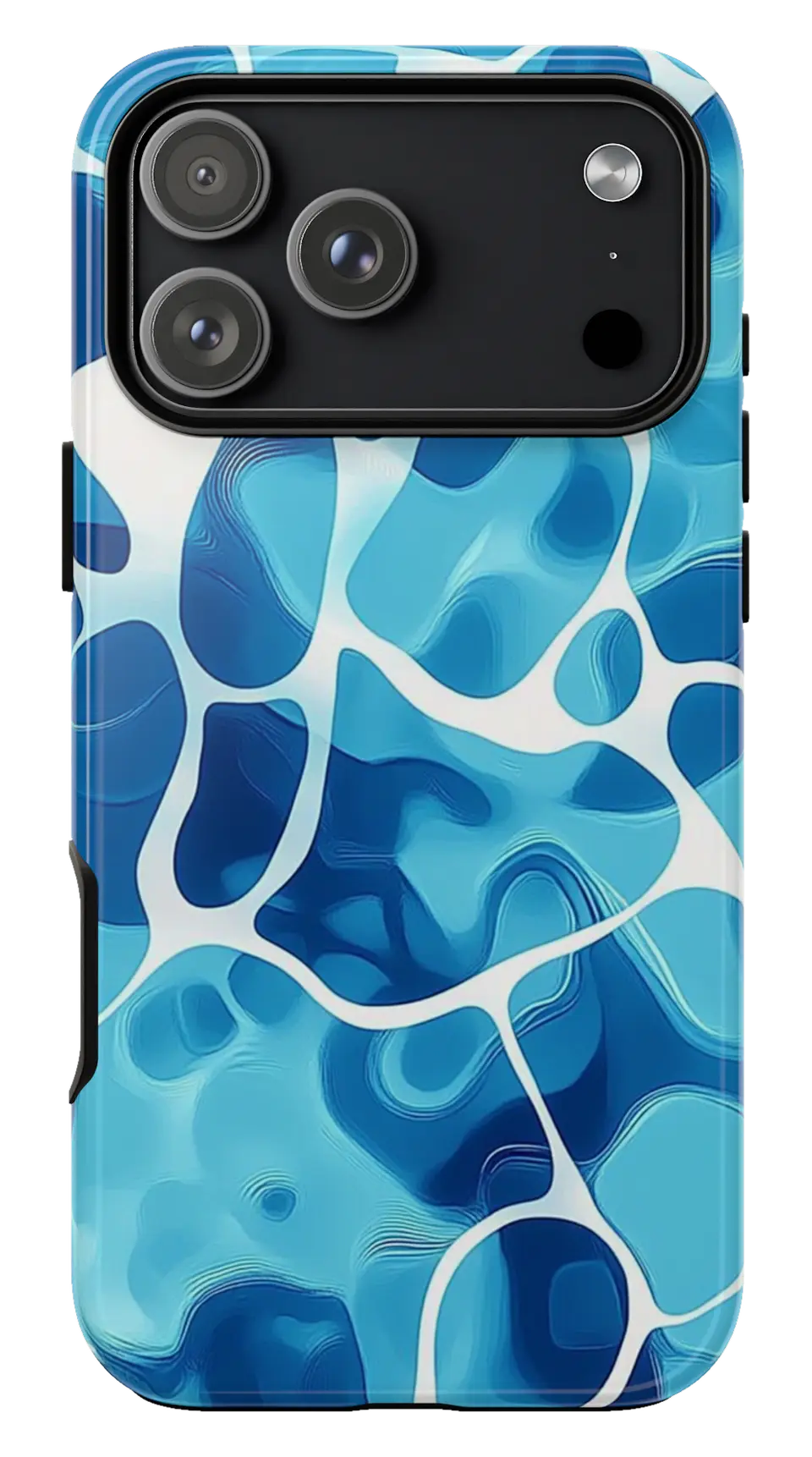 Pool Water Ripples Phone CaseFromQAR 104.00Phone case · choose your model


