What is a MagSafe case, and what does it actually do?
A MagSafe case carries its own ring of magnets so chargers, wallets and mounts hold through it. What that changes, what it doesn't, and how to read the labels.
Written by the YOONIG team · Updated · 7 min read

A MagSafe case is a case with its own ring of magnets
A MagSafe case is a phone case with a ring of magnets built into its back, placed to line up with the magnet ring inside a MagSafe iPhone. It lets a MagSafe charger snap on in the right spot through the case and keeps magnetic wallets, grips, stands and car mounts attached. Without those magnets, a case just adds distance and the hold gets weaker.
Apple's iPhone User Guide describes MagSafe chargers and battery packs as snapping to the back of the iPhone or to its MagSafe case or sleeve, with the magnets keeping the charger aligned for wireless charging (Apple: MagSafe chargers and battery packs for iPhone). That sentence is the whole idea. The case is treated as a surface the charger attaches to, not an obstacle in the way.
What the magnets in the phone do, and why the case needs its own
MagSafe arrived with the iPhone 12. The Wireless Power Consortium, the body behind the Qi charging standard, describes that phone as the first built with a ring of magnets around the charging coil, arranged so their polarity guides the phone toward center (WPC: How do magnetic chargers work). Wireless charging depends on the coil in the charger sitting directly over the coil in the phone. The magnets do the aiming for you.
Magnetic pull drops off quickly with distance. Put any case between the phone and an accessory and you've added a gap. The same WPC page says thick cases and metal cases widen the gap between the coils or weaken the magnetic hold, and that either one reduces charging speed. A MagSafe case answers that by carrying a second ring in the case itself, close to the outer surface, so the accessory grips the case as firmly as it would grip the bare phone.
The physics of the ring, including why accessories only sit one way round, is in how MagSafe magnets work.
Three things a MagSafe case does not do
The magnets are for alignment and attachment. People credit them with more than that, so it's worth being exact about the limits.
- It doesn't raise the charging speed. Apple sets the peak wireless power by iPhone model, charger and power adapter; the case can only help you reach what your phone already supports by keeping the charger centered.
- It doesn't give MagSafe charging to a phone that lacks it. Apple says power and charge times differ when a MagSafe Charger charges a Qi phone without MagSafe, such as the iPhone 16e or iPhone 11. Magnets in a case can hold an accessory on such a phone, and the phone still charges at its own Qi rate.
- It doesn't protect cards from the charger. Apple says not to place credit cards, security badges, passports or key fobs between the iPhone and a MagSafe Charger, because magnetic strips or RFID chips might be damaged, and to remove them first if your case holds any.
MagSafe, MagSafe compatible and Qi2: reading the labels
MagSafe is Apple's name, used for its own iPhones, chargers and accessories. When another maker writes MagSafe compatible on a case, it's telling you the case has magnets positioned to work with MagSafe chargers and accessories. The makers of our cases use exactly that wording: a built-in magnetic module compatible with MagSafe accessories.
The phrase to be wary of is a case sold as wireless charging compatible and nothing more. That means a charger can send power through the material. It says nothing about magnets. Plenty of good cases are in this group, including our own Tough and Slim builds, and a charger will work through them; it just won't snap on.
Qi2 is the open standard that brought the magnet ring to the rest of the industry. Its Magnetic Power Profile defines the ring's dimensions, the layout and orientation of the magnets and the holding force, and the WPC says certified chargers deliver 15W or 25W depending on the tier. How the three names relate, and which charger suits which phone, is laid out in MagSafe vs Qi vs Qi2. The phones on each side are listed in which phones have MagSafe.
How to tell whether a case really has magnets
Product photos don't always make it clear, and a printed case hides whatever is underneath. Three checks settle it.
- Read the specification, not the headline. Look for words like built-in magnets, magnetic module or magnet ring. Wireless charging compatible on its own means no magnets.
- Look inside the case. On many magnetic cases the ring is visible on the inner surface as a circle, often with a short line below it.
- Try an accessory. A MagSafe charger or wallet should pull itself into place and stay when you lift the phone by it over a soft surface. If it slides or drops, there's no ring doing the work.
Our magnetic builds, and which iPhones each is made for
We make four builds with magnets, all for iPhone only. MagSafe compatible is a two-layer case, a polycarbonate shell over a TPU liner, with a magnetic module built in. MagSafe + camera guard has a TPU frame and a polycarbonate back; the camera area is part of the frame, the corners are air-cushioned and the magnets sit in the frame so the printed back stays flat. Clear MagSafe is a clear polycarbonate back with TPU sides and built-in magnets. Card holder is a slim polycarbonate case with a slot for one card, and its maker lists it as MagSafe compatible.
Not every build exists for every iPhone, because each case is made for one exact model. The table shows what we sell today.
| iPhone | Builds with magnets |
|---|---|
| iPhone 18 Pro, 18 Pro Max | MagSafe compatible, MagSafe + camera guard, Card holder |
| iPhone 17 Pro, 17 Pro Max | MagSafe compatible, MagSafe + camera guard, Clear MagSafe, Card holder |
| iPhone 17, iPhone Air | MagSafe compatible, Clear MagSafe, Card holder |
| iPhone 16 Pro | MagSafe compatible, MagSafe + camera guard, Clear MagSafe, Card holder |
| iPhone 16, 16 Plus, 16 Pro Max | MagSafe compatible, Clear MagSafe, Card holder |
| iPhone 15 and iPhone 14 lines | MagSafe compatible, Clear MagSafe, Card holder |
| iPhone 13, 13 Pro, 13 Pro Max | MagSafe compatible, Clear MagSafe, Card holder |
| iPhone 13 mini | Clear MagSafe, Card holder |
| iPhone 16e, iPhone 17e | None (Clear and Tough only) |
| iPhone 12 line and earlier | None (Slim and Tough only) |
When a MagSafe case is the right choice
Pick one if anything magnetic is part of your day: a MagSafe charger on the nightstand, a car mount, a stand on your desk, a snap-on wallet or a grip. Those accessories were designed around the ring, and a case without one makes each of them worse. If you charge by cable and own no magnetic accessories, you lose nothing with a regular case, and you can choose purely on feel and protection.
Two neighboring questions have their own pages. Whether you need one just to use a MagSafe charger is answered in do you need a MagSafe case, and how well the magnets and charging hold up through different materials is in does MagSafe work through a case.
If the accessory you care about is a wallet, compare a snap-on wallet with a case that holds the card itself in MagSafe wallet vs card holder case. Our card holder cases carry one card in the back; take it out before you charge wirelessly, as Apple advises for any case that holds cards (Apple: How to use your MagSafe Charger).
You can browse every magnetic design in MagSafe phone cases. The differences between all our builds, magnetic or not, are side by side in the case type guide.
Frequently asked questions
Do MagSafe cases have magnets?
Yes. A MagSafe case has a ring of magnets in its back that lines up with the iPhone's own, so magnetic chargers and accessories attach through the case. A case described only as wireless charging compatible has none.
What does MagSafe mean?
It's Apple's name for the magnetic charging and accessory system that started with the iPhone 12. A ring of magnets around the charging coil aligns chargers and holds accessories.
Is MagSafe the same as Qi charging?
Related but not the same. Original Qi charging has no magnets. MagSafe adds Apple's magnet ring, and Qi2 is the open standard that defines a magnet ring for any brand.
Does a MagSafe case charge faster?
No. Charging speed is set by the iPhone model, the charger and the power adapter. The case helps by keeping the charger centered over the coil, which lets the phone reach the speed it already supports.
Can I use a MagSafe case on an iPhone without MagSafe?
Only if a magnetic case is made for that exact model, and then the magnets hold accessories but don't change how the phone charges. We make magnetic builds from the iPhone 13 onward, and not for the iPhone 16e or 17e.
Is a MagSafe case worth it?
If you use any magnetic accessory, yes: without magnets in the case, chargers slip off center and wallets or mounts hold less firmly. If you only charge by cable, a regular case does the same job.
Shop the story
 Kanagawa Wave Phone CaseFromAED 109.00Phone case · choose your model
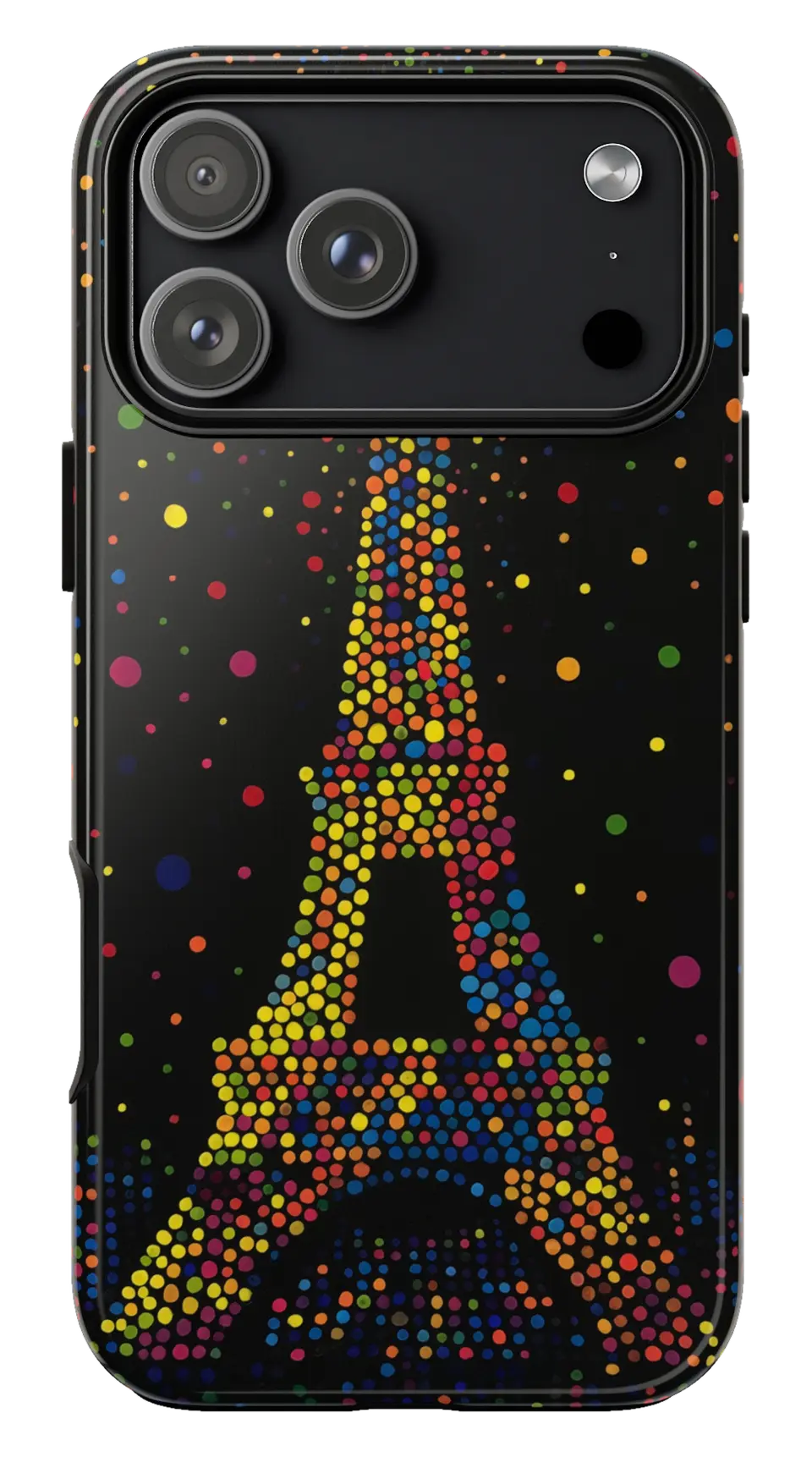 Paris Eiffel Tower Night Phone CaseFromAED 109.00Phone case · choose your model
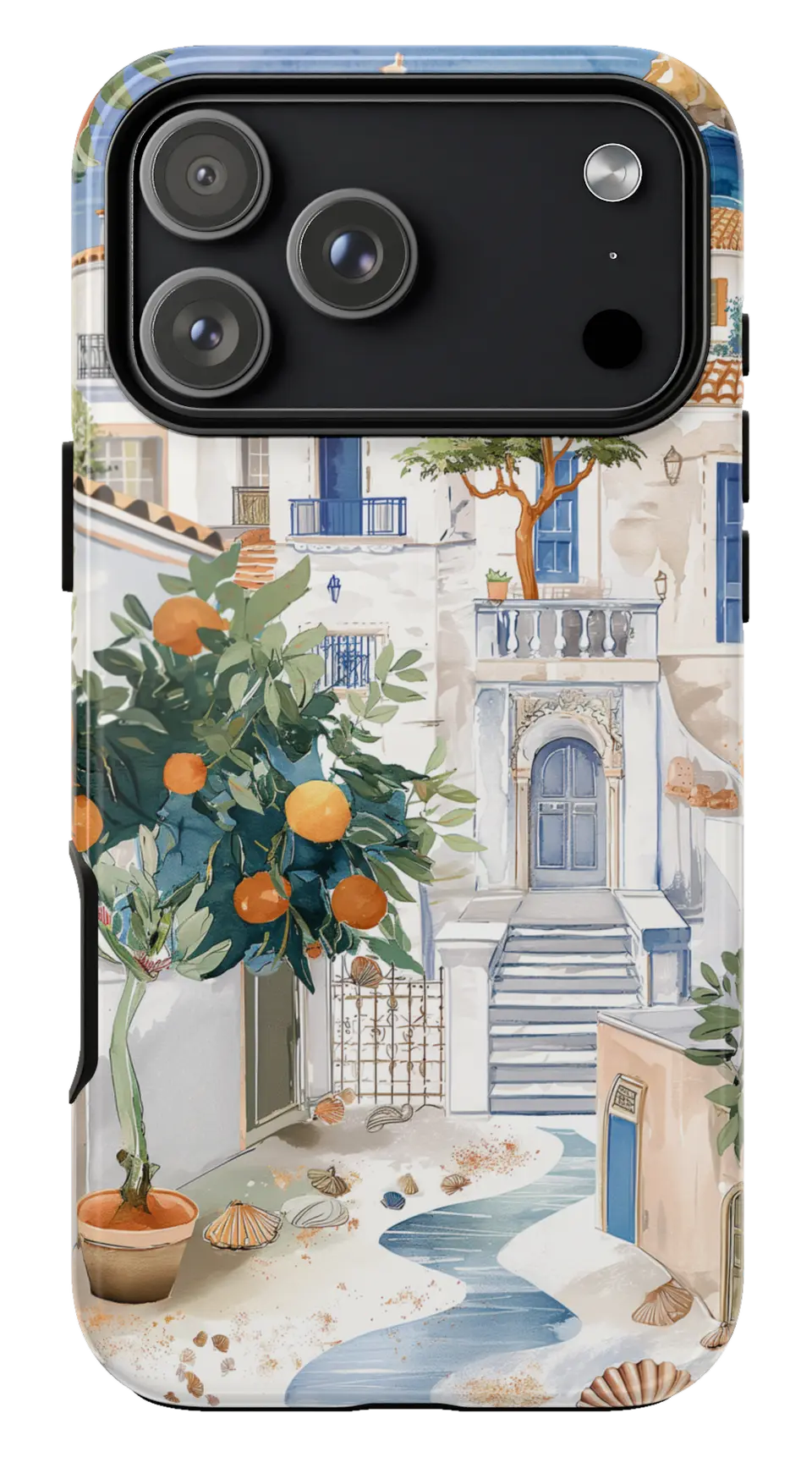 Santorini Phone CaseFromAED 109.00Phone case · choose your model


