Which AirPods do I have? Find the model number in 30 seconds
How to identify any AirPods from Settings or the model number on the earbud, with Apple's full list and the case features that separate lookalike models.
Written by the YOONIG team · Updated · 6 min read

Two ways to know for sure: Settings, or the number under the earbud
The quickest way to tell which AirPods you have is your iPhone: open Settings, tap Bluetooth (or your AirPods' name near the top of Settings), then tap the More Info button next to them, where the model number is listed. Without a phone, look at the underside of either earbud: Apple prints a model number there that starts with A. Match it against the table below.
Both methods come from Apple's own identification page, which lists every model number with the year it came out (Apple: Identify your AirPods). The case on its own is harder to read, because Apple prints its serial number under the lid but doesn't say where, or whether, the case model number appears. That's why the earbuds are the place to start, and the case is confirmed afterward from its features.
Find the model in Settings on iPhone or iPad
This works even if the print on the earbuds has worn away. The AirPods have to be paired with the device.
- Open the Settings app.
- Tap Bluetooth, or tap the name of your AirPods near the top of the Settings screen.
- Find your AirPods in the list. If they aren't there, pair them first: open the case next to the iPhone and follow the steps on screen.
- Tap the More Info button next to your AirPods. The model number is on that screen.
- On an older device without iOS 14 or iPadOS 14, Apple's path is Settings, General, About, then the name of your AirPods.
- On a Mac, Apple's path is System Settings, Bluetooth, then the Info button next to your AirPods.
Earbud model numbers and what they mean
Every model has two or three earbud numbers, one per side and sometimes a third, so your left and right earbuds won't necessarily show the same one. Both should land in the same row. The print is small: a phone camera zoomed in, with a light behind you, reads it better than your eyes.
| Model number on the earbud | AirPods model | Year |
|---|---|---|
| A1523, A1722 | AirPods (1st generation) | 2016 |
| A2032, A2031 | AirPods (2nd generation) | 2019 |
| A2084, A2083 | AirPods Pro (1st generation) | 2019 |
| A2565, A2564 | AirPods (3rd generation) | 2021 |
| A2931, A2699, A2698 | AirPods Pro 2 (Lightning case) | 2022 |
| A3047, A3048, A3049 | AirPods Pro 2 (USB-C case) | 2023 |
| A3053, A3050, A3054 | AirPods 4 | 2024 |
| A3056, A3055, A3057 | AirPods 4 with Active Noise Cancellation | 2024 |
| A3063, A3064, A3065 | AirPods Pro 3 | 2025 |
| A3531, A3532, A3533 | AirPods 5 | 2026 |
| A3439, A3440, A3441 | AirPods 5 with Wireless Charging Case | 2026 |
| A2096 (Lightning), A3184 (USB-C) | AirPods Max (1st generation) | 2020, 2024 |
| A3454 | AirPods Max 2 | 2026 |
Read the charging case: port, light, button and speaker
Once you know the earbuds, the case usually confirms itself. Apple's pages give a handful of features that separate the cases: where the status light sits, which connector it takes, whether there's a speaker on the bottom and a lanyard loop on the side, and whether there's a setup button on the back (Apple: Which AirPods do I have?). The connector matters most for the two versions of AirPods Pro 2, which look alike and differ in port.
| Case | Apple case model number | Port | Features you can see |
|---|---|---|---|
| Lightning Charging Case for AirPods 1 and 2 | A1602 | Lightning | Status light inside the case, between the earbuds |
| Wireless Charging Case for AirPods 1 and 2 | A1938 | Lightning | Status light on the front |
| Charging Case for AirPods Pro 1 (and the later MagSafe version) | A2190 | Lightning | Light on the front, no speaker, no lanyard loop |
| Charging Case for AirPods 3 (MagSafe or Lightning) | A2566, A2897 | Lightning | Light on the front |
| MagSafe Charging Case for AirPods Pro 2 | A2700 (Lightning), A2968 (USB-C) | Lightning or USB-C | Speaker on the bottom, lanyard loop |
| Charging Case for AirPods 4 | A3058 | USB-C | No button on the back |
| Wireless Charging Case for AirPods 4 with ANC | A3059 | USB-C | Speaker on the bottom, no button on the back |
| MagSafe Charging Case for AirPods Pro 3 | A3122 | USB-C | Speaker on the bottom, lanyard loop, no button on the back |
Tell the lookalikes apart
Four pairs cause most of the confusion. Each has a quick check.
AirPods 1 and AirPods 2. Same shape, and Apple lists the same two charging cases for both (A1602 and A1938). Only the earbud numbers separate them: A1523 and A1722 are the first generation, A2032 and A2031 the second.
AirPods Pro 1 and AirPods Pro 2. Apple lists identical outer case dimensions for the two, 45.2 by 60.6 by 21.7 mm. Turn the case over: the Pro 2 case has a speaker on the bottom and a lanyard loop on the side, the Pro 1 case has neither. Apple's page also gives the Pro 1 three ear tip sizes and the Pro 2 four.
AirPods Pro 2 and AirPods Pro 3. The Pro 3 case has no setup button on the back and only comes with USB-C; the Pro 2 case has the button. The Pro 3 earbuds have in-ear heart rate sensors and ear tips in five sizes.
AirPods 3 and AirPods 4. Both have short stems with no ear tips. The AirPods 3 case charges through Lightning and has a setup button on the back; the AirPods 4 case uses USB-C and has no button. Between the two AirPods 4 versions, the one with Active Noise Cancellation has a speaker on the bottom of the case and charges wirelessly.
Why the model matters before you buy anything
Most of what you'll do with your AirPods depends on the generation. Pairing mode, for instance, is a setup button on the back of the case on AirPods 1 to 3 and AirPods Pro 1 and 2, and a double-tap on the front on AirPods 4, AirPods 5 and AirPods Pro 3 (Apple: Connect your AirPods to your iPhone). The same split decides how you reset them, covered in how to reset AirPods, and whether a replacement earbud will pair, covered in mixing AirPods.
It also decides which cover fits. A cover is shaped around one charging case, and Apple's case dimensions change between generations, sometimes by just a millimeter or two. We print a separate polycarbonate cover for each model, from AirPods Pro 3 cases back to the first generation, all under AirPods cases. The millimeter comparison, model by model, is in which AirPods case cover fits my AirPods.
One gap to know about: we don't currently make a cover for AirPods 5. If your earbuds read A3531 to A3533 or A3439 to A3441, our model menu won't list them.
If you can't read any number
If the print has worn off or is too small to read, work through these in order.
- Pair the AirPods with any iPhone, iPad or Mac and use the Settings method. It doesn't depend on the print.
- Check the box or the receipt. Apple's identification page lists the full product names, which is how most receipts describe them.
- Read the case features in the table above: port, light position, speaker, lanyard loop, button.
- For AirPods Max, the model number is behind the cushion on the left ear cup. Lift the cushion off to see it.
- Paired with an Android phone only? Apple's Settings method needs an iPhone, iPad or Mac, so read the earbuds instead; using AirPods with Android covers what else differs.
Frequently asked questions
How do I know which AirPods I have?
On iPhone, go to Settings, tap Bluetooth or your AirPods' name, then tap More Info next to them to see the model number. Or read the model number printed on the underside of an earbud and match it against Apple's list.
Where is the model number on AirPods?
On the underside of each earbud, starting with the letter A. On AirPods Max it's behind the cushion on the left ear cup.
Is A2084 AirPods Pro 1 or 2?
A2084 is AirPods Pro (1st generation), along with A2083. AirPods Pro 2 earbuds are A2931, A2699 and A2698 for the Lightning version and A3047, A3048 and A3049 for USB-C.
How can I tell if my AirPods Pro 2 are Lightning or USB-C?
Look at the port on the bottom of the case. The earbud numbers differ too: A2931, A2699 and A2698 for Lightning, A3047, A3048 and A3049 for USB-C.
Where is the serial number on an AirPods case?
Apple says it's on the underside of the lid. You can also find it on the same Settings screen as the model number.
Are my left and right AirPods supposed to have different model numbers?
They can. Apple lists two or three earbud numbers for each model. What matters is that both appear in the same row of Apple's list.
Shop the story
 Midnight Green AirPods CaseFromCA$39.00AirPods case · choose your model
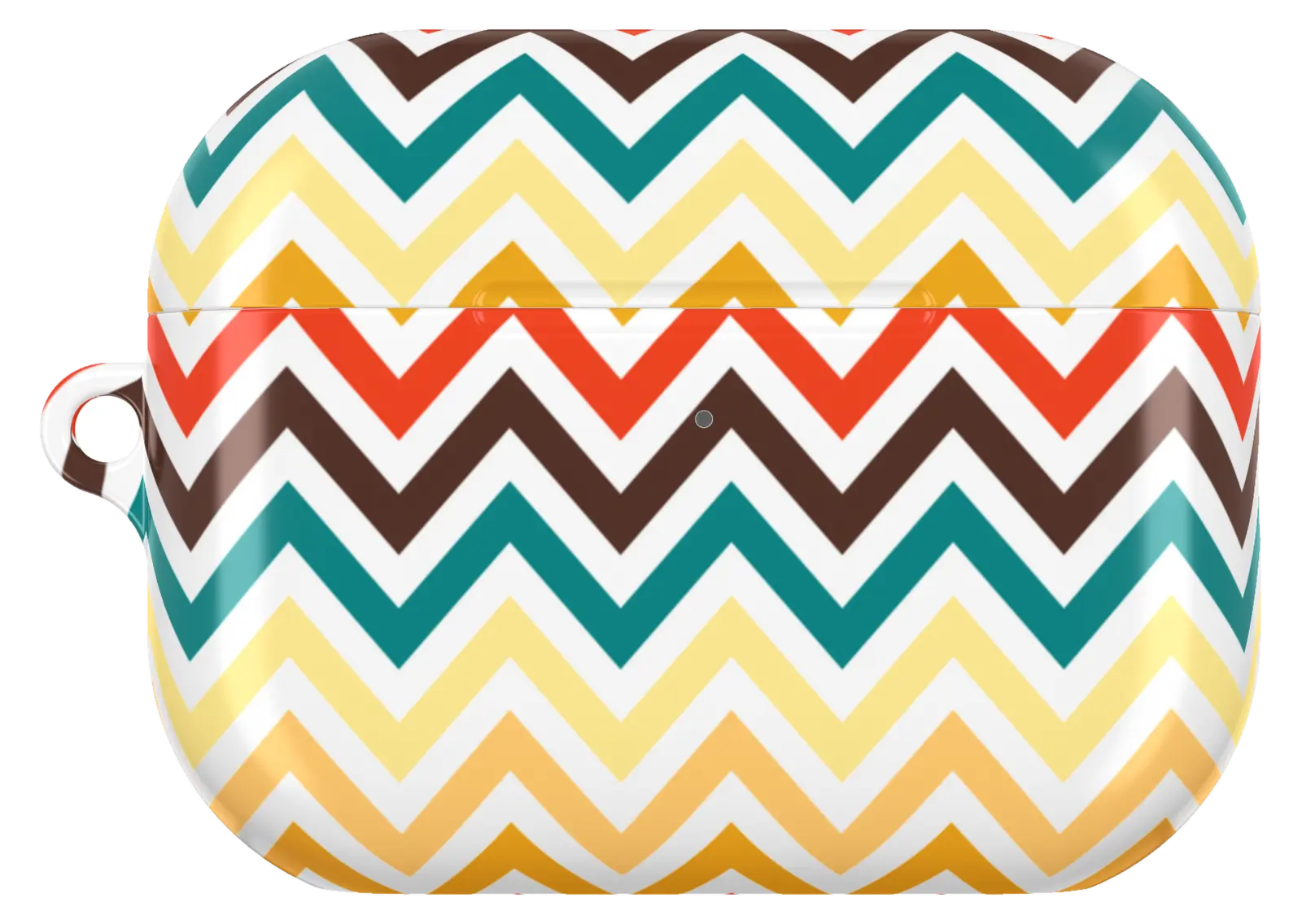 70s Retro Chevron AirPods CaseFromCA$39.00AirPods case · choose your model
 Copper AirPods CaseFromCA$39.00AirPods case · choose your model


