How MagSafe magnets work, in iPhones and in cases
The magnets align and hold; they carry no power. What sits in the back of a MagSafe iPhone, where the magnets go in a case, and the short list of things they can affect.
Written by the YOONIG team · Updated · 8 min read

A ring of magnets lines things up, and a coil does the charging
MagSafe works with a ring of permanent magnets set around the wireless charging coil in the back of the iPhone, and a matching ring in the charger or accessory. The magnets pull the two together in exactly the right position and hold them there. They carry no power: charging still happens between the two coils, the way it does on any wireless pad.
So yes, iPhones with MagSafe are magnetic in a specific spot, and yes, MagSafe cases have magnets in them. The rest of this page is the detail behind those two answers: what is in the ring, why it doesn't upset the charging, where the magnets sit in a case, and what they can and can't affect around them.
What is in the back of a MagSafe iPhone
Apple's spec pages list the MagSafe parts by name. On the iPhone 17 Pro spec page the MagSafe section reads: magnet array, alignment magnet, Accessory Identification NFC, magnetometer. The iPhone 12's page lists the same four.
The magnet array is the ring. The Wireless Power Consortium, describing the iPhone 12 as the first phone built this way, counts 18 magnets in it, arranged so that their polarity guides the phone toward center from anywhere nearby (WPC: how magnetic chargers work). Apple itself doesn't publish the number of magnets or how strongly they hold for any model.
The alignment magnet is listed separately from the ring. Apple names it but doesn't explain its job on the spec page, so we won't guess at it here.
Accessory Identification NFC is, as the name says, for identifying an attached accessory. Apple doesn't describe it further on the spec page. What its user guide does show is the result: attach an iPhone Wallet with MagSafe and Find My support, and the iPhone offers to add it to your account.
Why the magnets don't interfere with charging
It sounds as if they should. Wireless charging uses a magnetic field, and here is a ring of magnets sitting right around it.
The WPC's explanation is that the two fields are different in kind. Charging depends on a magnetic field that reverses direction thousands of times per second. The alignment magnets are static: they hold one position, sit outside the coil's path and take no part in the energy transfer. If anything they help, by guaranteeing the geometry the transfer needs.
Geometry is the whole point. Power moves efficiently only when the coil in the phone sits centered over the coil in the charger. On a flat pad that is your job, and the WPC notes that a centimeter off is enough to slow charging while the missed energy turns into heat. The ring does that job mechanically. Apple makes the same claim in its own words: MagSafe provides optimal magnetic alignment for faster, more efficient charging (Apple: How to use your MagSafe Charger).
Holding the phone in place costs nothing, either. The WPC states that holding position takes no energy, so the magnets don't drain the battery, and a phone snapped to an unpowered charger loses nothing.
Which iPhones have the ring
Every iPhone contains some magnets. Apple says most consumer electronics do, in parts such as speakers. The question people mean is whether the phone has the accessory ring, and that depends on the model.
Without a ring, a MagSafe charger still charges the phone as an ordinary Qi pad, with no magnetic alignment. A model-by-model list with charging speeds is in which phones have MagSafe.
| iPhone | Magnet ring in the phone | What a MagSafe accessory does |
|---|---|---|
| iPhone 18 Pro, 18 Pro Max | Yes | Snaps on and aligns |
| iPhone 17, 17 Pro, 17 Pro Max, Air, 17e | Yes | Snaps on and aligns |
| iPhone 16, 16 Plus, 16 Pro, 16 Pro Max | Yes | Snaps on and aligns |
| iPhone 16e | No | Charger works as a Qi pad. Wallets and mounts don't hold. |
| iPhone 12, 13, 14 and 15 families | Yes | Snaps on and aligns |
| iPhone 11 family, XS, XR, X, 8 | No | Charger works as a Qi pad. Wallets and mounts don't hold. |
Where the magnets sit in a MagSafe case
A case adds distance between the phone's ring and whatever you attach, and the pull weakens as the gap grows. A MagSafe case answers that with a second ring of its own, positioned over the phone's, so the accessory grips the case directly. Without one, the case is just a spacer.
How the ring is built in varies with the construction, and it shows in the finished case. In our MagSafe compatible build, a two-layer case with a polycarbonate shell over a TPU liner, the maker describes a magnetic module included for MagSafe accessories and charging. In the Clear MagSafe build the magnet ring is embedded in a clear polycarbonate case with TPU edges, so you can see it. In the MagSafe + camera guard build the magnets are integrated into the TPU frame, which the maker says keeps the printed back completely flat.
All of these are in MagSafe phone cases, for iPhone 13 and later, though not every build is made for every model. The camera guard build, for instance, is made for the 16 Pro, 17 Pro, 17 Pro Max, 18 Pro and 18 Pro Max, as you'll see on the iPhone 18 Pro cases page. Our Card holder build is listed by its maker as MagSafe compatible too.
Tough and Slim have no magnets in them. They are polycarbonate, or polycarbonate over TPU, with no magnetic module; the materials themselves are compared in TPU vs silicone vs polycarbonate. A MagSafe iPhone inside one of those cases still has its own ring, but the pull through the case is weaker.
A magnetic case on a phone with no ring is a separate situation. The case gives accessories something to hold on to, and that is all. It doesn't turn the phone into a MagSafe phone: Apple says non-MagSafe iPhones charge on a MagSafe Charger without the magnetic alignment and at different power.
What the magnets can affect, according to the makers
The genuine cautions are few and specific. Each of these comes from a manufacturer's own page.
- Cards and passes. Apple says not to place credit cards, security badges, passports or key fobs between an iPhone and a MagSafe Charger, because this might damage magnetic strips or RFID chips in those items.
- Medical devices. Apple says iPhone and MagSafe accessories contain magnets and components that emit electromagnetic fields, which might interfere with medical devices such as implanted pacemakers and defibrillators.
- The distance Apple gives is more than 6 inches (15 cm) from the medical device, or more than 12 inches (30 cm) while wirelessly charging, and it says to consult your physician and the device's manufacturer for specific guidelines.
- Metal on the charger. Apple's safety information says to avoid placing metallic objects such as keys, coins, batteries or jewelry on a wireless charger, as they may become warm or interfere with charging.
- Other phones' features. Samsung notes on its magnetic charger page that magnetic accessories may interfere with a Galaxy's S Pen, camera autofocus, compass, wireless charging and NFC.
- Magnetic media. Google's safety guide for its Pixelsnap charger says to keep items sensitive to magnetism, such as credit cards and bank cards, at least 2 inches (5 cm) away from the charger.
What they don't do, and common mix-ups
The magnets don't charge anything, don't speed charging up beyond what the phone accepts and don't wear out the battery. The WPC's summary is that the magnets are harmless to the phone, and that what matters for safety is whether the charger's electronics were certified.
They also don't make every magnetic product equal. The WPC separates three things that get called magnetic chargers: Qi2 certified magnetic chargers, uncertified chargers that have the ring but skipped the testing, and magnetic charging cables, which use spring-loaded metal pins and physical contact and have nothing to do with wireless charging. How MagSafe relates to the Qi standards is set out in MagSafe vs Qi vs Qi2.
On the medical point, Apple's support article is the one to read in full, and it is short (Apple: potential interference with medical devices). We can repeat what it says; we can't advise on a particular implant, and neither can a case maker's product page.
Finally, a ring is not a grip. Stick-on grips and ring holders that aren't magnetic sit on top of the charging area and get in the way of both the magnets and the coil. If you use one, placement matters, and where to put a phone grip on your case covers it. For carrying cards on the back, the two magnetic options are compared in MagSafe wallet vs card holder case. The basics of the case itself are in what a MagSafe case is.
Frequently asked questions
Are iPhones magnetic?
iPhones with MagSafe, which means the iPhone 12 and later except the SE models and the iPhone 16e, have a ring of magnets in the back that MagSafe accessories attach to. Older models, like most electronics, contain magnets in their components but have no ring for accessories.
Do MagSafe cases have magnets?
Yes. A MagSafe case has its own ring of magnets lined up with the one in the iPhone, so chargers, wallets and mounts hold through the case. A case sold only as wireless charging compatible normally has none.
Will MagSafe magnets damage credit cards?
They can if the card sits between the phone and a charger. Apple warns that magnetic strips or RFID chips in credit cards, security badges, passports and key fobs might be damaged there, and says to remove them before charging.
Do MagSafe magnets affect the iPhone's battery?
No. The magnets hold position and carry no power. According to the Wireless Power Consortium, holding takes no energy, so they neither drain nor charge the battery.
Is MagSafe safe with a pacemaker?
Apple says to keep MagSafe iPhones and accessories more than 6 inches (15 cm) from an implanted device, or more than 12 inches (30 cm) while wirelessly charging, and to consult your physician and the device's manufacturer for specific guidance.
How many magnets are in MagSafe?
Apple doesn't publish a count. The Wireless Power Consortium describes 18 magnets in the ring of the iPhone 12, the first phone built this way, plus the separate alignment magnet that Apple lists on its spec pages.
Shop the story
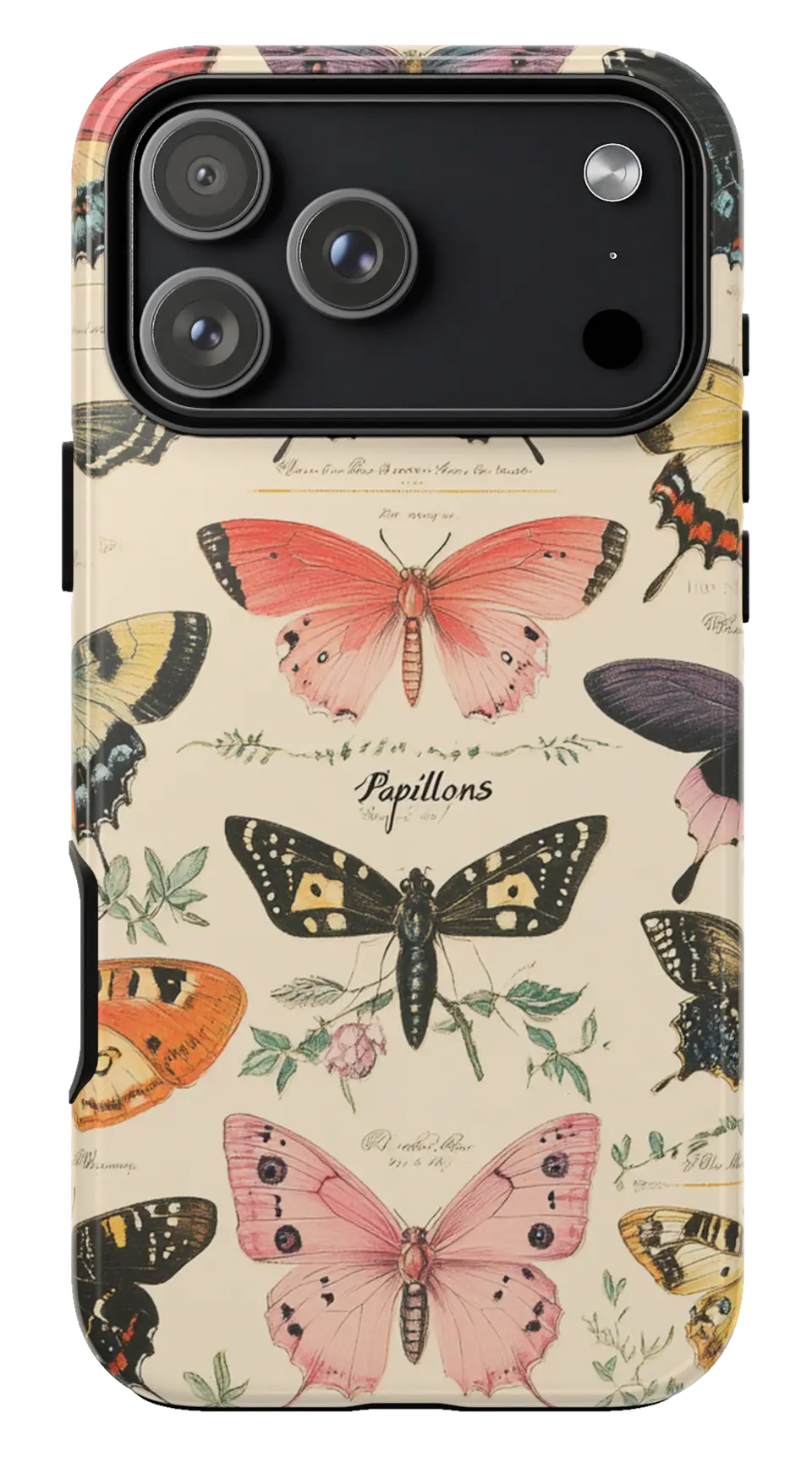 Vintage Butterfly Chart Phone CaseFromKWD 9.000Phone case · choose your model
 Ice Blue Phone CaseFromKWD 9.000Phone case · choose your model
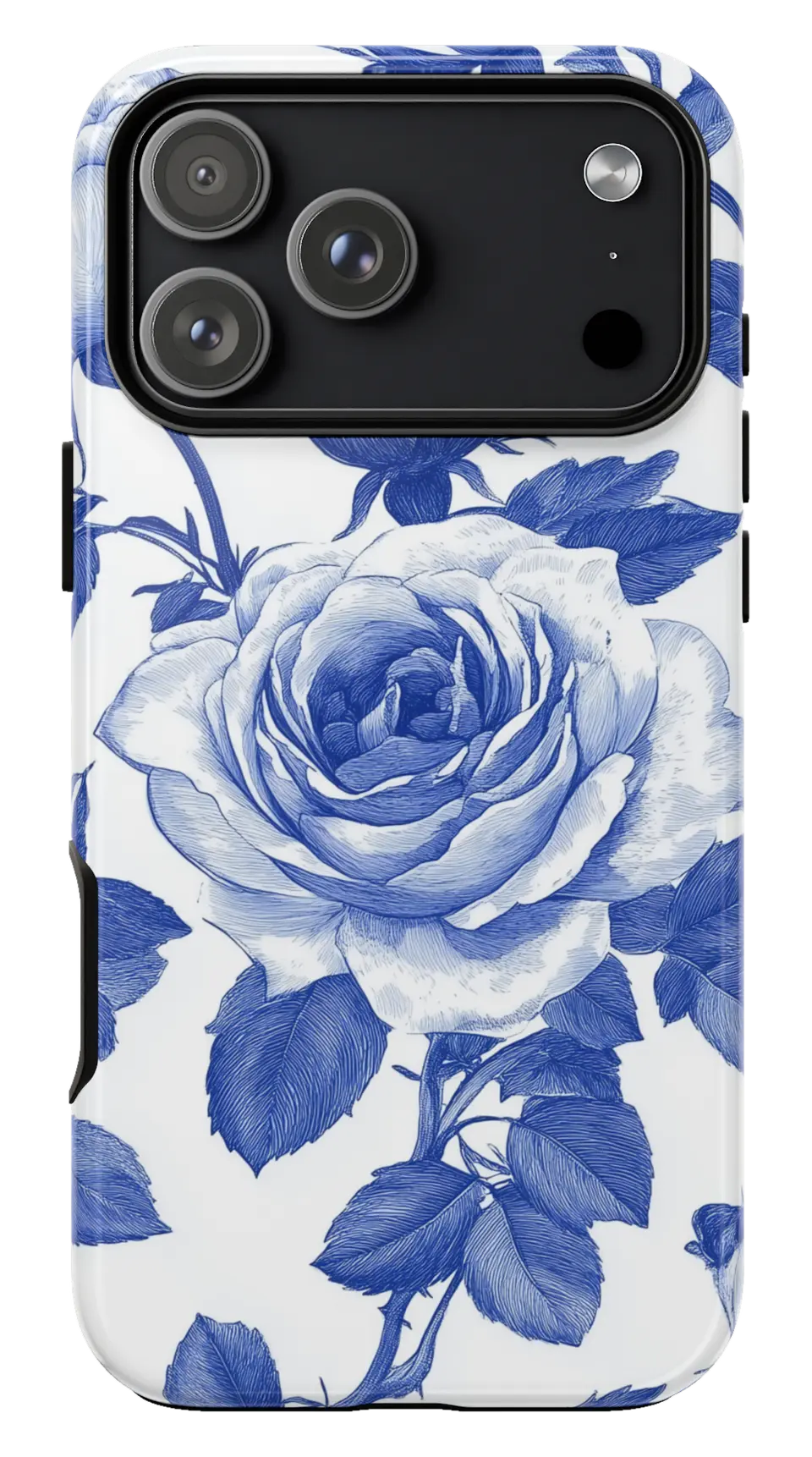 Blue Rose Toile Phone CaseFromKWD 9.000Phone case · choose your model


