How to find your exact phone model
Where each brand shows the model name, and why it matters for fit.
Written by the YOONIG team · Editorially reviewed · Updated · 2 min read
Why the exact model matters
Phones in the same family often look alike but differ in camera layout, button position and size by a few millimetres. A case made for one model rarely fits another properly.
iPhone
Open Settings, tap General, then About. The Model Name line shows the exact name, for example iPhone 17 Pro.
Samsung Galaxy
Open Settings and tap About phone. The model name appears near the top, for example Galaxy S25 Ultra.
Google Pixel
Open Settings, tap About phone, and look for the Model line.
AirPods
With your AirPods connected to your iPhone, open Settings, tap Bluetooth, then tap the info button next to your AirPods. The Model Name line shows the exact model, for example AirPods Pro (2nd generation).
MacBook and Kindle
Our MacBook cases are hard shells cut for one model and size. On your Mac, open the Apple menu and choose About This Mac: it shows the model, screen size and year, for example MacBook Air (15-inch, M3, 2024).
On a Kindle, open Settings, then Device Options, then Device Info.
Shop the story
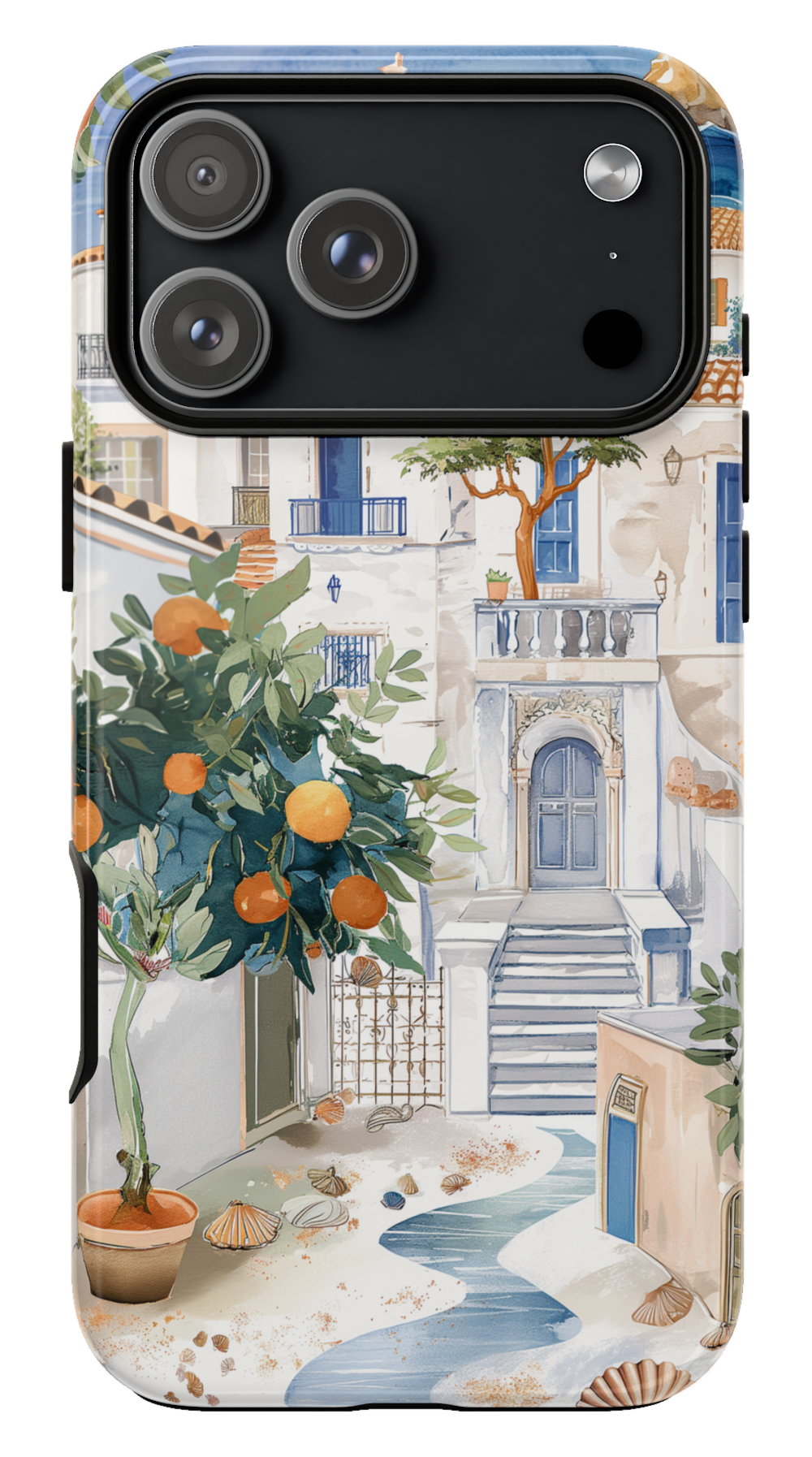 Santorini Phone case$29.00Phone case · choose your model
 Santorini Earbuds case$29.00Earbuds case · choose your model
 Santorini MacBook case$55.00MacBook case · choose your model


