How to get water out of a charging port (iPhone, Galaxy and Pixel)
Unplug the cable, tap the phone against your hand with the port facing down and let air do the rest. The wait times each maker gives, and why rice is on Apple's avoid list.
Written by the YOONIG team · Updated · 9 min read

The method all three makers agree on
Unplug the cable, hold the phone with the charging port facing down, tap it gently against your hand to shake the water out, then leave it somewhere dry with moving air. That is the whole method on Apple's, Samsung's and Google's support pages. Nothing goes into the port, and no heat goes near it.
The rest is waiting. A port that got splashed can be dry in half an hour; one that went under water can take most of a day. Your phone decides when it is ready: every recent iPhone, Galaxy and Pixel checks the port for liquid and refuses to charge by cable until it reads dry.
Take the case off while you wait. Water sits in the gap between the case and the phone, right next to the port opening, and keeps the area damp long after the outside looks dry.
iPhone: what the liquid alert means and Apple's steps
An iPhone XS, XS Max, XR or later shows an alert such as “Charging not available” or “Liquid Detected in USB-C Connector” (on models with Lightning, “Liquid Detected in Lightning Connector”) when it senses liquid in the port, on the cable or on an accessory. Charging and accessories are blocked until the connector and the cable are dry. The steps below are from Apple: If you see a liquid-detection alert on your iPhone.
Apple's page on water resistance is more cautious about a phone that got properly wet: it says to allow at least 5 hours before charging with a Lightning or USB-C cable or connecting an accessory, and adds that a fan blowing cool air straight into the connector might help. If your iPhone was submerged or soaked, use the 5 hours rather than the 30 minutes. Our guide on what to do if your iPhone gets wet covers the rest of the phone.
- Unplug the cable from the iPhone, and unplug the other end from the power adapter or accessory.
- Tap the iPhone gently against your hand with the connector facing down to remove excess liquid.
- Leave the iPhone in a dry area with some airflow.
- After at least 30 minutes, try charging or connecting the accessory again.
- If the alert comes back, liquid is still in the connector or under the pins of the cable. Leave the iPhone in a dry, airy place for up to a day. Apple says it can take up to 24 hours to dry fully.
- If the phone is dry and still will not charge, unplug the cable from the adapter and the adapter from the wall, then reconnect them.
Galaxy: the water drop icon
On a Galaxy, a water drop icon appears and cable charging stops. Samsung says its devices with a water resistance rating of IP68 and above have a moisture sensor in the port, and that high humidity can set it off even if the phone never touched water (a steamy bathroom or kitchen is enough).
Samsung's instructions: unplug the charger, turn the phone off, then either wipe it with a dry cloth or shake it gently 5 to 10 times with the port facing down. The page warns that excessive force or shaking may damage the phone, so think of flicking water off a toothbrush, not cracking a whip. Stand it on a cloth in a well-ventilated spot, or dry it with a fan. Samsung says water will naturally evaporate from the charging port within approximately 1 to 2 hours (Samsung: moisture in the charging port).
If the liquid was anything other than fresh water, Samsung tells owners of water-resistant Galaxy phones to rinse the port in fresh water and then dry it thoroughly with a soft, dry cloth. Salt, sugar and soap leave residue behind when they dry, and residue is what keeps triggering the sensor. That rinse advice is Samsung's and applies to water-resistant Galaxy models; Apple's pages don't tell you to rinse an iPhone.
Pixel: the “Liquid or debris in USB port” message
A Pixel shows “Liquid or debris in USB port” when it senses moisture or dirt in the USB-C port. Google's steps: unplug the power adapter from the wall and then the cable from the phone, and take out any USB-C headphones. If the port is wet, turn the phone off and lay it on a flat surface to dry at room temperature. If you can see debris, hold the phone with the port facing down and tap it gently against your hand.
Google is blunt about tools: do not put anything into the port or the cable. When the port reads dry again the phone shows “OK to use USB port”. If the liquid message stays up for two hours or more, Google says to contact support (Google: Fix “Unplug charger” or “Liquid or debris” message).
How long each maker says to wait
The numbers differ because the pages describe different situations, from a damp connector to a soaked phone. Use them as minimums. If the alert returns when you plug in, the port is telling you it needs longer.
| Phone | Shake-out method | Wait before charging by cable | If the alert stays |
|---|---|---|---|
| iPhone XS, XR and later | Tap against your hand, connector down | At least 30 minutes after an alert; at least 5 hours after the phone got wet | Dry, airy place for up to 24 hours |
| Galaxy (IP68 models) | Shake gently 5 to 10 times, port down | About 1 to 2 hours for water to evaporate | Try another cable, clear the USB cache, then Samsung Support |
| Pixel | Tap against your hand, port down (for debris); dry flat at room temperature | Until “OK to use USB port” appears | Contact Google if it lasts 2 hours or more |
What not to do, and why rice is on the list
Apple's list of things to avoid is short and specific. Samsung and Google back up most of it.
The reason for the patience is corrosion. Apple warns that charging while the connector is wet can make the pins on the connector or the cable corrode and cause permanent damage or stop them working. Your phone blocks charging to protect those pins, so forcing the issue with heat or a swab works against the one thing the alert is for.
- No bag of rice. Apple says not to put your iPhone in a bag of rice, because small particles of rice could damage it.
- No hair dryer, radiator, oven or other external heat source. Apple, Samsung and Google all say to dry without heat.
- No compressed air. Apple names it alongside heat on its liquid page, and Samsung and Google tell you not to use it on the phone at all.
- Nothing pushed into the port: no cotton swabs, no paper towel, no tissue twisted to a point. Apple names cotton swabs and paper towels, Samsung says not to insert any object, and Google says not to put anything in.
- No charging by cable until the port is dry, and no handling the charger with wet hands.
Need power now: charge wirelessly
A wet port does not stop wireless charging. Apple says you can still charge with a Qi-certified wireless charger while the liquid alert is showing, as long as the back of the iPhone is dry. Samsung says the same for Galaxy phones: wireless charging is not affected by moisture in the charging port, but dry the device thoroughly before you put it on the pad.
Wipe the back of the phone and the surface of the charger first. Most cases are fine to leave on for this once they are dry; our Tough cases are wireless charging compatible, and the guide to wireless charging through a phone case explains which kinds get in the way.
An iPhone also offers an emergency override when you reconnect the cable after the alert. It exists for real emergencies. Apple's warning about corroded pins applies in full if you use it, so treat it as a last resort and not a way to skip the wait.
If the alert will not go away
Start with the cable. Liquid hides under the metal shell of the plug, and a damaged cable can trigger the alert on a bone-dry phone. Apple says that if the alert appears every time you use one particular cable or accessory, that item may be damaged and you should contact its manufacturer. If it happens with every Apple cable you try, the iPhone itself may need service.
On a Galaxy that is definitely dry, Samsung suggests restarting, trying a different cable and charging somewhere less humid. If the icon is still there, clear the USB cache: Settings > Apps, tap the Filter and sort icon, turn on Show system apps, open USB Settings, tap Storage, then Clear cache. Samsung also lists a software update as a first step (Settings > Software update > Download and install).
On a Pixel, Google says to clear the notification only once the port is clean and dry: Settings > Apps > See all apps, tap More, then Show system apps, find USB Settings or Android System, then Storage & cache > Clear cache. If the port looks burned, melted or corroded, stop using it and ask Google about a repair.
Sometimes the sensor is reacting to lint or pocket grit and not to water at all. If the port has never been wet, read how to clean a phone charging port before you assume a fault.
Frequently asked questions
How long does it take for a charging port to dry?
Apple says to wait at least 30 minutes after a liquid alert and that full drying can take up to 24 hours; after an iPhone has been properly wet it says to allow at least 5 hours before charging by cable. Samsung says water evaporates from a Galaxy port in roughly 1 to 2 hours.
Does putting a phone in rice dry the charging port?
Apple specifically says not to put an iPhone in a bag of rice, because small particles of rice could damage it. Open air in a dry room, with the port facing down, is the method the makers give.
Can I use a hair dryer to dry my charging port?
No. Apple, Samsung and Google all say not to use an external heat source to dry the phone. Apple suggests a fan blowing cool air into the connector if you want to speed things up.
Can I charge wirelessly while the port is wet?
Yes. Apple and Samsung both say wireless charging still works when liquid is detected in the port. Dry the back of the phone and the charger first.
Why does my phone say liquid detected when it is dry?
The usual causes are liquid or damage on the cable, lint in the port, or humidity. Samsung notes that a humid room can trigger the sensor. Try a different cable in a drier room; if the alert appears with every cable, the phone may need service.
Is water in the charging port covered by warranty?
Apple and Google both state that liquid damage is not covered by their warranties, even on water-resistant phones. Our article on which iPhones are waterproof lists the ratings and what they do and don't promise.
Shop the story
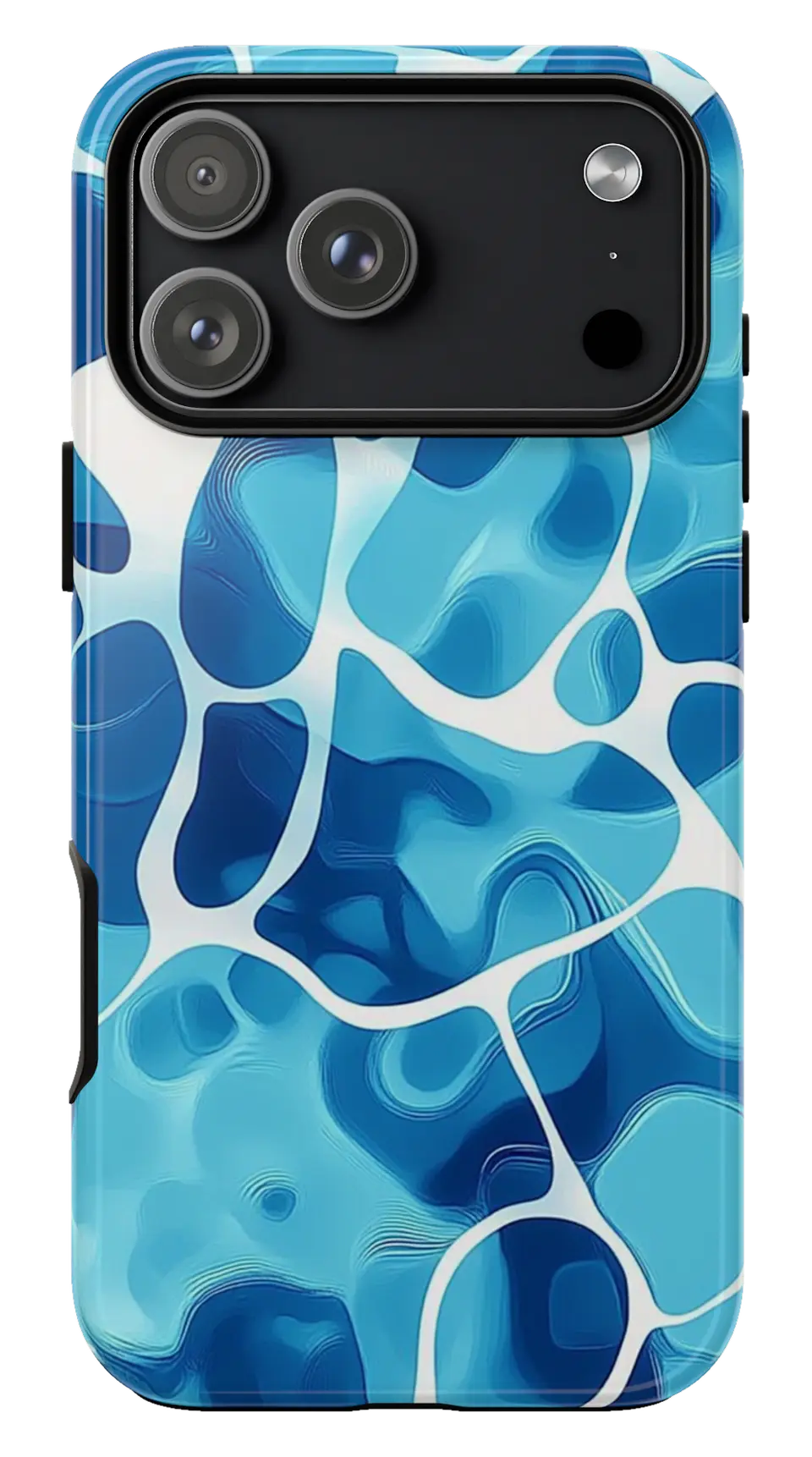 Pool Water Ripples Phone caseFrom$29.00Phone case · choose your model
 Ocean Blue Phone caseFrom$29.00Phone case · choose your model
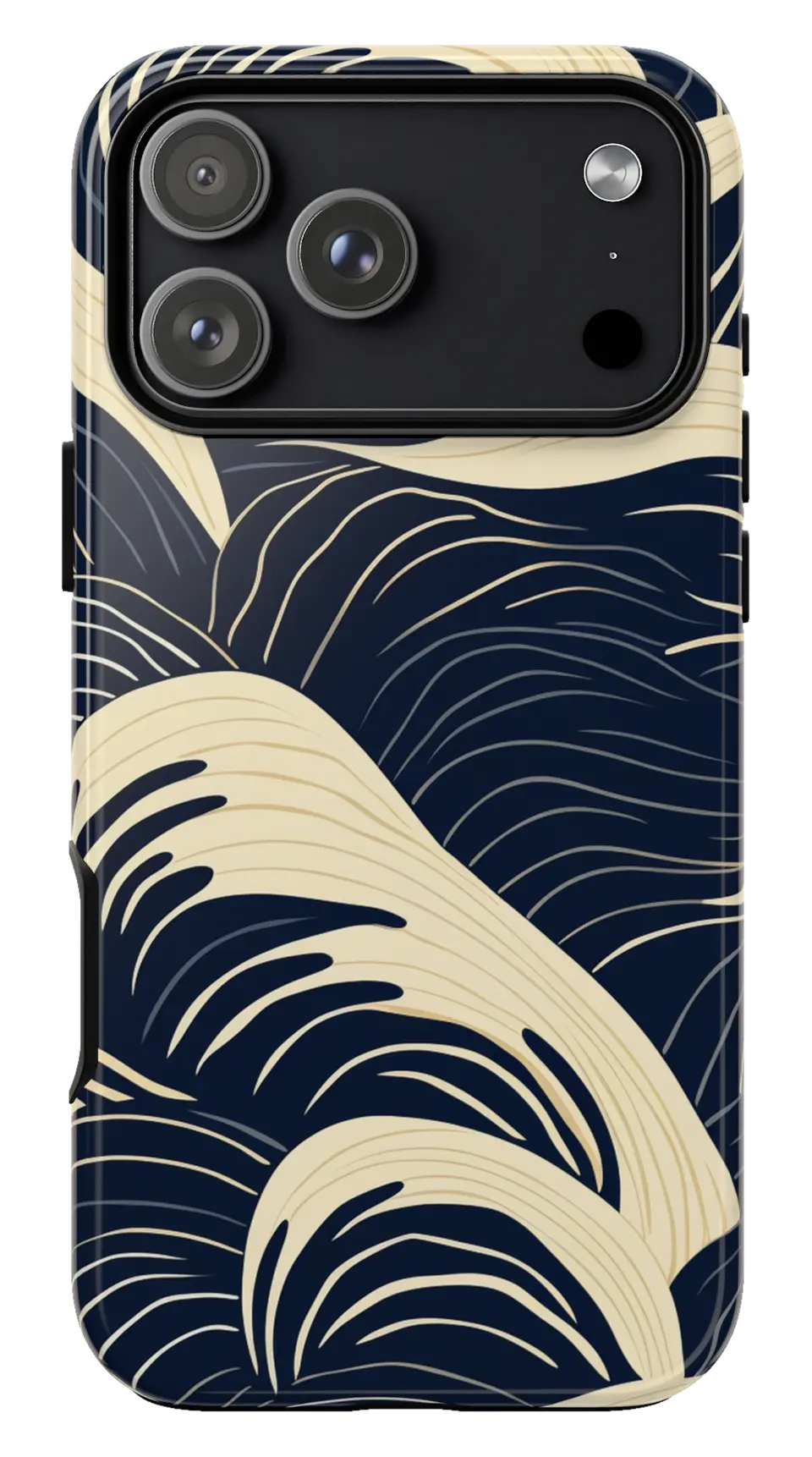 Navy Cream Waves Phone caseFrom$29.00Phone case · choose your model


