Is the iPhone 13 waterproof? The rating for the 13, mini, Pro and Pro Max
All four iPhone 13 models are IP68 to 6 meters for 30 minutes. How that compares with the iPhone 12, what it leaves out, and the drying shortcuts to skip.
Written by the YOONIG team · Updated · 6 min read

All four iPhone 13 models: water resistant to 6 meters
No, the iPhone 13 isn't waterproof. The iPhone 13, iPhone 13 mini, iPhone 13 Pro and iPhone 13 Pro Max are all water resistant, rated IP68 to a maximum depth of 6 meters for up to 30 minutes, which covers an accidental drop in water but not swimming or a shower.
The wording on Apple's iPhone 13 tech specs is "Rated IP68 (maximum depth of 6 meters up to 30 minutes) under IEC standard 60529", with a footnote that the phone was tested under controlled laboratory conditions. Apple's water resistance page lists the mini, the Pro and the Pro Max with exactly the same rating, so the small phone isn't any less protected than the big one.
Our hub on which iPhones are waterproof lists every model's rating. Below is what's specific to owning a 13.
iPhone 13 vs iPhone 12: same rating, so what's different
If you're comparing the two generations for water resistance alone, there's nothing to choose between them on paper. Apple gives both lines the same IP68 rating and the same 6 meters for 30 minutes, and both charge through Lightning. The real difference is a year less wear on the seals of a 13, and that's not something Apple puts a number on. Our iPhone 12 water resistance page covers the older line.
| Detail | iPhone 12 line | iPhone 13 line |
|---|---|---|
| Models | 12 mini, 12, 12 Pro, 12 Pro Max | 13 mini, 13, 13 Pro, 13 Pro Max |
| Rating | IP68 (IEC 60529) | IP68 (IEC 60529) |
| Tested depth and time | 6 meters, up to 30 minutes | 6 meters, up to 30 minutes |
| Port to keep dry | Lightning | Lightning |
| MagSafe charging | Yes | Yes |
| Released | October 2020 | September 2021 |
Four things the IP68 rating leaves out
An IP68 rating is a lab result for still water. Apple's splash, water and dust resistance page makes clear it doesn't stretch to everything wet, and the exclusions fall into four groups.
Force. Pressurized or high-velocity water is on Apple's avoid list, and it names showering, surfing, water skiing, wake boarding and jet skiing. A shower head or a wave is harder on the seals than a calm sink at the same depth.
Heat and steam. Apple says not to use the iPhone in a sauna or steam room, outside the suggested temperature range or in extremely humid conditions. We'd count a bathroom full of shower steam in that group, so don't leave the phone on the sink while you shower.
Everything that isn't water. Apple names coffee, tea, soda, beer and juice as spills the phone resists. It separately lists substances to clean off right away if they touch the phone: dirt, sand, makeup, acidic foods, soap, detergent, ink, lotions, perfume, insect repellent, sunscreen, oil, adhesive remover, hair dye and solvents.
Time. The footnote on the iPhone 13 spec page says splash, water and dust resistance are not permanent conditions and might decrease as a result of normal wear. Drops, a cracked back or a screen replacement all count against a seal that was new in 2021. Apple also lists swimming, bathing, intentionally submerging the phone and taking it apart as things to avoid, whatever its age.
A MagSafe phone after a spill: case off, charger later
The iPhone 13 line has MagSafe, so it's tempting to drop a wet phone straight onto a magnetic charger and skip the Lightning cable. Apple's guidance is to make sure the phone is dry before wireless charging, and to wipe it off with a soft, lint-free cloth first. Wireless charging isn't a way around the drying time.
Take the case off before you dry the phone, whatever kind it is. Water sits between the case and the back glass and around the camera, and it can't evaporate while the case is on. That goes for a MagSafe case too: the magnets are built into the case, and the whole case should be dry before it goes back on the phone. Our MagSafe compatible cases are made for the iPhone 13, 13 Pro and 13 Pro Max, and for the 13 mini we make Clear MagSafe and Card holder builds instead. None of them, and none of our other iPhone 13 cases, add any water resistance. Ports, speakers and buttons stay open.
If you're new to the magnet system itself, our planned explainer on what MagSafe is covers how it works.
Drying shortcuts Apple tells you to skip
Apple's drying method is slow on purpose: unplug everything, wipe the phone, tap it gently against your hand with the Lightning port facing down, and leave it somewhere dry and airy. A fan blowing cool air into the port may help. Allow at least 5 hours before charging with a cable or plugging in an accessory. The faster fixes people reach for are the ones Apple warns against:
- Rice. Apple says not to put the iPhone in a bag of rice, because small particles of rice can damage it.
- A hair dryer or other heat source. Apple says not to dry the phone with an external heat source.
- Compressed air. Apple's liquid-detection page lists it alongside heat as something not to use.
- A cotton swab or paper towel in the port. Apple says not to insert either into the connector.
- Charging before it's dry. Apple says not to charge a wet iPhone at all, and a wet Lightning port can corrode.
- The emergency override. If the phone shows a liquid-detection alert, there's an option to charge anyway; Apple advises against it because charging while wet can permanently damage the connector.
How long the liquid-detection alert can last
Plug a damp iPhone 13 into a Lightning cable and it may warn you that liquid was detected in the connector. Apple's liquid-detection alert page says to unplug the cable from both ends, tap the phone with the connector facing down, leave it for at least 30 minutes and try again. If the alert comes back, there's still liquid in the port: keep it drying and try again over up to 24 hours.
If it's dry and still won't charge, Apple suggests unplugging the cable from the adapter and the adapter from the wall, then reconnecting them. For the full routine, including what to do with a muffled speaker, see our planned guide on what to do if your iPhone gets wet.
Liquid damage and the warranty on an iPhone 13
Apple's iPhone 13 spec footnote is short: "Liquid damage not covered under warranty." Apple adds that you may have rights under consumer law. AppleCare+ is different: Apple's AppleCare+ for iPhone page says liquid damage is covered as an accident, for a flat fee per incident plus tax. If you're not sure whether your phone has AppleCare+, ask Apple before you book a repair. And if the phone still works after a dunk, back it up the same day. A current backup is the one thing no repair can give back.
Frequently asked questions
Is the iPhone 13 Pro waterproof?
No, it's water resistant. Apple rates the iPhone 13 Pro, like every iPhone 13 model, IP68 to a maximum depth of 6 meters for up to 30 minutes.
Is the iPhone 13 mini waterproof?
It's water resistant, not waterproof, with the same IP68 rating as the larger models: 6 meters for up to 30 minutes in lab conditions.
How long can an iPhone 13 stay underwater?
Apple's test is up to 30 minutes at a maximum of 6 meters in still water. That describes a lab test, not a safe time limit, and Apple says to avoid submerging the phone on purpose.
Can I take underwater photos with my iPhone 13?
Apple lists intentionally submerging the iPhone among the things to avoid, so underwater photos are a risk you take on yourself. Liquid damage isn't covered by the standard warranty.
Can I take my iPhone 13 in the shower?
Apple names showering as an example of pressurized or high-velocity water to avoid, and it also lists steam rooms and extremely humid conditions. Leave the phone outside the bathroom while the shower runs.
Does a MagSafe case make the iPhone 13 more water resistant?
No. A MagSafe case adds magnets and drop protection, but the Lightning port, speakers and buttons are still open to water.
Shop the story
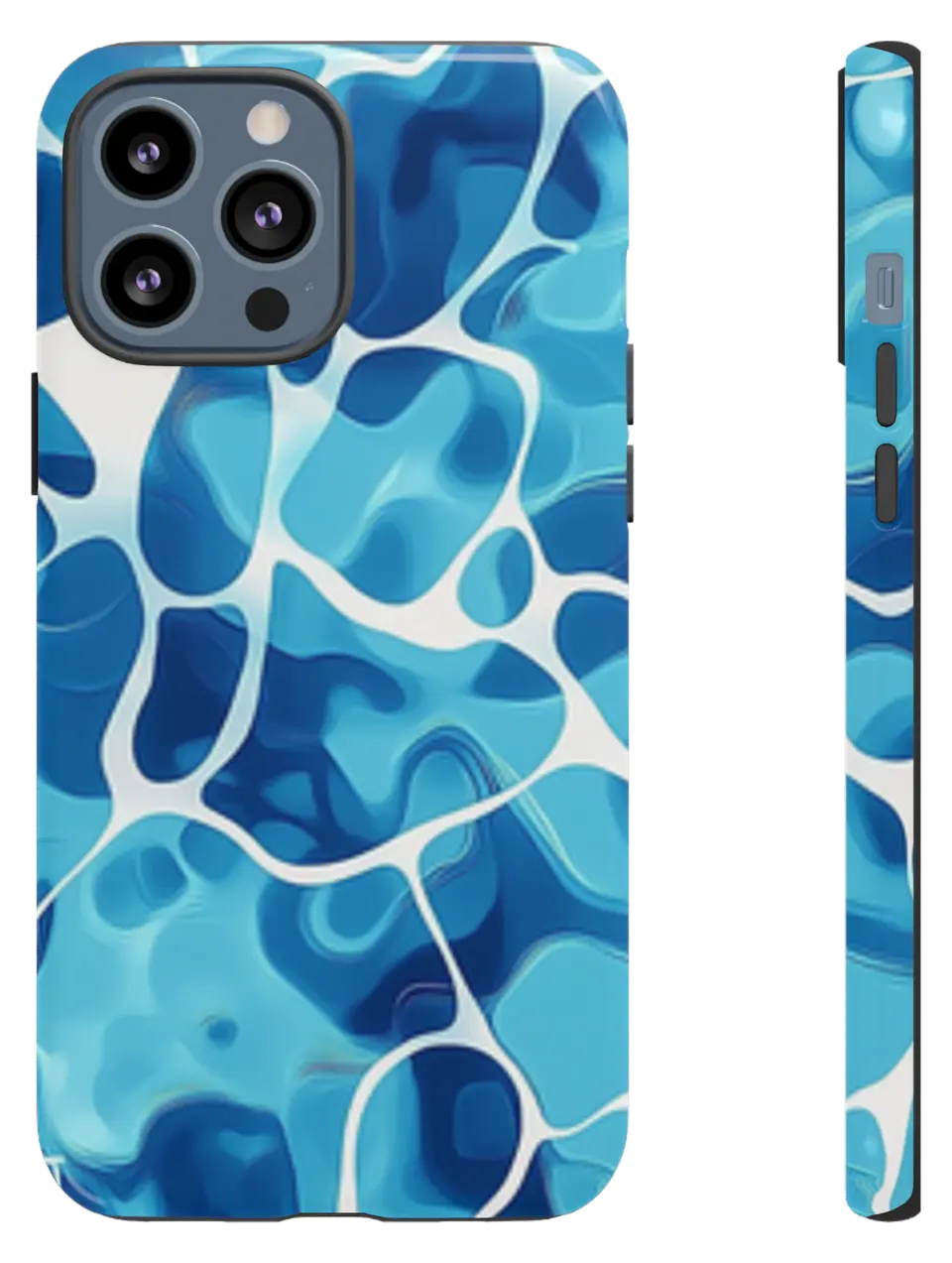 Pool Water Ripples Phone caseFrom$29.00Phone case · choose your model
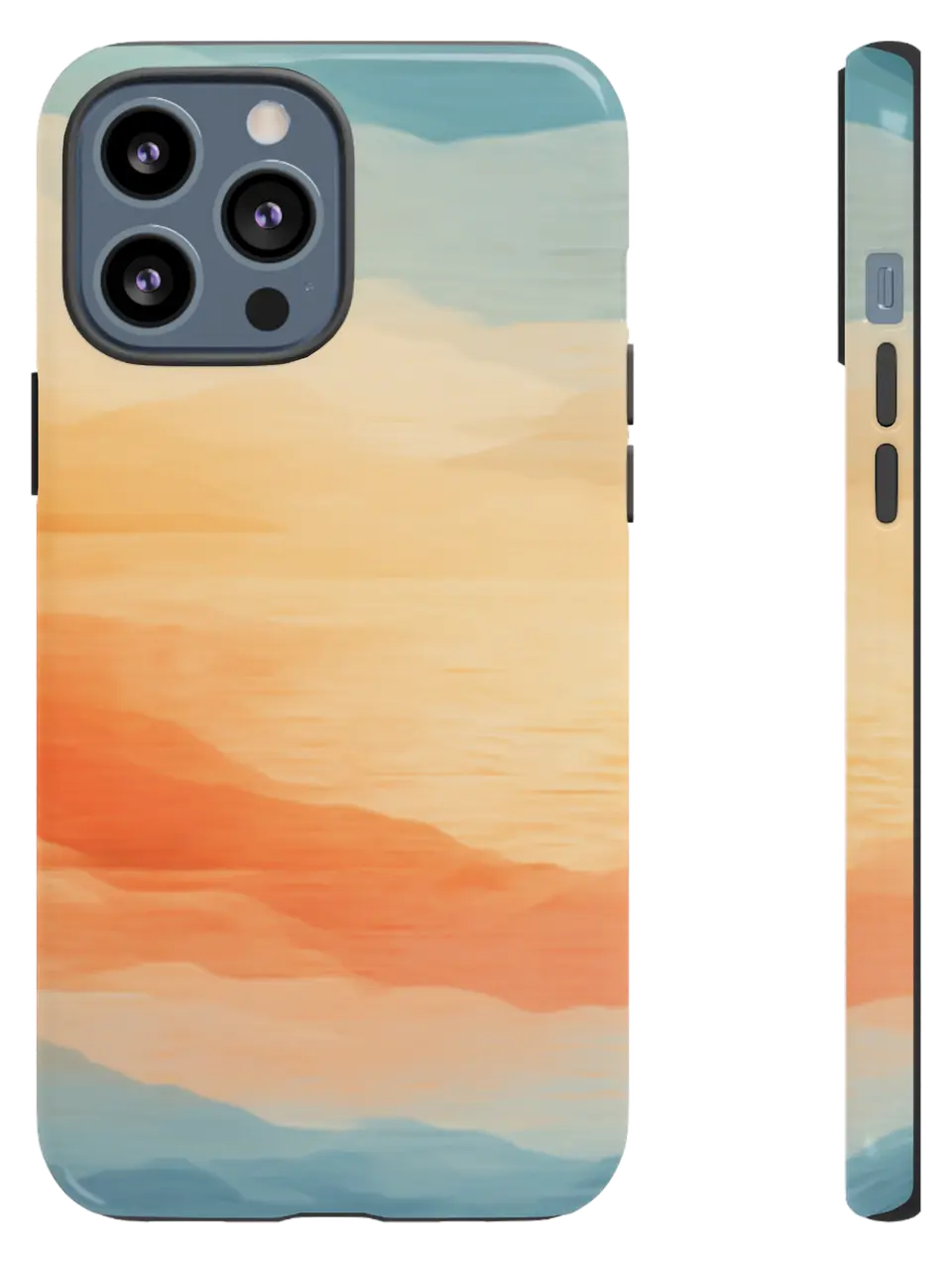 Watercolor Sunset Sky Phone caseFrom$29.00Phone case · choose your model
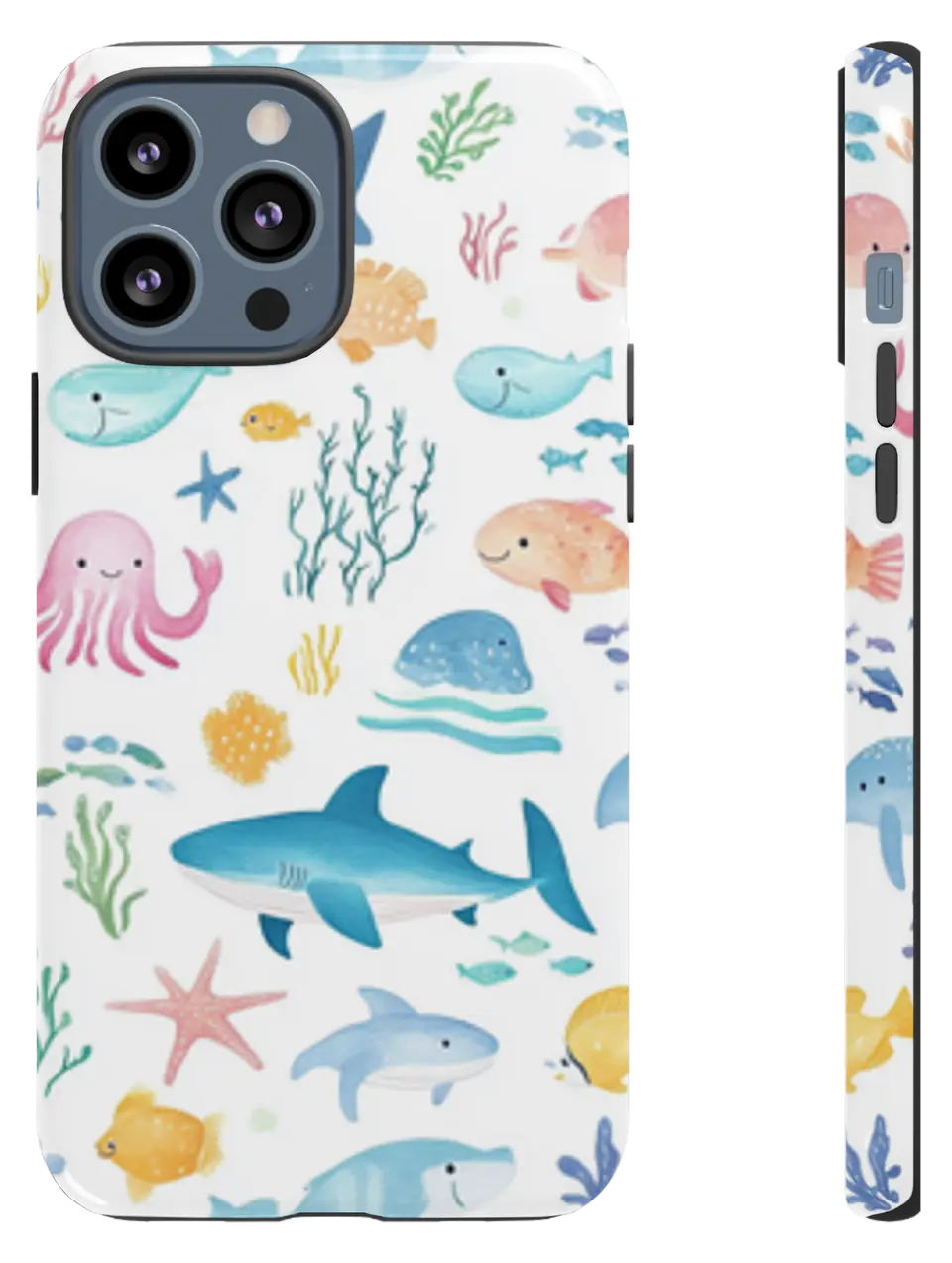 Sea Creatures Kids Phone caseFrom$29.00Phone case · choose your model


