What is MagSafe? Apple's magnetic charging system explained
MagSafe in plain words: the magnet ring in iPhone 12 and later, what you can attach to it, how it differs from the MacBook port of the same name, and what the labels mean.
Written by the YOONIG team · Updated · 7 min read

MagSafe in two sentences
MagSafe is Apple's magnetic system on the back of the iPhone: a ring of magnets around the wireless charging coil that pulls a charger into the right spot and holds accessories such as wallets, stands and battery packs. It's built into every iPhone from the iPhone 12 onward except the iPhone SE models and the iPhone 16e.
Apple also uses the name for something unrelated: the magnetic power port on its MacBook laptops. If you got here from a laptop charger, skip to the next section. Everything else on this page is about the iPhone.
The model-by-model list, including which iPhones lack it and how fast each one charges, is in which phones have MagSafe. This page sticks to what MagSafe is and what it does once you have it.
Two products called MagSafe: the iPhone ring and the MacBook port
On a MacBook, MagSafe is a power cable. The current version, MagSafe 3, plugs into a port on the left side of the laptop near the Esc key, and a small light on the connector turns amber while the Mac is charging or charging is paused, and green when the battery is full (Apple: Charge your Mac laptop computer). Apple lists it on MacBook Pro models introduced in 2021 or later, except the 13-inch MacBook Pro with M2 from 2022, and on MacBook Air models introduced in 2022 or later.
Apple also notes that MagSafe 3 isn't compatible with the power adapters and cables from earlier versions of MagSafe, and that those Macs can charge through a USB-C port as well. None of that has anything to do with the iPhone. An iPhone MagSafe charger won't fit a MacBook, and a MacBook MagSafe cable won't charge an iPhone.
If you put a shell on your laptop, the port still needs to be reachable. Our MacBook cases are snap-on shells with access to all ports, so the MagSafe connector plugs in as usual.
| Feature | iPhone MagSafe | MacBook MagSafe 3 |
|---|---|---|
| What it is | A ring of magnets around the wireless charging coil | A magnetic power port and cable |
| How power gets in | Wirelessly, coil to coil | Through the cable plugged into the port |
| Where it is | Center of the iPhone's back | Left side of the laptop, near the Esc key |
| Which devices | iPhone 12 and later, except the SE models and iPhone 16e | MacBook Pro from 2021 (not the 13-inch M2), MacBook Air from 2022 |
| Also holds accessories | Yes: wallets, stands, mounts, battery packs | No, it only charges |
What MagSafe does on an iPhone, day to day
Apple's iPhone User Guide puts the core idea in one line: on supported models, MagSafe chargers and battery packs snap to the back of iPhone or its MagSafe case or sleeve, and the magnets ensure proper alignment for fast wireless charging, so you can hold and use iPhone while it's charging (Apple: MagSafe chargers and battery packs). That last part is the practical difference from a flat pad, where lifting the phone stops the charge.
In everyday use, the ring does four jobs.
- Charging. A MagSafe charger snaps on centered every time. Speeds depend on the iPhone: Apple lists up to 25W for some recent models and up to 15W for the iPhone 15 and earlier, with the 12 mini and 13 mini at up to 12W.
- Battery packs. A MagSafe battery pack attaches to the back and tops up the phone while you carry both. Apple says to check both batteries in the Batteries widget in Today View or on the Home Screen.
- Wallets. A magnetic card wallet clicks onto the back.
- Stands and mounts. Car vent mounts, desk stands and tripod heads with a magnet ring hold the phone without a clamp. These are made by many brands, and how firmly they hold varies by product.
What MagSafe charging needs to reach full speed
MagSafe charging is still wireless charging. The magnets don't carry power; they only hold the charger's coil over the phone's coil, which is where the energy moves. What decides the speed is the iPhone model, the charger and the power adapter behind it.
Apple's MagSafe Charger page spells out the adapter side (Apple: How to use your MagSafe Charger). For up to 25W, Apple asks for a 30W or greater USB-C adapter rated at 15V/2.0A or higher. For up to 15W, a 20W or greater USB-C adapter rated 9V/2.22A or 9V/2.56A or higher. An adapter of at least 12W works, but charges more slowly. Apple also says charging is limited while a USB-C or Lightning accessory, such as wired headphones, is connected.
An iPhone without MagSafe can still charge on a MagSafe Charger. Apple says power and charge times are different in that case and names the iPhone 16e, the iPhone 11 models, the X, XS and XR models and the iPhone 8 models as examples. You place the phone face up in the center of the charger, and nothing snaps into place.
The full speed table, and why your phone may not reach the number on the box, is in how fast MagSafe charges.
What "MagSafe compatible" means on a phone, case, charger or accessory
The phrase shows up on everything, and it means something slightly different on each. Read it together with what the product is.
On recent iPhones, Apple prints MagSafe and Qi2 as separate lines on the spec page. The iPhone 15 tech specs, for example, list MagSafe wireless charging up to 15W, Qi2 wireless charging up to 15W and Qi wireless charging up to 7.5W. Qi2 is the open standard built on the same kind of magnet ring, and how the three names relate is set out in MagSafe vs Qi vs Qi2.
| Product | What MagSafe or MagSafe compatible means | What it doesn't tell you |
|---|---|---|
| iPhone | The phone has the magnet ring built in | Charging speed: that varies by model |
| Phone case | A magnet ring is built into the case, lined up with the phone's | Whether it fits your exact model: cases are made per model |
| Charger | It attaches magnetically to MagSafe iPhones | Whether it's certified, or how many watts your phone will take |
| Wallet, stand or mount | It holds on with magnets | How strong the hold is: that depends on the product and the case |
| Android phone or case | Usually means it works with magnetic Qi2 accessories | It isn't Apple's MagSafe, which exists only on iPhone |
Is there MagSafe on Samsung or Google Pixel phones
No Android phone has MagSafe; it's Apple's name for Apple's system. What Android phones have instead is Qi2, the open magnetic standard. The Wireless Power Consortium, which publishes Qi2, describes the iPhone 12 as the first phone built with 18 magnets arranged so their polarity guides the phone toward center, and says that arrangement became an open specification (WPC: how magnetic chargers work).
The WPC names two kinds of Android phone. The Pixel 10 family ships with magnets built into the phone itself; the Pixel line is covered in does Google Pixel have MagSafe. The Galaxy S25 and S26 series are what the WPC calls Qi2 Ready: they have no magnets inside and get the magnetic behavior only once paired with an approved magnetic case.
So when people search for MagSafe on Samsung, what they need is a Galaxy case with a magnet ring. Magnetic accessories will then attach. They're still Qi2 accessories on a Qi2 phone, not MagSafe.
MagSafe with a case on
A case puts distance between the phone's ring and anything you attach, and magnets lose grip quickly with distance. Apple's wording already allows for this: chargers snap to the iPhone or its MagSafe case. A case with its own ring keeps the hold; a case without one leaves it weaker. How much weaker, and what still works, is the subject of does MagSafe work through a case, and the case side itself is explained in what a MagSafe case is.
Two cautions from Apple apply with or without a case. Don't place credit cards, security badges, passports or key fobs between the iPhone and a MagSafe Charger. And if a wallet is attached, take it off before you put a charger or battery pack on the back.
Our magnetic builds for iPhone are MagSafe compatible, Clear MagSafe, the Card holder (which its maker lists as MagSafe compatible) and, on some Pro models, MagSafe + camera guard. They start at the iPhone 13; for the iPhone 12 we make only Slim and Tough, which have no magnets. Every design is in MagSafe phone cases, made for one exact model each.
Frequently asked questions
What is MagSafe charging?
It's wireless charging with magnets that hold the charger centered on the back of a MagSafe iPhone. The power still moves between two coils; the magnets keep them lined up so you can pick the phone up and keep charging.
Which iPhones have MagSafe?
The iPhone 12 and every later model, except the iPhone SE models and the iPhone 16e. The iPhone 11 and earlier charge on a MagSafe Charger as Qi phones, without the magnetic hold.
Is MagSafe just a magnet?
No. The ring is the part you feel, but the MagSafe section of an iPhone spec page, such as the iPhone 15's, lists a magnet array, an alignment magnet, Accessory Identification NFC and a magnetometer.
Can a MagSafe charger charge AirPods?
Apple's iPhone User Guide says MagSafe chargers can also charge other iPhone models and AirPods, without the magnetic alignment. Place the AirPods case on the center of the charger.
Is the MacBook MagSafe charger the same as the iPhone one?
No. On a MacBook, MagSafe 3 is a magnetic power cable that plugs into a port near the Esc key. It doesn't fit or charge an iPhone, and an iPhone MagSafe charger doesn't charge a MacBook.
Shop the story
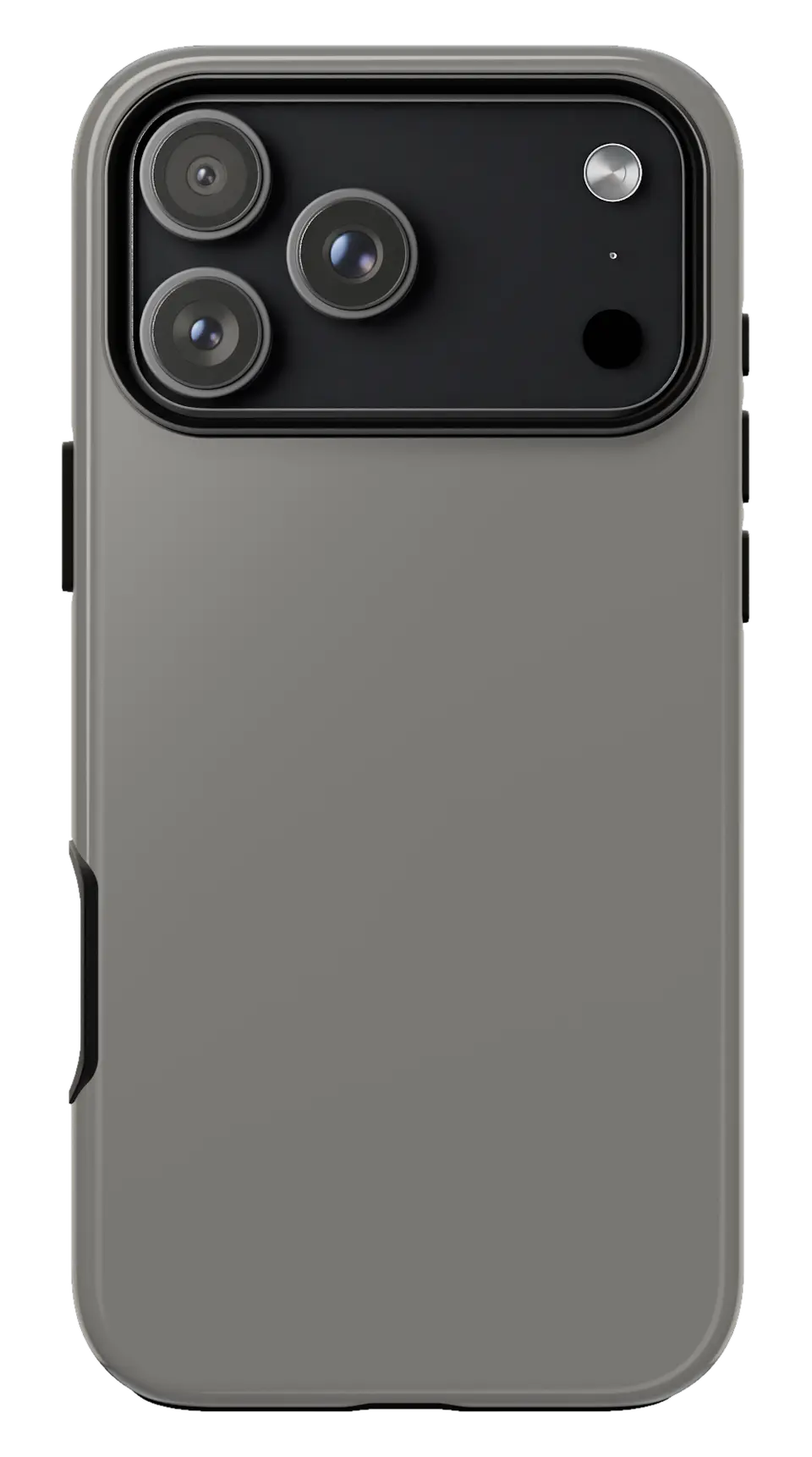 Titanium Phone caseFrom$29.00Phone case · choose your model
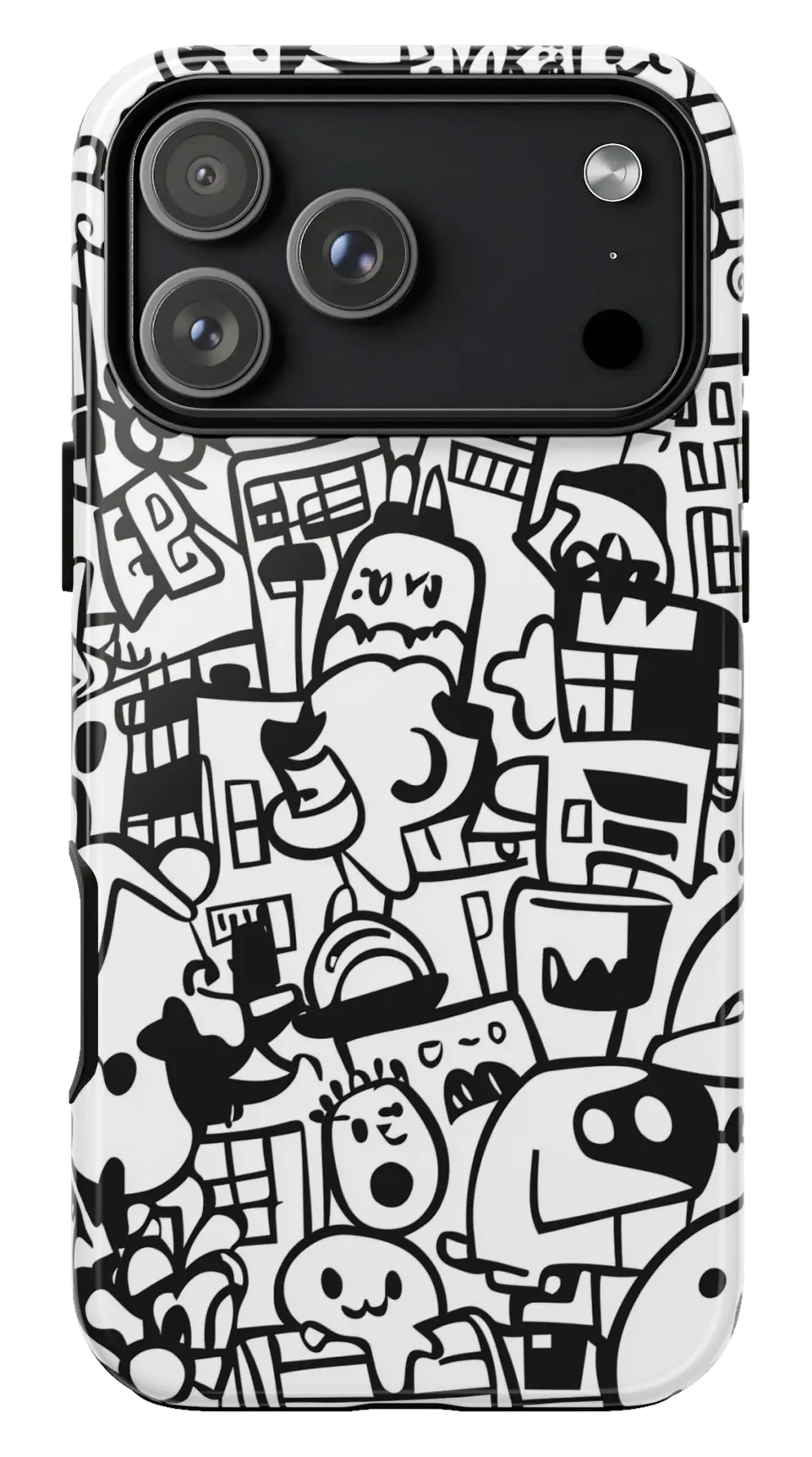 Black White Doodle Phone caseFrom$29.00Phone case · choose your model
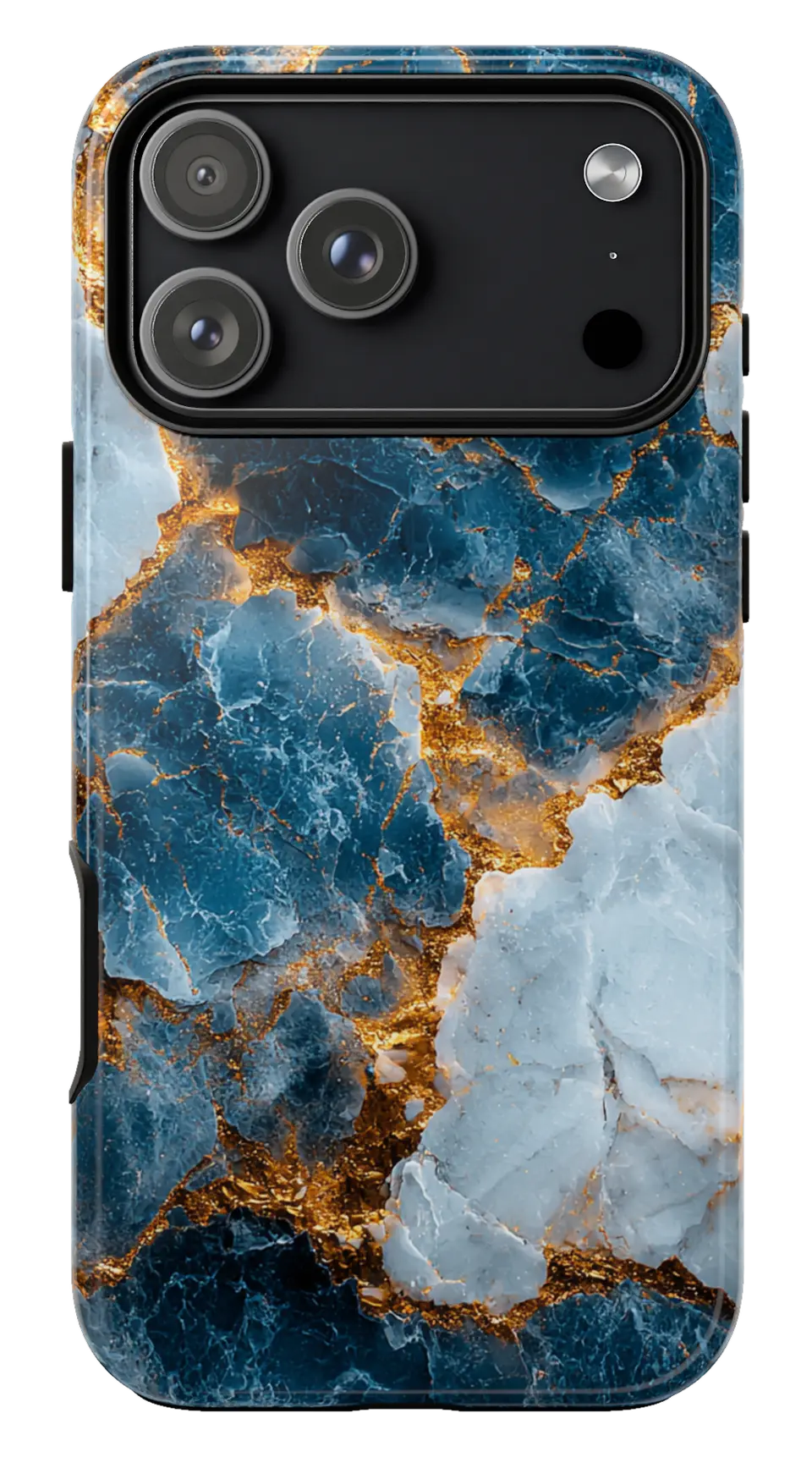 Blue Gold Marble Phone caseFrom$29.00Phone case · choose your model


