Do you need a MagSafe case to use a MagSafe charger?
Whether MagSafe and wireless chargers work through a regular case, what weakens charging, what never to leave between phone and charger, and when a MagSafe case matters.
Written by the YOONIG team · Editorially reviewed · Updated · 3 min read

The short answer
No, a MagSafe case isn’t required to charge, but it is what keeps the charger snapped in place. Apple describes MagSafe chargers attaching “to the back of iPhone or its MagSafe case or sleeve” (Apple iPhone User Guide). Through a thin regular case a wireless charger can still work, but without magnets it can slide off-center, and magnetic accessories won’t hold.
Does wireless charging work through a case?
Usually, yes. Thin plastic and silicone cases don’t block wireless charging. What gets in the way is distance and metal: the Wireless Power Consortium notes that thick cases and metal cases widen the gap between the coils or weaken the magnetic hold (WPC).
Our Slim, Tough, MagSafe and Clear builds are made for wireless charging. Card holder and silicone builds aren’t listed as wireless-charging builds.
What never to leave between phone and charger
Apple says not to place credit cards, security badges, passports or key fobs between your iPhone and a MagSafe Charger, because they can be damaged, and to remove them first if your case holds any. It also says to take an iPhone Leather Wallet off before placing a MagSafe Charger (Apple: How to use your MagSafe Charger).
That matters for card-slot cases: take the card out before you charge wirelessly.
When a MagSafe case is worth it
Choose a MagSafe case if you use a MagSafe charger, magnetic car mount, stand, wallet or grip. The magnets keep the charger lined up and the accessory attached through the case. If you only charge by cable, a regular case does the job.
For Samsung Galaxy S25 and S26 phones, which have no magnets built in, a magnetic case is the only way to get the snap-on fit. See which phones have MagSafe.
Charging speed with a case
Speed comes from the phone, the charger and the adapter. Apple lists the newest iPhones at up to 25W on a recent MagSafe Charger with a 30W or stronger adapter, and says charging is limited while a cable accessory is connected to the phone. A properly aligned MagSafe case helps you get the speed the phone supports; it can’t add more. Full figures by model are in which phones have MagSafe.
MagSafe cases from YOONIG
Every design comes in MagSafe compatible, MagSafe + camera guard and Clear MagSafe builds for iPhone. Read what a MagSafe case does or browse MagSafe phone cases.
Frequently asked questions
Can you use a MagSafe charger without a MagSafe case?
Yes. It charges through a thin case, but it won’t snap on as firmly and can slip out of alignment. With no case at all, it attaches to the iPhone directly.
Do wireless chargers work with cases?
Usually, with thin plastic or silicone cases. Thick or metal cases and cards in the case can stop or slow charging.
Does MagSafe work through a case?
The charging works through thin cases; the magnetic hold only stays strong through a case with MagSafe magnets.
Does a MagSafe charger work on an iPhone 11?
Apple says iPhones without MagSafe, such as the iPhone 11, can charge on a MagSafe Charger but without magnetic alignment and at different power.
Does the Apple MagSafe charger work with Samsung?
It can charge Qi phones, but a Samsung phone has no magnets, so the charger won’t snap on unless the case has a magnet ring.
Shop the story
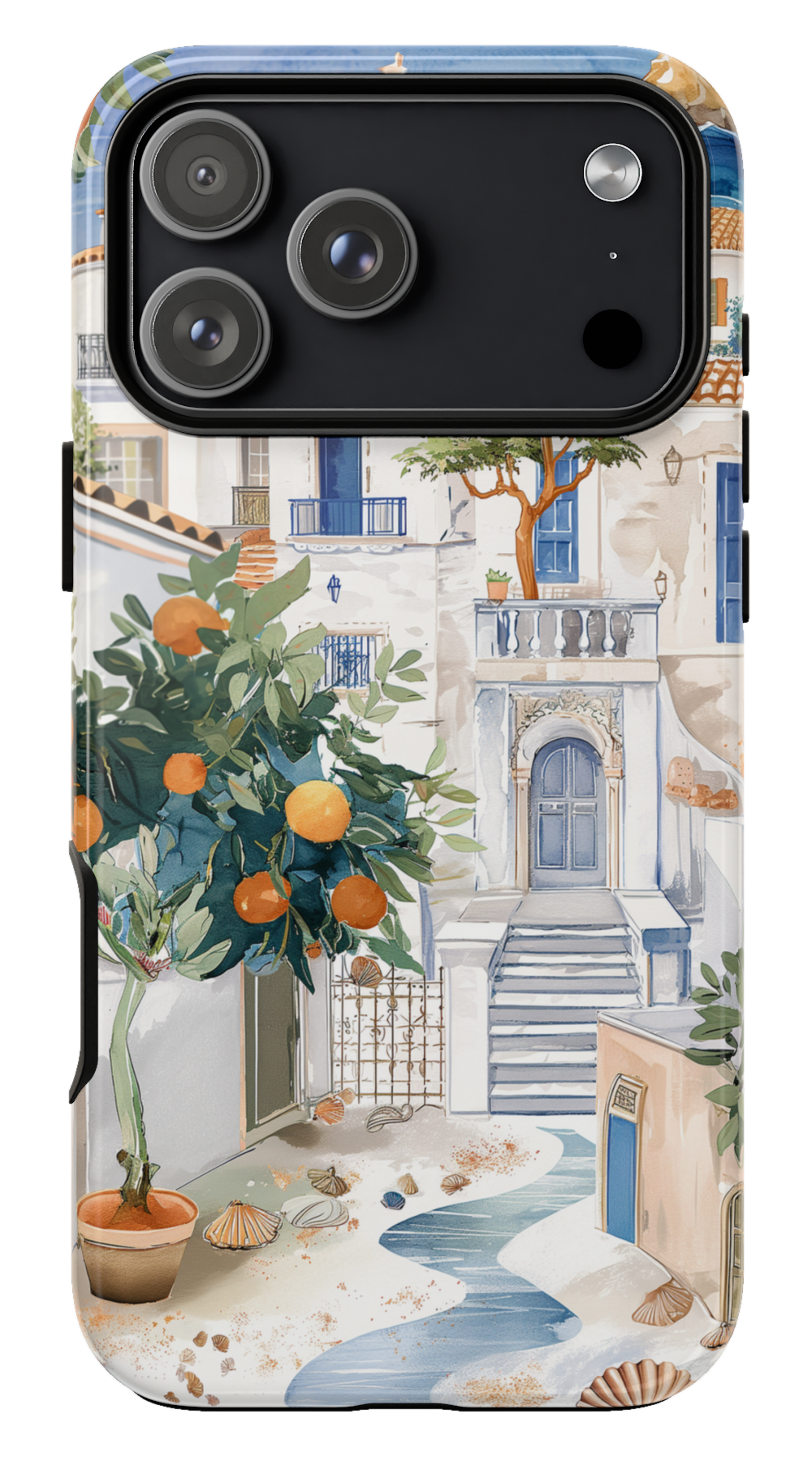 Santorini Phone case$29.00Phone case · choose your model
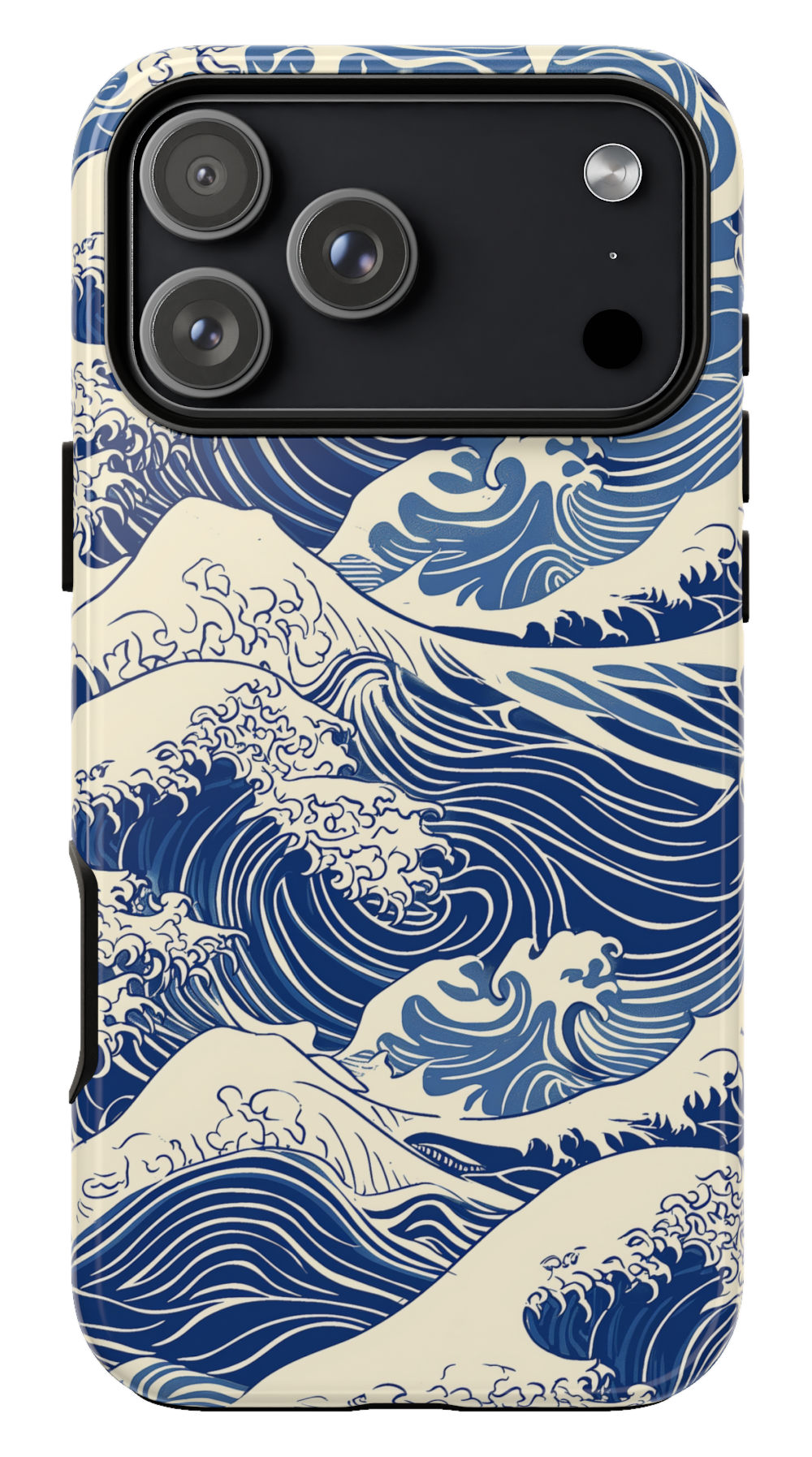 Kanagawa Wave Phone case$29.00Phone case · choose your model
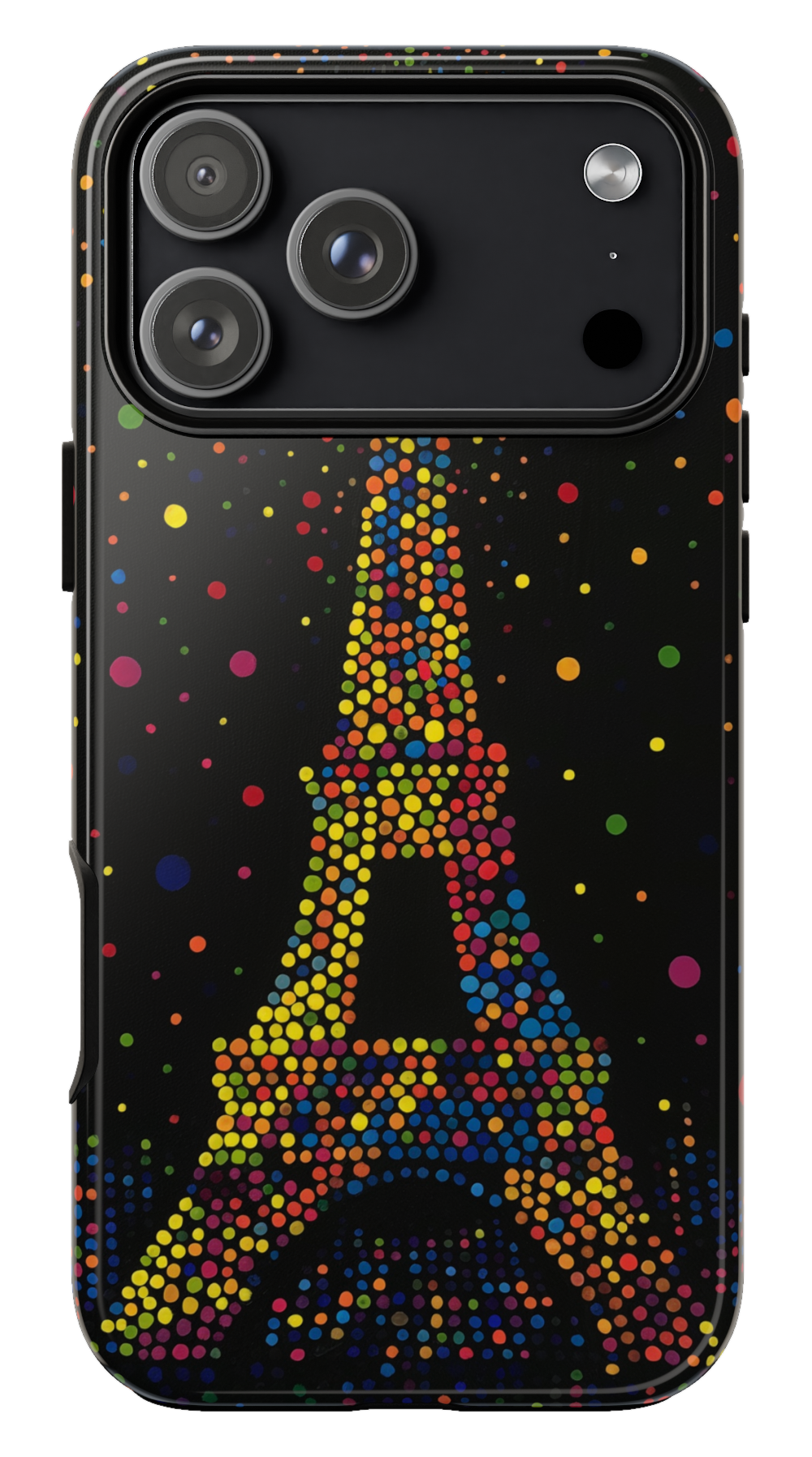 Paris Night Phone case$29.00Phone case · choose your model

