How to get bubbles out of a screen protector without removing it
Air bubbles press out toward the nearest edge. Bubbles around a speck of dust or along a lifting edge do not, and each one has its own fix.
Written by the YOONIG team · Updated · 8 min read

Push air to the nearest edge; lift a corner only for dust
A bubble that is only trapped air comes out without taking the protector off: wrap a plastic card in a soft cloth, set it behind the bubble and push in one firm stroke toward the nearest edge. A bubble with a speck in the middle will not move however hard you press; for that one you lift the nearest corner just far enough to pick the speck off. A row of bubbles along one edge is usually a fit problem, and pressing rarely fixes it for long.
So the first job is to work out which of the three you have. It takes ten seconds and saves you from pressing on a bubble that cannot move, or peeling a protector that only needed a push.
Three kinds of bubble and how to tell them apart
Turn the screen off and tilt the phone under a lamp so the light rakes across the glass. Look at the shape of the bubble and at what is in the middle of it.
| What you see | What it is | What works |
|---|---|---|
| A smooth, clear blister that changes shape or slides when you press beside it | Trapped air | Push it to the nearest edge with a cloth-wrapped card |
| A round bubble with a dot, hair or fiber at its center that springs back when you press | Dust or lint under the protector | Lift the nearest corner, remove the speck with tape, lay it back down |
| A thin silvery line or row of small bubbles along one side or around a corner | The edge is not sitting flat: misaligned, wrong model, or pushed by the case | Check alignment and the case rim; re-seat once, otherwise replace |
| A cloudy patch that looks wet or rainbow-colored | The adhesive layer has not bonded there, or it is contaminated | Press once with the card; if it returns, the protector is done |
Pressing out an air bubble, step by step
You need a plastic card (a loyalty card or the squeegee from the protector box) and a microfiber cloth. Take the case off first so the rim is not holding the edge of the protector down and blocking the way out.
- Wash and dry your hands, and wipe the top of the protector so you are not grinding grit into it.
- Wrap the card in one layer of cloth. A bare card edge can scratch a plastic film protector.
- Find the shortest route from the bubble to an edge. That is the direction you push, even if it is sideways.
- Set the card flat just behind the bubble, on the side away from that edge, and hold the phone steady on a table.
- Push in one slow, firm stroke all the way off the edge. Short dabbing motions split one bubble into several small ones.
- For a bubble in the middle of the screen, work it across in stages: push it halfway, reset the card behind it, push again.
- Look again under the lamp. A faint outline that is left usually flattens with one more pass.
A bubble with a speck in it: lift one corner, not the whole sheet
Pressing harder on a dust bubble does nothing useful and can crack a glass protector. The speck has to come out. You do not need to remove the protector for that, only to lift it as far as the speck.
Work somewhere still, with no fan running and no open window, because the underside of a lifted protector collects whatever is floating past. Have two short pieces of ordinary sticky tape ready before you start.
- Pick the corner closest to the speck. Slide a fingernail or the corner of a plastic card under it and raise it slowly. Do not use a knife or a pin against the screen.
- Lift only until the speck is exposed. Bend a glass protector as little as you can; it is rigid and snaps if you fold it.
- Dab the sticky side of one piece of tape on the phone screen where the speck sat, and the other on the underside of the protector at the same spot. Dab, do not rub.
- Do not touch the adhesive side with your fingers. A fingerprint there shows through for good.
- Lower the corner back down slowly and let the protector settle on its own, then run the cloth-wrapped card from the center toward that corner.
Bubbles along the edge that keep coming back
Edge bubbles have three common causes, and only one of them is fixable with pressure.
The protector is slightly off-center. If one side overhangs the curve at the edge of the glass, that side cannot stick. If it went on within the last few minutes, lift it by a corner and lay it again; the longer it has been on, the more dust that move will let in.
The case is pushing it. Put the case on and off and watch the edge. If the bubbles appear only with the case on, the rim of the case is catching the border of the protector and levering it up. Pressing it down again will not last, because the case lifts it every time. We cover which combinations work in using a phone case with a screen protector.
It is the wrong protector for the phone. Protectors are cut for one model the same way cases are. One made for a different model can cover the screen and still miss the flat area by a fraction, which leaves a halo that never closes. Check the box against your exact model; our device guide shows where to find the model name on your phone.
Why a bubble can be more than a cosmetic problem
A small bubble near a corner is ugly and harmless. A bubble over the wrong spot can get in the way of the phone.
On phones that read your fingerprint through the display, the sensor looks through the protector. Google tells Pixel owners to avoid debris and air bubbles when applying a protector, and if the sensor still struggles with none visible, to press a flat object such as a card firmly across the protector (Google: Use screen protectors with Fingerprint Unlock). That is the only bubble instruction we could find from a phone maker, and it matches the method above.
Touch can suffer too. Samsung says screen protectors may affect touch sensitivity and gesture recognition, and suggests turning on Touch sensitivity under Settings, then Display, when a protector or tempered glass is attached (Samsung: Troubleshoot touchscreen issues). Apple lists removing any cases or screen protectors among its steps for an iPhone screen that responds intermittently (Apple: If the screen isn't working).
If taps are being missed exactly where a bubble sits, treat the bubble as the cause until you have ruled it out.
What not to try
Most of the tricks passed around for bubbles put the phone at more risk than the bubble does.
- Heat. No phone maker recommends warming a protector, and Apple tells you not to use an external heat source even to dry a wet iPhone.
- A pin or needle. A hole lets air out and dust in, and on glass it starts a crack. The point also ends up against your screen.
- Liquids under the edge. Water, oil or alcohol run toward the speaker and the edges of the display. Apple's cleaning guidance is to keep moisture out of openings and not to use cleaning products on the screen.
- Pressing with a thumbnail or a coin. Point pressure on glass is how protectors crack, and a crack is not repairable.
- Repeated lifting. Each lift is another chance for dust. Plan on one lift per speck, then accept the result or replace the protector.
When to stop and replace it
Some protector makers say in their instructions that very small bubbles settle by themselves within a day or two. If the leaflet in your box says so, give it that long before you lift anything. We cannot confirm it for every product, so go by the instructions that came with yours.
Replace the protector if there is dust in several places, if a cloudy patch comes back after pressing, if a corner no longer sticks at all, or if the glass has cracked. A cracked protector has done its job once and will not do it again. Taking it off safely has its own steps, which are in how to remove a screen protector.
When you fit the new one, most bubbles are decided before the protector touches the screen. The cleaning and alignment routine is in how to apply a screen protector, and the screen cleaning method each maker recommends is in how to clean a phone screen. A case with a raised edge around the display, such as our two-layer Tough phone cases, goes on after the protector, never before.
Frequently asked questions
Do bubbles in a screen protector go away on their own?
Some protector makers say very small air bubbles settle within a day or two, so check the instructions in your box. A bubble with dust in it, or one along a lifting edge, will not go away without action.
How do you get air bubbles out of a tempered glass screen protector without taking it off?
Wrap a plastic card in a soft cloth, place it behind the bubble and push in one firm stroke toward the nearest edge. Take the case off first so the edge of the protector is free.
Why do I keep getting bubbles at the edge of my screen protector?
Usually the protector is slightly off-center, made for a different model, or being lifted by the rim of the case. If the bubbles only show with the case on, the case is the cause.
Can I use a hair dryer to remove screen protector bubbles?
We don't recommend it. No phone maker advises heating a protector, and Apple warns against using an external heat source on an iPhone even to dry it.
Can a bubble stop my fingerprint sensor from working?
It can on phones with the sensor under the display. Google tells Pixel owners to avoid debris and air bubbles when applying a protector, and to delete and re-add fingerprints if recognition is poor afterward.
Shop the story
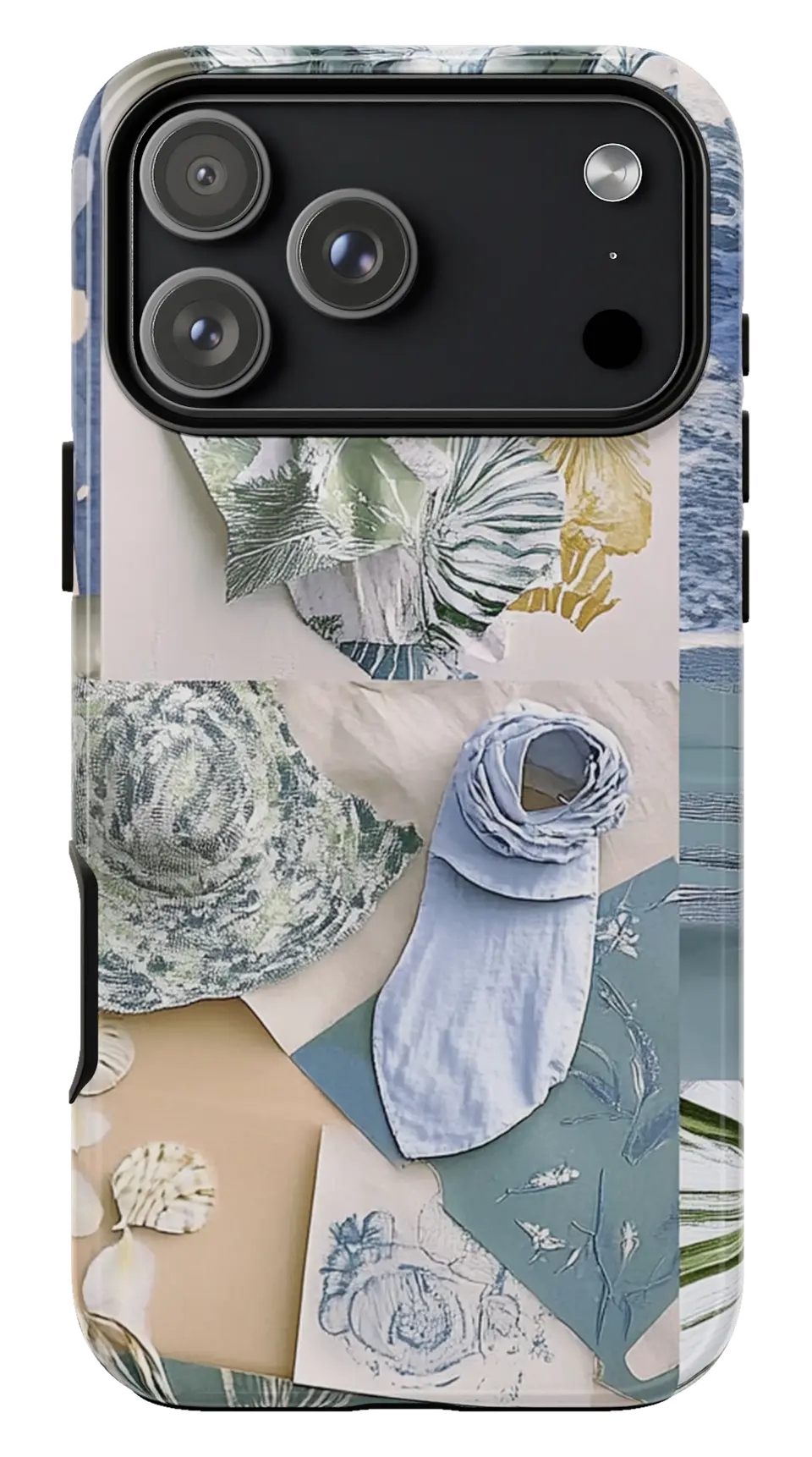 Coastal Blue Moodboard Phone caseFrom$29.00Phone case · choose your model
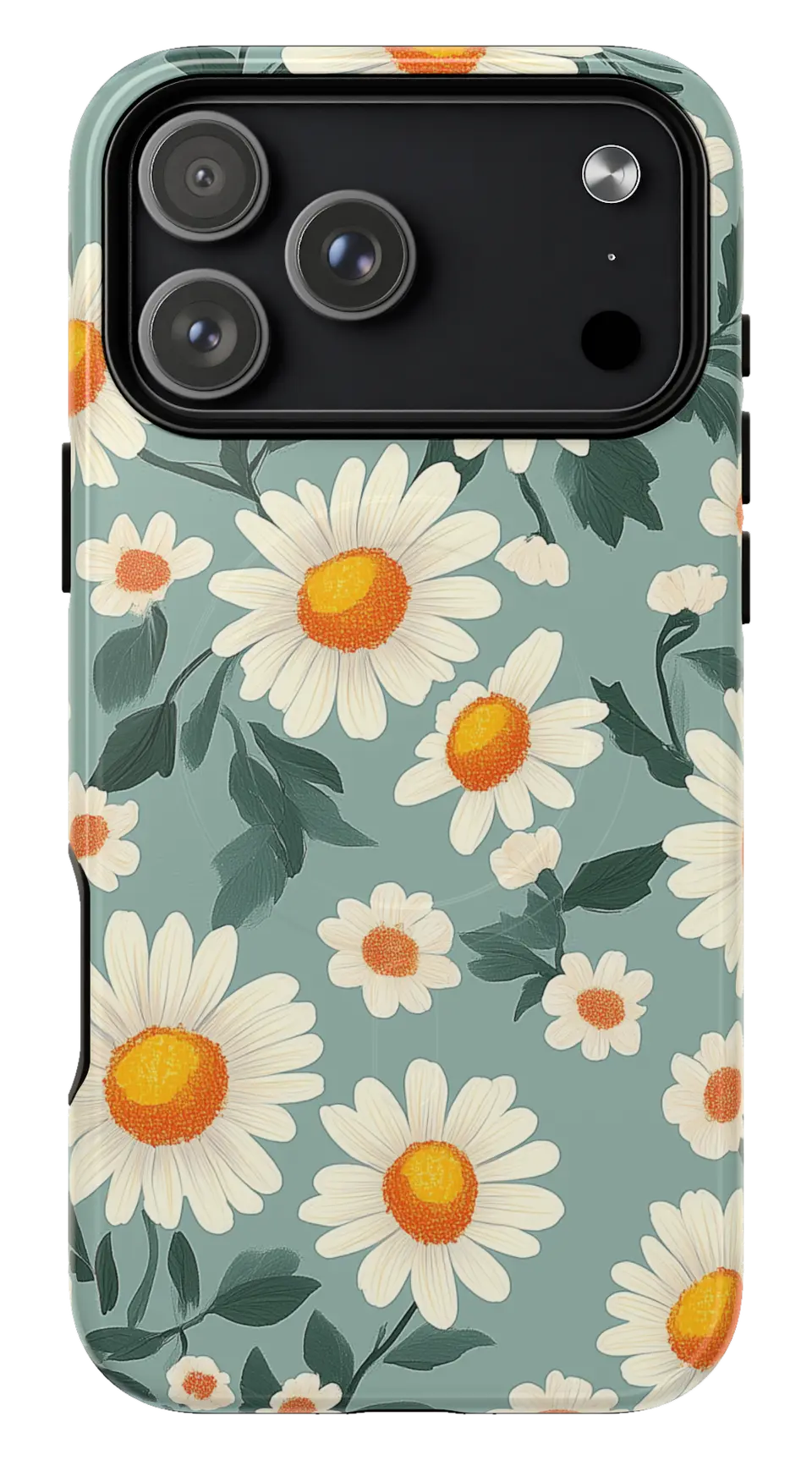 Daisy Flower Phone caseFrom$29.00Phone case · choose your model
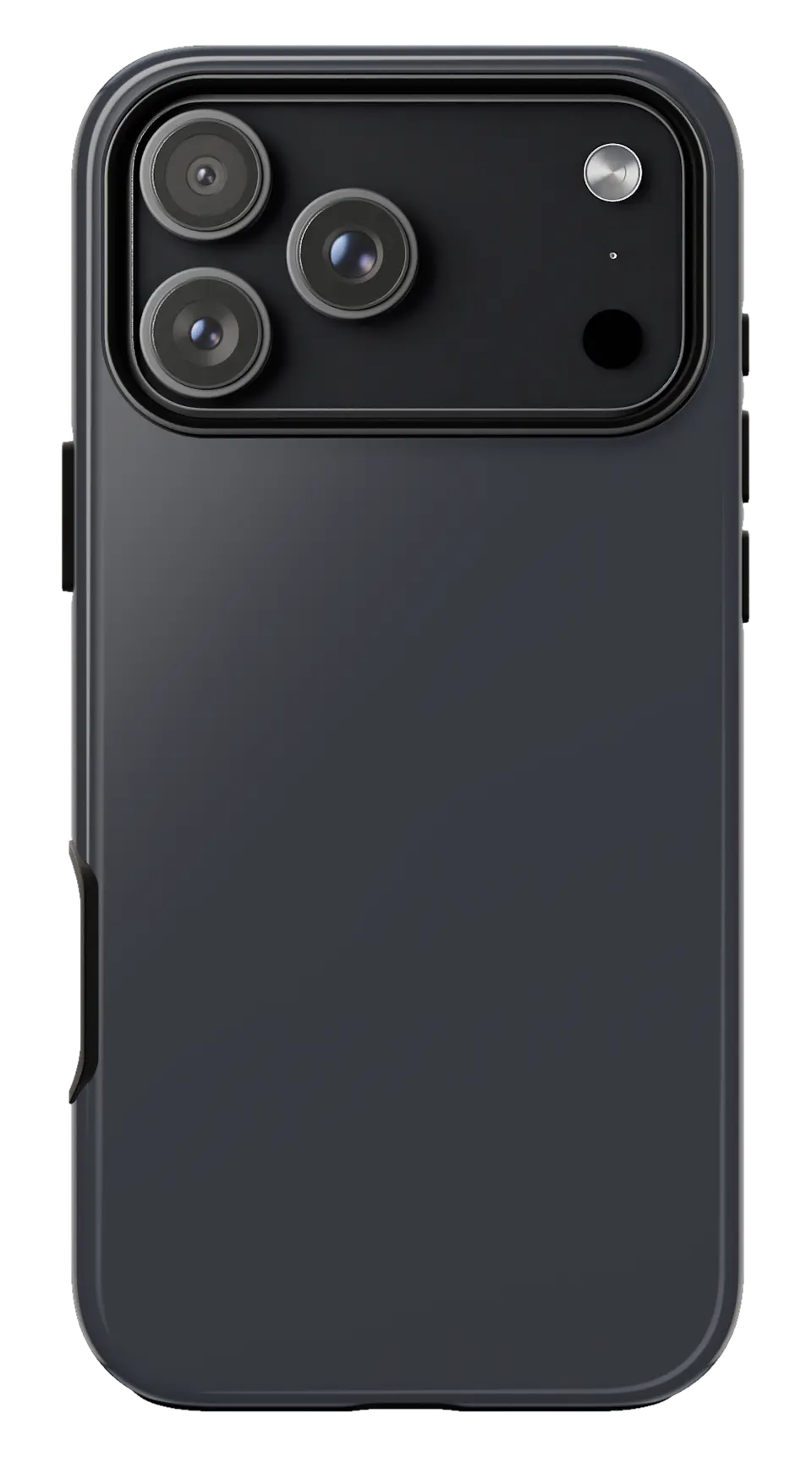 Graphite Phone caseFrom$29.00Phone case · choose your model


