How to choose the best iPhone 15 Pro case for the way you use it
No single case is best for every 15 Pro. What to check on any case for this phone, case types compared, and the wrong-model mistake that catches people.
Written by the YOONIG team · Updated · 6 min read

The short answer: pick the type first, then check the fit
The best iPhone 15 Pro case is the one built for the 15 Pro specifically, in the type that matches how you use the phone: two layers if it gets dropped, a magnet ring if you use MagSafe, a slim shell if you want it close to its own size. There is no single winner, and anyone who ranks one case first for everybody is guessing at your habits.
What the 15 Pro does have is a handful of details a case must get right: a raised edge around the three-camera bump, an opening for the Action button, a USB-C cut-out, and magnets if you plan to use MagSafe accessories. Get those right and the rest is taste. This page walks through each one, compares the main case types, and ends with the mistakes we see most often.
What the 15 Pro's body asks of a case
These are Apple's own figures from the iPhone 15 Pro tech specs. Each one changes something about the case you should buy.
Two details are easy to miss. The 15 Pro is the first iPhone Pro with a titanium frame, and Apple describes contoured edges, so the sides are slightly rounded where earlier Pro models were flat (Apple Newsroom: iPhone 15 Pro and iPhone 15 Pro Max). A case cut for a flat-sided phone won't hug those edges properly. And the Action button replaces the old ring/silent switch, so the opening on the left side has a different shape and job.
| Spec | iPhone 15 Pro | What it means for the case |
|---|---|---|
| Size | 146.6 × 70.6 × 8.25 mm | Cases are cut to this outline; a near miss leaves gaps or pinches |
| Weight | 187 g | Light for a Pro, so a two-layer case doesn't make it unwieldy |
| Frame and back | Titanium, textured matte glass back | Contoured sides need a case shaped for them |
| Front | Ceramic Shield | The case lip should stand above the screen when face down |
| Left side | Action button | Needs its own opening, not a switch cut-out |
| Port | USB-C | Bottom opening must clear a USB-C plug |
| Rear cameras | 48MP Main, 12MP Ultra Wide, 12MP 3x Telephoto | The camera opening and lip must surround all three |
| Wireless charging | MagSafe up to 15W, Qi2 up to 15W, Qi up to 7.5W | Magnets in the case only if you use MagSafe or Qi2 accessories |
Six things to check on any iPhone 15 Pro case
Run through this list before you buy, from any shop. Most disappointments with a new case trace back to one of these.
- The listing names the iPhone 15 Pro exactly. Not 15, not 15 Pro Max, not "fits 14 Pro and 15 Pro".
- There is a raised lip around the camera bump. With the phone lying on its back, the lenses should not touch the table.
- The screen edge also rises a little above the glass, so the phone face down rests on the case, not the screen.
- The left side has an open cut-out or a pressable cover over the Action button. You press and hold that button, so it has to be easy to reach.
- The bottom opening is wide enough for the USB-C cables you actually use, including any with a thicker plug housing.
- If you use MagSafe chargers, wallets or mounts, the case says it has built-in magnets. "Wireless charging compatible" alone means no magnets.
iPhone 15 Pro case types compared
Here is how the common types differ in what they're made of and what they're good for. We don't publish drop-test ratings for our cases, and the table doesn't rank anything: it describes construction, which is what you can actually compare across shops.
Clear cases deserve one extra note. Many clear plastics take on a yellow tint over time from light and heat, and it doesn't wash off; our explainer on why clear phone cases turn yellow covers why and what slows it down.
| Case type | How it's built | MagSafe | Suits |
|---|---|---|---|
| Two-layer (hard shell + soft liner) | Rigid outer shell over a flexible inner layer, raised edges | Only if magnets are built in | Pocket carry, commuting, people who drop phones |
| Two-layer with magnet ring | Same, plus a magnetic module behind the back | Yes | MagSafe chargers, wallets, car mounts |
| Slim hard shell | One thin rigid shell | Usually no | Bag carry, keeping the phone small |
| Clear | Clear back, often softer clear sides | Only the magnetic versions | Showing the titanium color through the case |
| Card holder | Slim shell with a slot on the back | Varies by maker | Leaving the wallet at home |
| Folio or wallet flip | Cover that closes over the screen | Varies | Covering the screen in a bag; adds bulk |
| Silicone | Soft one-piece silicone | Varies | A grippy, soft feel |
The YOONIG builds made for the 15 Pro
We make six builds for the iPhone 15 Pro, each printed to order and cut for this model. A Tough case is two layers, a polycarbonate shell over a TPU liner, with raised camera and screen edges; it charges wirelessly but has no MagSafe magnets. MagSafe compatible is the same two-layer build with a magnetic module inside, so MagSafe chargers and accessories attach through it.
Slim is a single polycarbonate shell, wireless charging compatible, with no magnets. Clear has a clear polycarbonate back with soft TPU sides, and Clear MagSafe adds built-in magnets. The Card holder is a slim polycarbonate case with a slot for one card, and the maker lists it as MagSafe compatible. Tough, MagSafe compatible, Slim and Card holder come in glossy or matte.
Two things we don't make for this phone, so you don't go looking: our MagSafe + camera guard build starts with the iPhone 16 Pro, and our silicone case isn't offered for the 15 Pro. If you're weighing the two most common choices, Tough vs Slim goes into the trade-off in detail.
The wrong-model mistake: 15, 15 Pro, 14 Pro and 16 Pro side by side
Buying a case for the wrong phone is the easiest mistake to make, because the 15 Pro sits between a lot of near neighbors. The numbers below show why none of their cases is a safe swap. Apple's model identification page lists the US 15 Pro as A2848 and puts the Action button on the upper left; our device guide shows where to find the model number on your phone.
The iPhone 15 and 15 Pro sound alike but have different camera layouts: two rear cameras against three. The 14 Pro has a ring/silent switch and Lightning. The 16 Pro is 3 mm taller and adds a Camera Control button, which is why an iPhone 15 Pro case on a 16 Pro is a separate question with its own answer.
| Model | Dimensions | Port | Left side | Rear cameras |
|---|---|---|---|---|
| iPhone 14 Pro | 147.5 × 71.5 × 7.85 | Lightning | Ring/silent switch | Three |
| iPhone 15 | 147.6 × 71.6 × 7.8 | USB-C | Ring/silent switch | Two |
| iPhone 15 Pro | 146.6 × 70.6 × 8.25 | USB-C | Action button | Three |
| iPhone 16 Pro | 149.6 × 71.5 × 8.25 | USB-C | Action button | Three |
Three smaller mistakes that cost you later
Carrying a card behind the phone on a MagSafe charger. Apple says not to put credit cards, security badges, passports or key fobs between the iPhone and a MagSafe charger, because the magnetic strip or chip can be damaged, and to take them out of a case that holds them before charging (Apple: How to use your MagSafe Charger). If you choose a card holder case, build that habit in.
Buying a case without magnets and then adding a MagSafe wallet. It won't hold properly through a magnet-free case. Decide on MagSafe at the start; if you're not sure what it gives you, what is MagSafe explains the system in plain terms.
Treating the case as waterproofing. A case doesn't change the phone's water resistance, and open ports let water in either way. What Apple says about the 15 Pro and water is covered in is the iPhone 15 waterproof.
Frequently asked questions
What is the most protective type of case for an iPhone 15 Pro?
By construction, a two-layer case: a rigid outer shell with a flexible inner layer and raised edges around the camera and screen. We don't publish drop-test results, so judge any case by how it's built rather than by a rating on the box.
Do I need a MagSafe case for the iPhone 15 Pro?
Only if you use MagSafe or Qi2 magnetic accessories such as wallets, stands, car mounts or snap-on chargers. If you charge with a cable or a flat Qi pad, a case without magnets works fine.
Will an iPhone 15 case fit the 15 Pro?
No. The iPhone 15 is 147.6 × 71.6 × 7.8 mm with two rear cameras, while the 15 Pro is 146.6 × 70.6 × 8.25 mm with three, so the outline and camera opening are both wrong.
Does a case need a special opening for the Action button?
Yes. The Action button sits on the upper left where older iPhones had a switch, and you press and hold it, so the case needs a cut-out or a pressable cover shaped for it.
Is a clear case a good choice for the 15 Pro?
It's the only type that shows the titanium finish. Expect many clear plastics to yellow over time; a clear case with anti-yellowing additives slows that but nothing stops it for good.
Shop the story
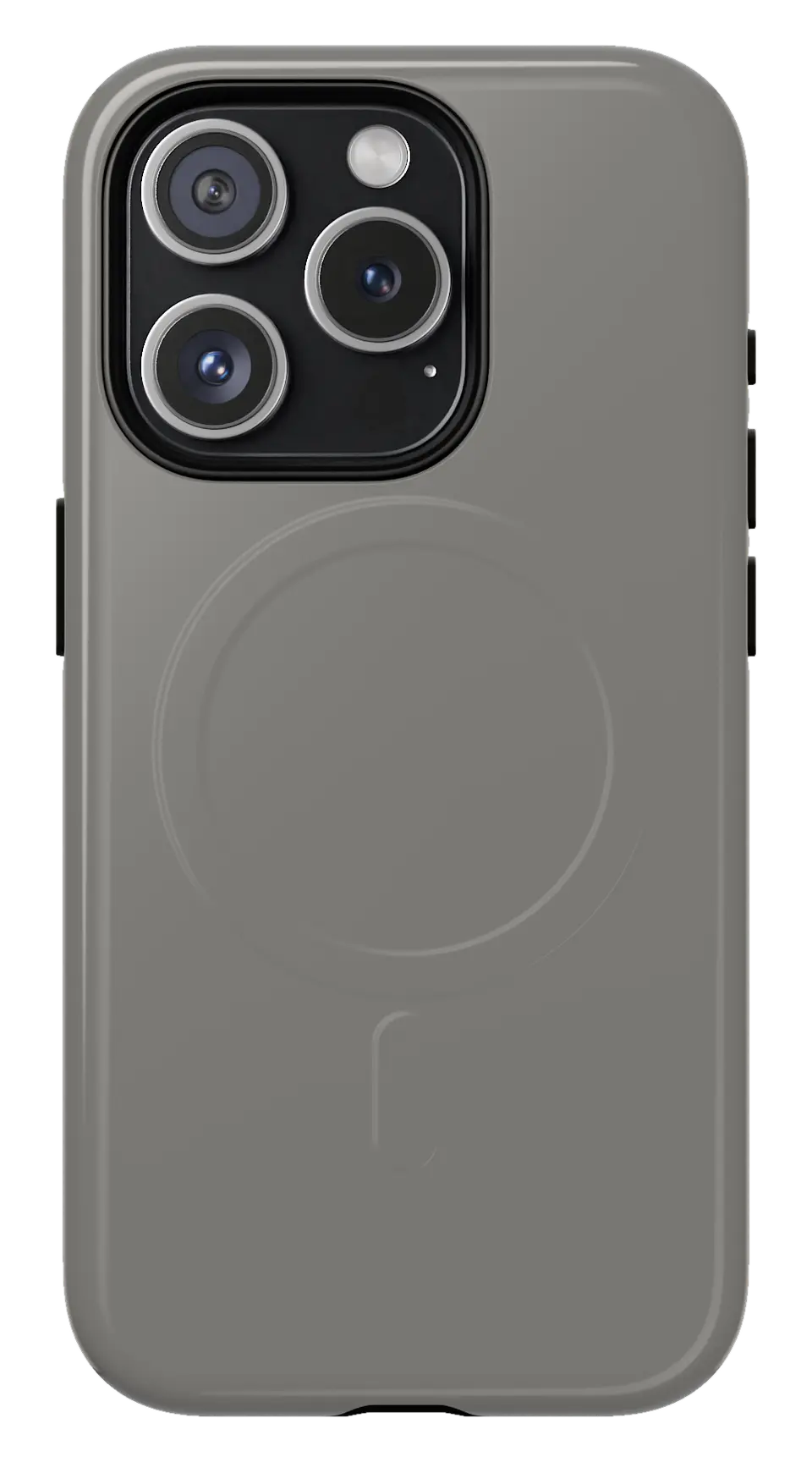 Titanium Phone caseFrom$29.00Phone case · choose your model
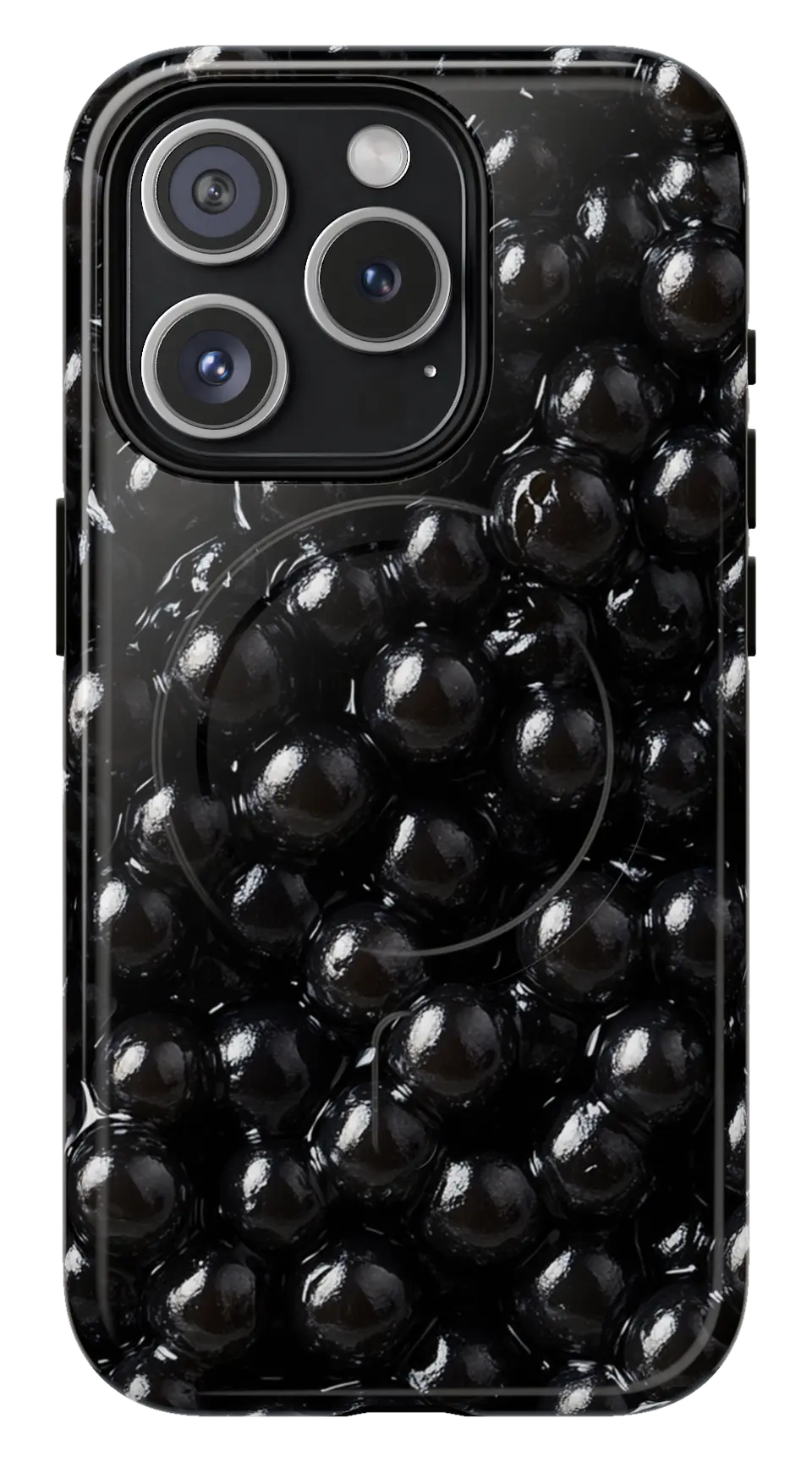 Black Bubble Pattern Phone caseFrom$29.00Phone case · choose your model
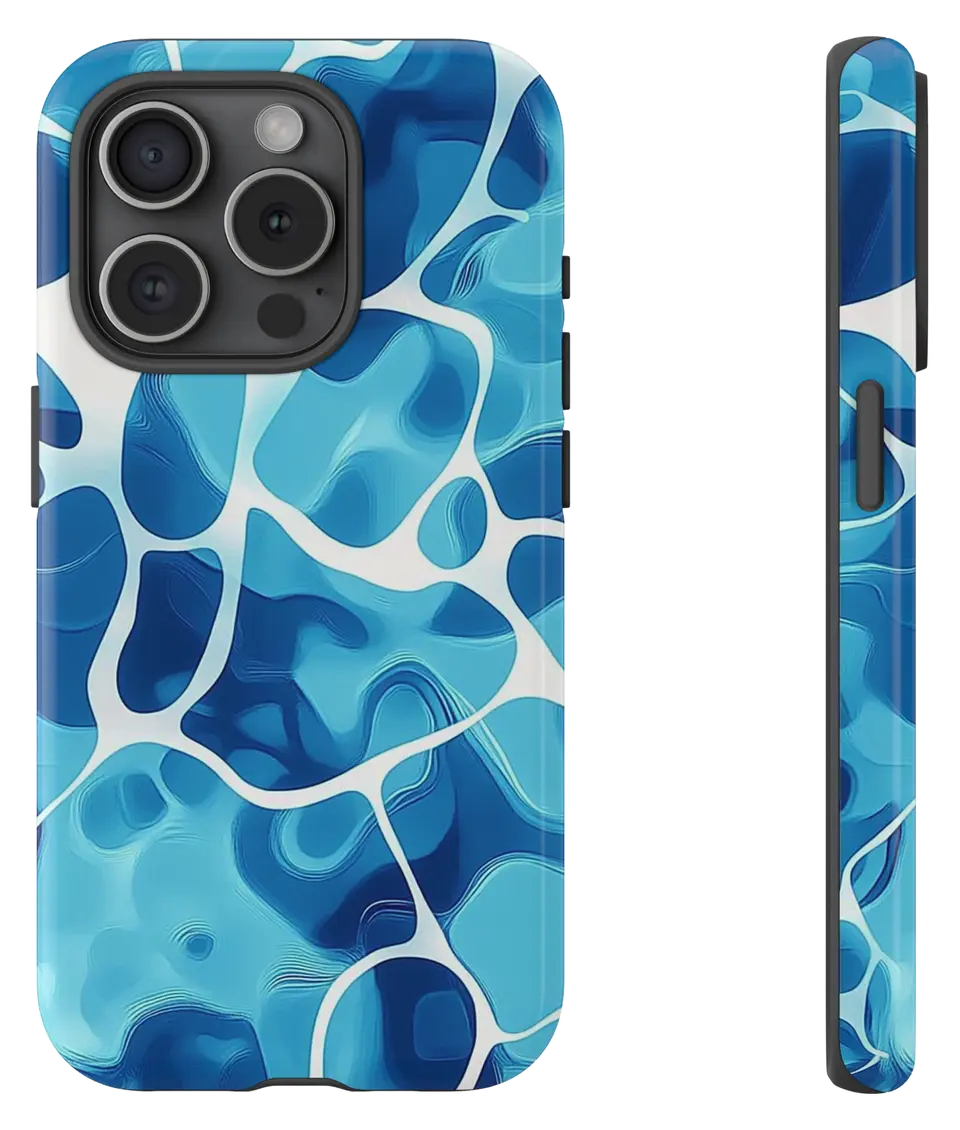 Pool Water Ripples Phone caseFrom$29.00Phone case · choose your model


