How to remove a screen protector, including cracked tempered glass
Lift a corner, peel slowly, and tape over cracked glass first so the pieces stay together. Plus the films you should not remove and how to clean what is left.
Written by the YOONIG team · Updated · 6 min read

Lift a corner, peel slowly, tape cracked glass first
To remove a screen protector, turn the phone off, take the case off, slide a fingernail or the corner of a plastic card under one corner and peel slowly along the long side of the phone, keeping the protector as flat as you can. If the glass is cracked, cover the whole protector with wide clear tape first so the pieces come away as one sheet.
It needs no heat, no blade and no liquid. The two things that go wrong are bending a glass protector until it shatters and using something metal that slips onto the screen.
First check what is actually cracked
Before you peel a cracked protector, find out whether the crack is in the protector or in the phone. Run a fingernail across the line. A crack in a protector usually catches your nail on the surface and stops at the border of the protector. Look at the edge too: a protector is a separate sheet with a visible rim a hair inside the edge of the display.
If the cracks run under that rim, continue past it, or the picture underneath is discolored or striped, the display itself may be broken. Apple's safety guidance is blunt about that case: don't use an iPhone with cracked glass, as it may cause injury (Apple: Important safety information for iPhone). Leave the protector where it is, because it is holding the pieces in, and take the phone to the maker's service channel.
If only the protector is cracked, the screen under it is very likely fine, and the protector should come off soon. Cracked glass edges are sharp, and the cracks spread each time the phone flexes in a pocket.
Removing an intact protector
This is the routine for glass and for plastic film. Film is easier because it bends; glass asks for patience.
- Turn the phone off and remove the case. A case rim can pin the border of the protector down.
- Choose a corner that is already lifting if there is one. Otherwise pick a top corner, away from the charging port.
- Work a fingernail under the corner. If it will not start, use the corner of a plastic card or a guitar pick. Do not use a knife, razor blade or pin.
- Once the corner is up, slide the card in a little farther along the long side so a strip of the protector is free.
- Peel slowly toward the opposite long side, holding the protector low and close to flat. With glass, lifting it steeply is what breaks it.
- If it resists, stop and move the card along the edge to free more of it before peeling further. Do not yank.
- Set the old protector adhesive side up on a piece of paper so it does not stick to the table.
Removing cracked glass without scattering shards
A cracked protector comes off in pieces unless you give it a backing. Tape does that.
- Put the phone on a towel or a sheet of paper so any fragments are easy to see and gather.
- Lay strips of wide clear packing tape across the whole protector, overlapping, and press them down. The tape should cover every crack and reach the edges.
- Start at the corner farthest from the worst damage. Use a plastic card, not a fingernail, to get under it; broken glass edges cut.
- Peel slowly, tape and glass together, keeping the sheet as flat as possible. If a section separates, tape over it again and continue.
- Check the screen under a lamp for slivers. Lift them with the sticky side of fresh tape. Do not wipe them across the display with your hand or a cloth.
- Fold the taped protector in on itself, wrap it in the paper and put it in the household trash.
Films you should leave alone
Not every layer on a screen is an accessory. Some are part of the phone, and the makers say plainly not to peel them.
| Phone | Layer | Maker's guidance |
|---|---|---|
| Samsung foldables (main folding screen) | Factory protective layer | Samsung does not recommend removing it and says its warranty does not cover damage from the user removing it. Authorized service centers replace it. |
| Google Pixel Fold | Protective film on the folding display | Google says not to pick at the edges or try to remove the film, because that can damage the display. |
| iPhone Duo (inner display) | Nano-texture cover layer | Apple says it is an integral part of the inner display: don't attempt to remove it. |
| Some Galaxy phones | Pre-installed plastic screen protector | Samsung says some devices ship with one designed for the in-screen fingerprint sensor. It is an ordinary protector: peel it before fitting another. |
Cleaning what is left on the screen
A protector normally comes away clean. When it leaves a haze or a tacky patch, treat the screen the way its maker says and nothing stronger. For iPhone that is a soft, slightly damp, lint-free cloth, with no cleaning products, because Apple says they diminish the oil-repellent coating and might scratch the glass (Apple: How to clean your iPhone). Google gives Pixel owners the same starting point and allows screen wipes or eyeglass cleaner on the screen for stubborn marks.
Adhesive remover is the wrong tool. Apple's handling guidance lists adhesive remover and solvents among the liquids to keep away from an iPhone. If a patch of residue will not lift with a damp cloth, press the sticky side of tape onto it and pull it off, a few times over. For disinfecting, Apple and Google both allow a 70 percent isopropyl alcohol wipe on the outside of the phone, used gently and kept out of openings.
The full routine for each brand is in how to clean a phone screen. If what you find under the old protector is a mark in the glass itself, read removing scratches from a phone screen before you try anything abrasive.
After it is off: settings, the old protector and the next one
Do not expect to reuse a protector. Google says so directly in its Pixel touch troubleshooting: try removing the case or screen protector to see if touch improves, but you may not be able to put the screen protector on again (Google: Fix touch and response issues). The adhesive collects dust the moment it is exposed.
If you had turned on Touch sensitivity on a Galaxy or Screen protector mode on a Pixel, those settings exist for use with a protector, so switch them off if the bare screen feels too eager. If fingerprint unlock behaves differently without the protector, delete and re-add your fingerprints.
A glass protector does not belong in the recycling bin. The EPA's household guidance says broken glass should not go into recycling (EPA: How do I recycle common recyclables). Wrap it and put it in the trash.
Going without a protector is a reasonable choice, and so is fitting a new one; do screen protectors work lays out what you gain and lose. If you are fitting another, do it now while the screen is clean, following how to apply a screen protector. A case with raised edges around the display, like our two-layer Tough phone cases, keeps the glass off a flat table in either case.
Frequently asked questions
Can I remove a screen protector with my fingernail?
Yes, if the protector is intact. Lift one corner with a fingernail, then peel slowly along the long side. For cracked glass use a plastic card instead, because the broken edges are sharp.
How do you take off a glass screen protector that is cracked?
Cover it completely with wide clear tape, lift a corner with a plastic card and peel the tape and glass off together, slowly and flat. Then pick up any slivers with fresh tape.
Will removing a screen protector damage my screen?
Not if you peel slowly and use only a fingernail or plastic card. The exceptions are factory layers on folding displays, which Samsung, Google and Apple all say not to remove.
Can I reuse a screen protector after taking it off?
Usually not. The adhesive side picks up dust and fingerprints as soon as it is exposed, and Google notes that you may not be able to put a protector back on after removing it.
Do I need a hair dryer to remove a tempered glass screen protector?
No. A protector peels off cold. Apple advises against using an external heat source on an iPhone even for drying, so there is no reason to warm the phone for this.
Shop the story
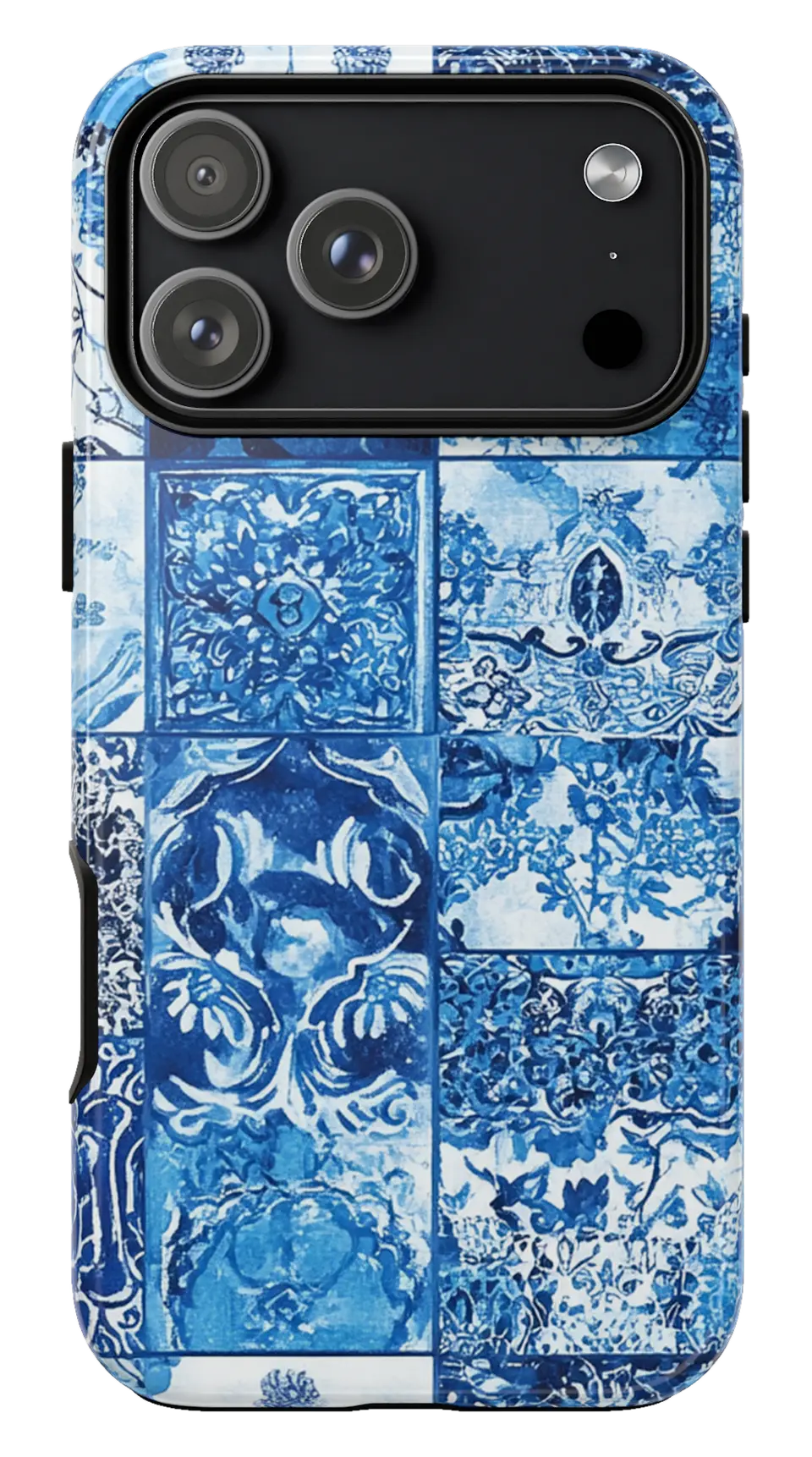 Blue Mosaic Tiles Phone caseFrom$29.00Phone case · choose your model
 Emerald Green Phone caseFrom$29.00Phone case · choose your model
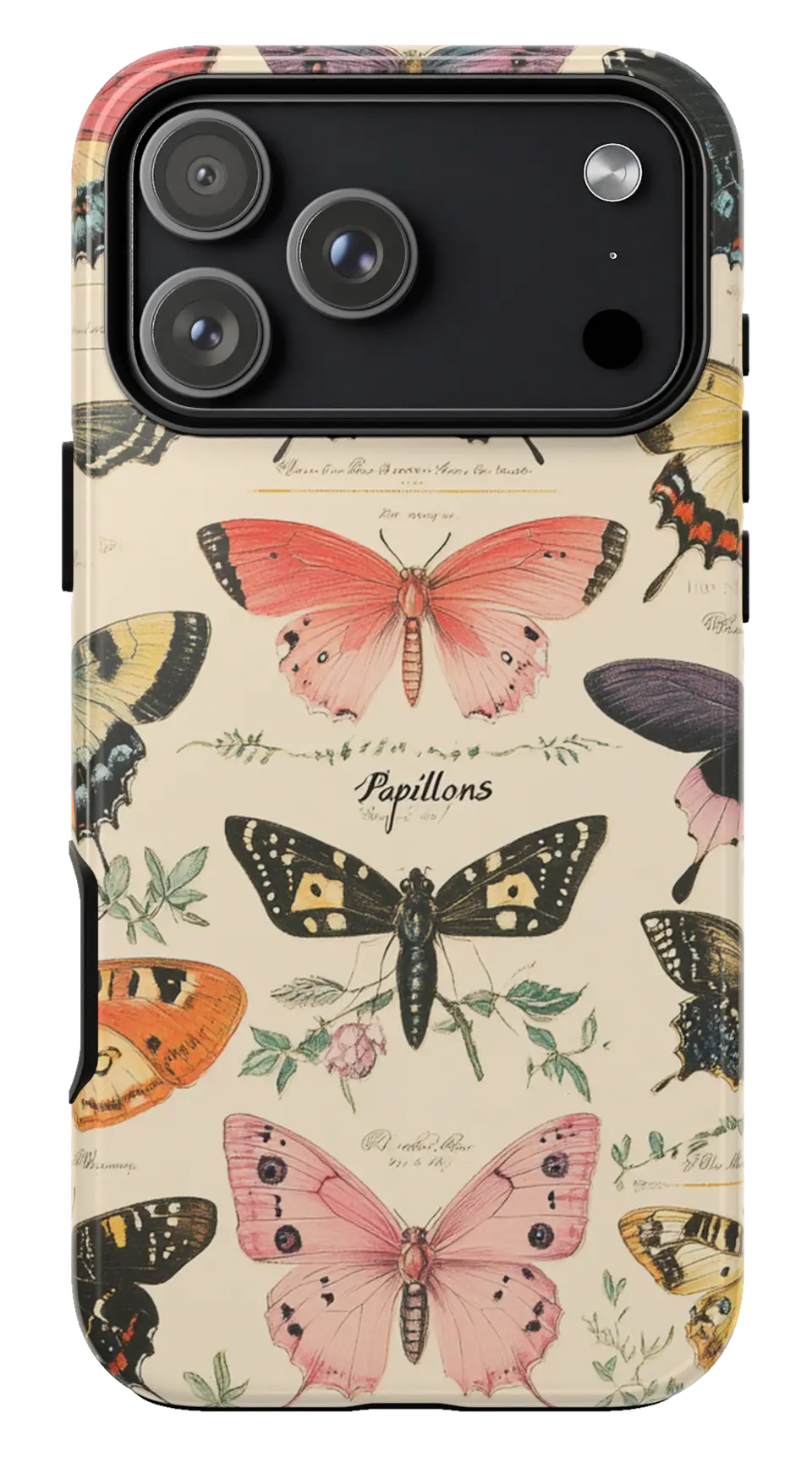 Vintage Butterfly Chart Phone caseFrom$29.00Phone case · choose your model


