What cases fit the iPhone Air? Only ones made for it
The iPhone Air is 5.64 mm thick with a camera bar across the back. No iPhone 17, Pro or Plus case fits it, and here are the numbers that show why.
Written by the YOONIG team · Updated · 6 min read

An iPhone Air needs an iPhone Air case
Only a case made for the iPhone Air fits it. Apple lists the Air at 156.2 × 74.7 × 5.64 mm, a height, width and depth that no other iPhone shares, and its single camera sits in a raised plateau that runs across the back. An iPhone 17 case is 6.6 mm too short for it, and a Plus or Pro Max case is too big in every direction.
People ask about the 17 because the two launched together and about the Plus because the Air has a large screen. Neither is close. The table shows how far off each one is.
iPhone Air against the phones people confuse it with
Dimensions are from Apple: iPhone Air technical specifications and Apple's specification pages for the other models. The last column measures the Air against each phone.
| Model | Height | Width | Depth | Display | iPhone Air is |
|---|---|---|---|---|---|
| iPhone Air | 156.2 mm | 74.7 mm | 5.64 mm | 6.5-inch | the reference |
| iPhone 17 | 149.6 mm | 71.5 mm | 7.95 mm | 6.3-inch | 6.6 mm taller, 3.2 mm wider, 2.31 mm thinner |
| iPhone 17 Pro | 150.0 mm | 71.9 mm | 8.75 mm | 6.3-inch | 6.2 mm taller, 2.8 mm wider, 3.11 mm thinner |
| iPhone 17 Pro Max | 163.4 mm | 78.0 mm | 8.75 mm | 6.9-inch | 7.2 mm shorter, 3.3 mm narrower, 3.11 mm thinner |
| iPhone 16 Plus | 160.9 mm | 77.8 mm | 7.80 mm | 6.7-inch | 4.7 mm shorter, 3.1 mm narrower, 2.16 mm thinner |
Why an iPhone 17 case and a Plus case both fail
Start with the iPhone 17, since that's the most common question. Apple: iPhone 17 technical specifications gives 149.6 × 71.5 × 7.95 mm. The Air is 6.6 mm taller and 3.2 mm wider than that. A phone can't be pressed into a shell that is more than half a centimeter too short, so a 17 case won't go on at all. There's no need to look at the camera.
A 16 Plus case fails for the opposite reason. The Air is 4.7 mm shorter and 3.1 mm narrower than a 16 Plus, so it drops in and slides around. Then there is the depth. A Plus case is molded for a 7.80 mm body, and the Air is 5.64 mm, which leaves more than 2 mm of slack between the back of the phone and the lip that's supposed to hold the screen edge. The phone would fall out face first.
Depth is what makes the Air different from every earlier 'in-between' iPhone. The standard, Plus, Pro and Pro Max phones in the table are all between 7.80 and 8.75 mm. The Air is at least 2.16 mm thinner than any of them. Even a case with the right height and width would need its side walls redrawn.
The back: one camera in a plateau from side to side
Apple describes the Air as having one rear camera, housed in a plateau that spans the back of the phone. Its launch announcement, Apple: Introducing iPhone Air, says the plateau is milled to house the cameras, the speaker and the chip.
For a case that means a wide opening or raised section across the top of the back, instead of the small square or pill-shaped window a standard iPhone needs. The iPhone 17 has two cameras aligned vertically in one corner. The 17 Pro has three in a plateau of its own, on a body that is 3.11 mm thicker. None of those shapes can stand in for the Air's.
Sides and bottom: what a case has to leave open
According to Apple: Identify your iPhone model, the Air has the Action button on the upper left, the side button on the right and the Camera Control on the lower right, with a USB-C connector on the bottom. An Air case needs a cut-out or pressable cover at each of those points.
It doesn't need one for a SIM tray. Apple lists no SIM tray for the Air in any region, and the specification page says the phone isn't compatible with physical SIM cards. That's worth knowing if you're comparing product photos: a case shown with a SIM tray opening on the left side is drawn for some other phone.
The Air has MagSafe, with Apple listing MagSafe and Qi2 wireless charging at up to 20W. Whether magnetic accessories hold through the case depends on the case, which brings us to the builds.
Picking a build for a phone this thin
Apple's own position is a useful guide. It built the Air with a titanium frame, Ceramic Shield 2 on the front and Ceramic Shield on the back including the plateau, and it still sells a case and a bumper for it. The bumper frames the edges only. The case covers the back as well. Apple treats both as reasonable ways to carry the phone, so the question is how much of the thinness you want to keep.
We make six builds for the Air, all cut for its outline and plateau and listed under iPhone Air cases. The table sums up what each one is. We don't publish thickness figures for our cases, so compare them by construction.
If keeping the phone slim is the point, a Slim case is the one-piece option. If you use a magnetic charger, wallet or car mount, choose from the MagSafe phone cases so the magnets in the case do the holding. Our comparison of Tough vs Slim phone cases goes through the trade-off in more detail. The MagSafe + camera guard build isn't made for the Air; it exists for Pro models only.
| Build | Construction | Magnets |
|---|---|---|
| Slim | One-piece polycarbonate shell | No; works with wireless charging |
| Tough | Polycarbonate shell over a TPU liner, raised edges | No; works with wireless charging |
| MagSafe compatible | Polycarbonate shell over a TPU liner, built-in magnetic module | Yes |
| Clear | Clear polycarbonate back, TPU sides | No; works with wireless charging |
| Clear MagSafe | Clear back, TPU sides, built-in magnets | Yes |
| Card holder | Slim polycarbonate case with a slot for one card | Listed by the maker as MagSafe compatible |
Four checks before you buy any iPhone Air case
These apply to any seller, ours included.
- The listing names the iPhone Air on its own. 'Fits iPhone 17 series' isn't specific enough, because the four phones in that lineup are four different shapes.
- The photos show a wide camera section across the top of the back, with a single lens.
- The right side has two controls: the side button, and the Camera Control lower down.
- The name on your phone matches. Open Settings and check the model name, or follow our guide to finding your exact model.
Frequently asked questions
Will an iPhone 17 case fit an iPhone Air?
No. The Air is 6.6 mm taller and 3.2 mm wider than the iPhone 17, and 2.31 mm thinner, so a 17 case can't go on. Our guide to whether an iPhone 16 case fits an iPhone 17 covers the standard phones.
Is the iPhone Air the same size as an iPhone Plus?
No. Against the iPhone 16 Plus, the Air is 4.7 mm shorter, 3.1 mm narrower and 2.16 mm thinner, with a 6.5-inch display instead of 6.7-inch. Apple's full range is in our iPhone sizes compared table.
Will an iPhone Air case fit an iPhone 17 Pro Max?
No. The 17 Pro Max is 7.2 mm taller, 3.3 mm wider and 3.11 mm thicker than the Air, and it has three cameras where the Air has one.
Does the iPhone Air have MagSafe?
Yes. Apple lists MagSafe and Qi2 wireless charging at up to 20W for the iPhone Air. To keep magnetic accessories attached through a case, the case needs magnets of its own.
Does an iPhone Air case need a Camera Control opening?
Yes. The Air has a Camera Control on the lower right side and an Action button on the upper left, so a case needs a cut-out or pressable cover for both.
How thick is the iPhone Air?
5.64 mm, by Apple's specification. The iPhone 17 is 7.95 mm and the 17 Pro is 8.75 mm.
Shop the story
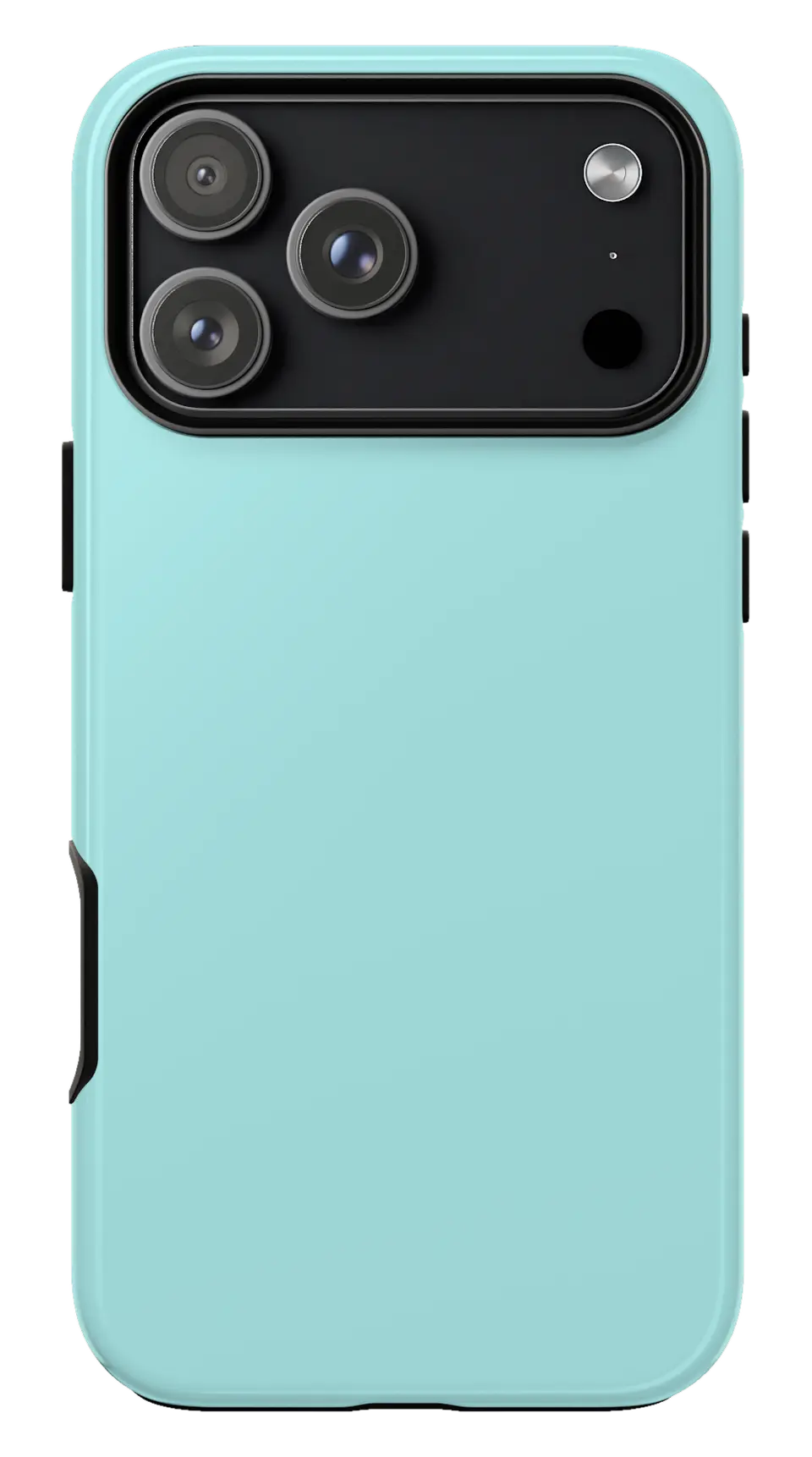 Ice Blue Phone caseFrom$29.00Phone case · choose your model
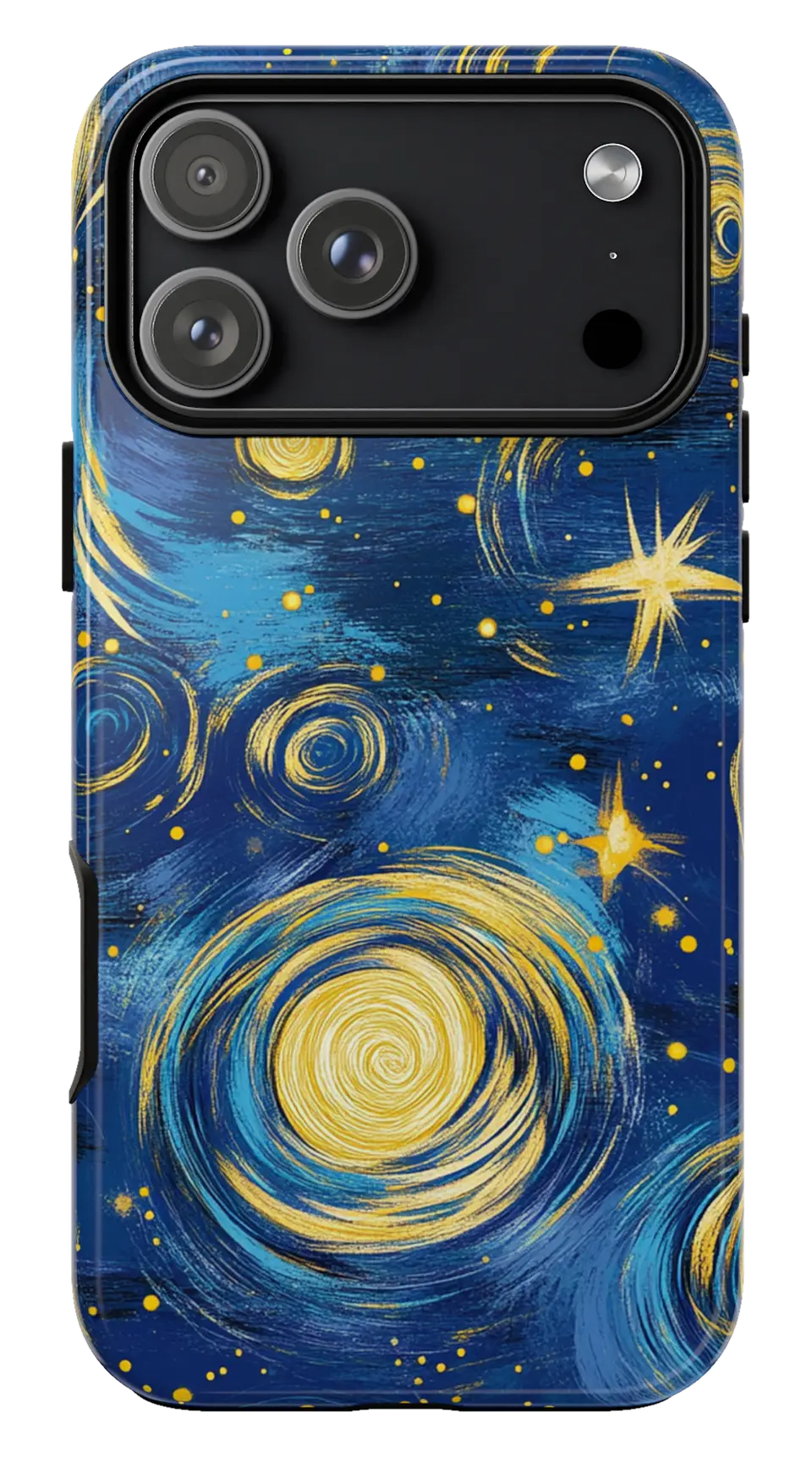 Starry Night Swirls Phone caseFrom$29.00Phone case · choose your model
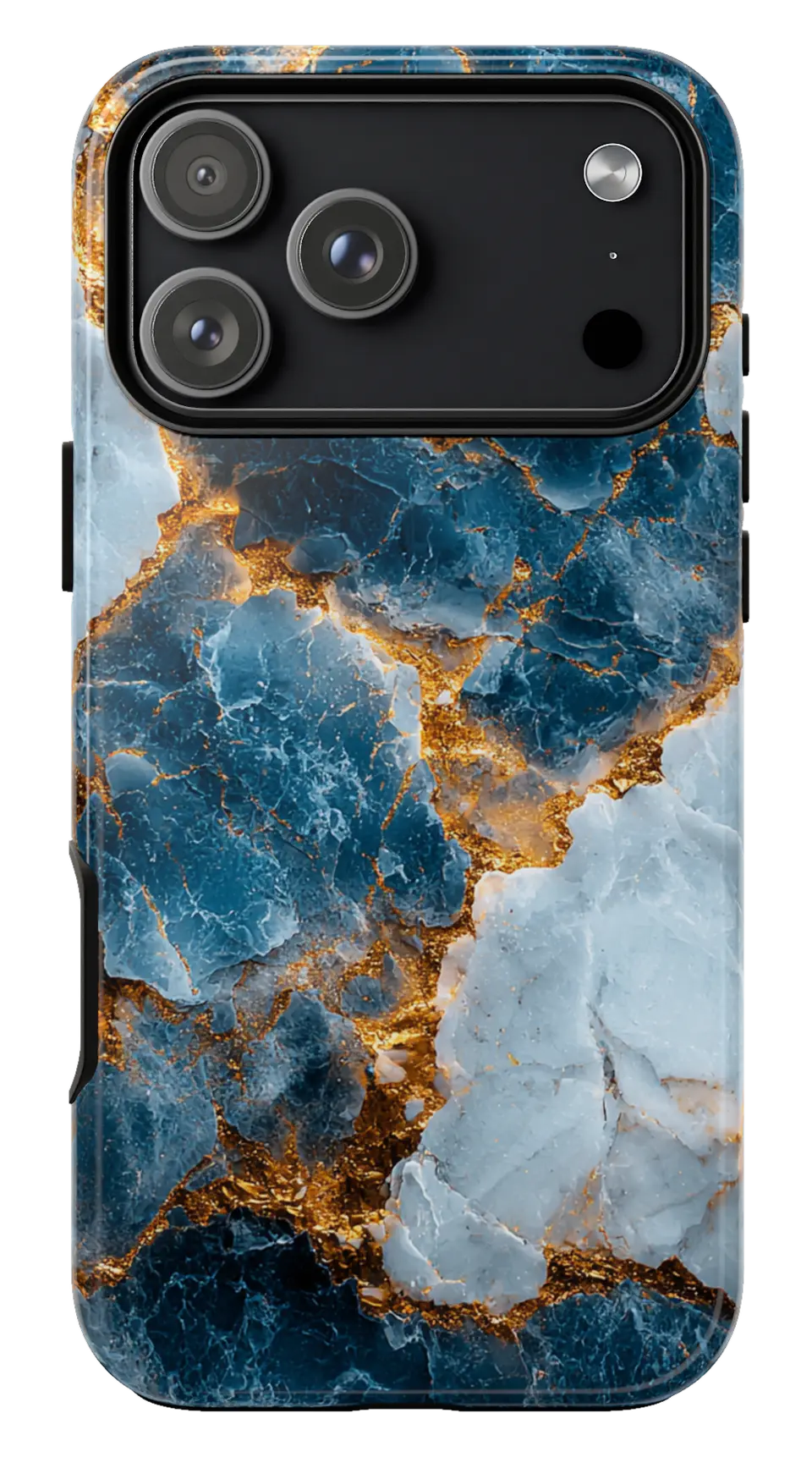 Blue Gold Marble Phone caseFrom$29.00Phone case · choose your model


