How to choose a phone case: Tough, Slim, MagSafe, Clear or Card holder
Tough, Slim, MagSafe, Clear or Card holder: how the builds differ in layers, magnets and finish, and how to pick the right case for the way you use your phone.
Written by the YOONIG team · Editorially reviewed · Updated · 4 min read

Start with your exact model
Every case is shaped around one phone: the camera opening, the buttons, the ports and the curve of the corners. Phones that sound alike often differ in exactly those places, so a case for the wrong model can block a lens or press a button it shouldn't. Our cases are printed to order for the exact model you pick; if you're not sure which one you have, our device guide shows how to check in a minute.
With the model settled, the real choice is the build. Ask yourself four things: how much protection you want, whether you use MagSafe, whether you'd like to carry a card, and how you want the design to look.
Protection or slimness
This is the biggest trade-off. A Tough case is built in two layers: an outer shell of polycarbonate that resists daily impacts, and an inner TPU liner that absorbs shock. It has raised edges and the design is printed round the edges (3D wrap).
A Slim case is a single lightweight shell of polycarbonate. It's strong and impact-resistant and guards against scratches, while keeping the phone close to its own size. If you keep your phone in a bag most of the day and like how it feels in the hand, Slim is the easy pick; if it lives in a back pocket or gets dropped, go for two layers.
Why two different materials? Polycarbonate is rigid and TPU is flexible, and each does a different job; our guide to TPU vs silicone vs polycarbonate explains how.
| Build | Construction | Charging | Finish |
|---|---|---|---|
| Tough | Two layers: polycarbonate shell + TPU liner, raised edges | Wireless charging compatible (not MagSafe) | Glossy or matte |
| MagSafe compatible | Two layers: polycarbonate shell + TPU liner, built-in magnetic module | MagSafe accessories and charging | Glossy or matte |
| MagSafe + camera guard | TPU frame with a polycarbonate back, raised camera surround, reinforced corners | Magnets built into the frame | Glossy or matte |
| Slim | One-piece polycarbonate shell | Wireless charging compatible | Glossy or matte |
| Card holder | Slim polycarbonate shell with a card slot | MagSafe compatible | Glossy or matte |
| Clear | Crystal-clear back, cushioned TPU sides | Wireless charging | Clear |
| Clear MagSafe | Clear back, cushioned TPU edges, built-in magnets | MagSafe | Clear |
MagSafe: only if you have an iPhone that uses it
MagSafe is Apple's magnetic system for iPhone chargers, wallets and mounts; what is a MagSafe case covers how it works. A MagSafe compatible case has a built-in magnetic module so those accessories snap on and charge through the case. It's an iPhone feature, so on other phones, choose by protection and look instead.
Our MagSafe phone cases include two two-layer builds, alongside Clear MagSafe and the Card holder. The standard one has the magnetic module inside. The camera guard version adds a shock-absorbing TPU frame with the camera area built into it to guard the lenses, air-cushioned corners with reinforced bumpers, and magnets set in the frame so the printed back stays completely flat.
Note the difference from Tough: Tough works with ordinary wireless chargers but has no MagSafe magnets.
Card holder: one card, nothing more
A card holder case has a slot on the back that holds one card, which suits a transit pass, a work badge or the single card you actually use. It's a slim, lightweight polycarbonate case, it's MagSafe compatible, and the design is printed all over the exterior.
If you need to carry several cards and cash, this isn't that kind of wallet: it's built for one.
Clear backs
On a Clear case the back is see-through, so the printed design floats over your phone's own color. The sides are cushioned TPU and it works with wireless charging. Clear MagSafe adds built-in magnets with cushioned TPU edges.
Clear cases can take on a yellow tint over time, and it isn't dirt you can wipe off; we explain why in why do clear phone cases turn yellow.
Glossy or matte
Tough, MagSafe, Slim and Card holder cases each come in a glossy or matte finish, with the same design either way, so this is purely a question of look and feel. Glossy reads as bright and reflective; matte reads as soft and flat. Pick the one you'd rather hold every day.
On Tough and Slim cases, the print is UV-protected, which helps the colors hold up outdoors. To keep either finish looking fresh, our guide to cleaning a phone case covers what to use and what to avoid.
A quick way to decide
If you're still between two options, run through these in order:
- Use MagSafe chargers or accessories on an iPhone? Choose MagSafe compatible, or MagSafe + camera guard for extra lens and corner protection
- Drop your phone often or keep it in a pocket? Choose Tough
- Want the lightest, thinnest case? Choose Slim
- Want to leave your wallet at home for short trips? Choose Card holder
- Want your phone's color to show through the design? Choose Clear or Clear MagSafe
- Then pick glossy or matte, and double-check your exact model
Frequently asked questions
What kind of phone case protects the most?
Among our builds, the two-layer ones: Tough, MagSafe compatible and MagSafe + camera guard combine a rigid polycarbonate shell with a shock-absorbing TPU layer. The camera guard version also has a raised camera surround and reinforced corners.
Can I charge wirelessly through a Tough case?
Yes, Tough is wireless charging compatible. It doesn't have MagSafe magnets, so for MagSafe accessories choose a MagSafe compatible case.
Do I need a MagSafe case for an Android phone?
No. MagSafe is an iPhone system, so on other phones choose by protection and look: Tough, Slim or Clear.
How many cards does the card holder case hold?
One. The slot on the back is made for a single card.
Is matte or glossy better?
Neither is more protective; the design and build are the same. Glossy looks bright and reflective, matte looks softer and flatter, so pick the feel you prefer.
Will a case for a similar model fit my phone?
Often not. Camera openings, buttons and dimensions change between models, so choose the case for your exact model; our device guide shows how to check which one you have.
Shop the story
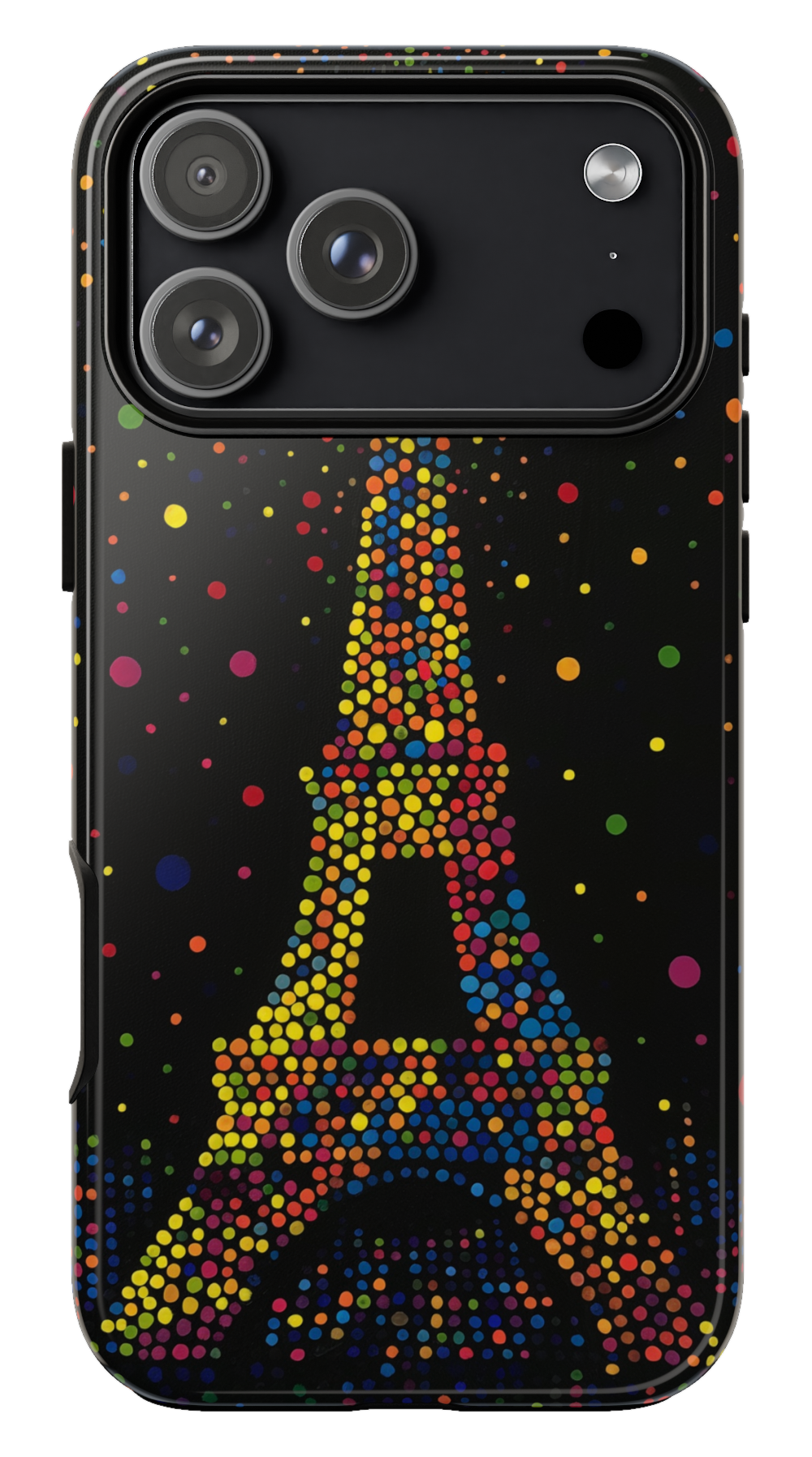 Paris Night Phone case$29.00Phone case · choose your model
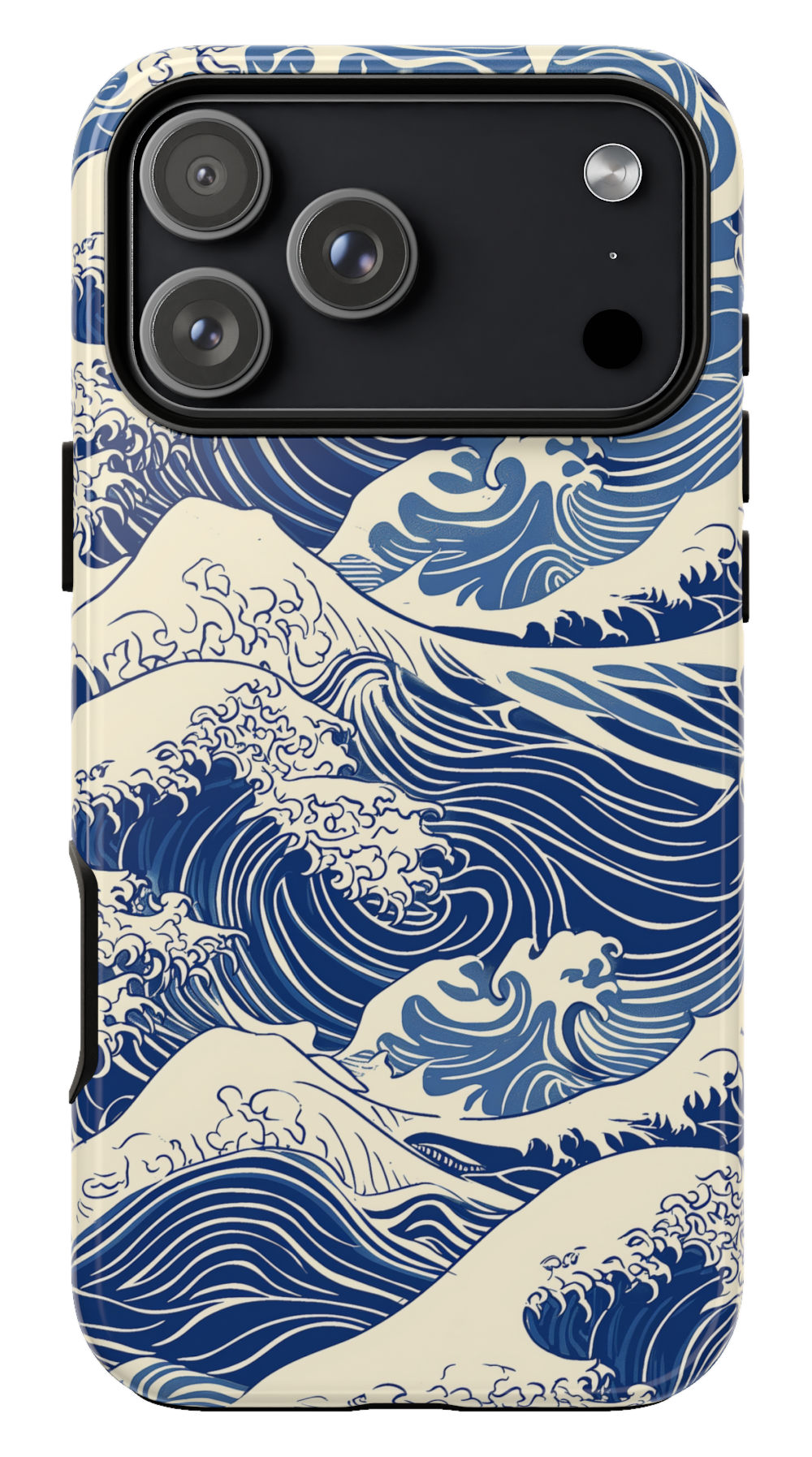 Kanagawa Wave Phone case$29.00Phone case · choose your model
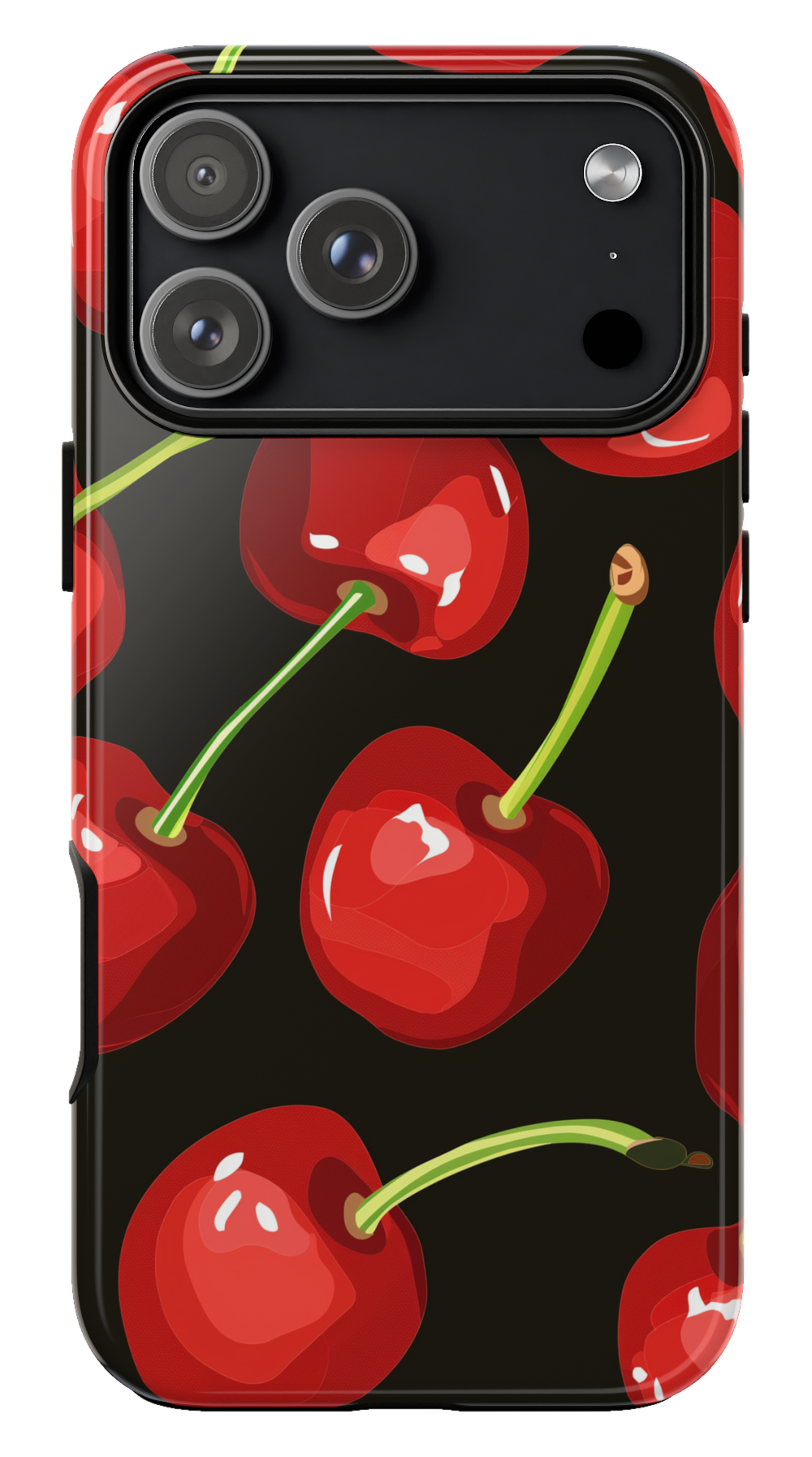 Cherry Phone case$29.00Phone case · choose your model


