How often should you replace your phone case? Signs to check
A phone case doesn't expire on a date. It's finished when it stops gripping the phone or covering what it should. How to tell, sign by sign.
Written by the YOONIG team · Updated · 7 min read

Replace a case by condition, not by the calendar
There's no set number of months. Replace your phone case when it no longer grips the phone firmly, when the shell or a corner has cracked, when a soft edge has stretched, or when the openings have stopped lining up with the camera and buttons. A case that still fits tightly and is only scuffed or faded is doing its job.
How long that takes depends on the material, how often the phone is dropped, how much sun and heat the case gets, and how often you take it off. Nobody can honestly put a figure in years on that, and we don't publish one for our cases. What you can do is check.
Eight signs, sorted by how much they matter
Some wear ends a case's working life and some only changes how it looks. This table separates the two.
| Sign | What you'll notice | Verdict |
|---|---|---|
| Loose fit | The phone shifts when you shake it gently, or a corner unclips in your pocket | Replace now |
| Cracked corner or split shell | A visible line in the hard plastic, often at a corner or beside the port opening | Replace now |
| Stretched soft edge | The flexible rim looks wavy or gapes away from the phone along one side | Replace now |
| Worn or chipped front lip | Laid face down on a table, the screen glass touches the surface | Replace soon |
| Damaged camera surround | The raised edge around the lenses is chipped, or the case shows up at the edge of photos | Replace soon |
| Button covers gone soft | Presses feel mushy or need a second try; a cover has torn | Replace soon |
| Yellowed clear plastic | An even yellow or amber tint that washing doesn't shift | Cosmetic, unless the plastic has also gone stiff or cracked |
| Scuffed, faded or scratched surface | Fine scratches, dulled gloss, worn print at the corners | Cosmetic |
A 60-second check you can do now
Take the phone out of the case first. Most of these are hard to see with the phone in the way.
- Hold the empty case up to a window and look along each corner, inside and out, for hairline cracks.
- Run a fingertip around the soft rim. It should be even all the way round, with no section that's longer or floppier than the rest.
- On a two-layer case, look at the inner liner and the outer shell separately. Either one can fail while the other looks fine.
- Put the phone back in. All four corners should seat with a firm push and stay put when you press on the opposite corner.
- Shake the phone gently next to your ear. Movement or a click means the fit has loosened.
- Lay it screen down on a flat table and look from the side. The lip should hold the glass off the surface.
- Press every button through the case, and plug in your cable. Each button should click once and the plug should seat fully.
- If the case has a card slot, slide the card in and turn the phone over. The card should stay where it is.
How each material tends to give out
The three plastics used in most cases age in different ways, and knowing which one you have tells you where to look. Our guide to TPU vs silicone vs polycarbonate explains what each one is.
Polycarbonate is the rigid one. It's what our Slim case and the outer shell of our Tough case are made of. Because it doesn't stretch, it keeps its fit well, and when it fails it tends to do so suddenly: a crack at a corner or a chip out of an edge, usually after a drop or after being levered off the phone many times. Scuffs and fine scratches on the surface come first and don't affect the fit.
TPU is the flexible one, used for liners, bumpers and the sides of clear cases. It cushions well and it's the material that can relax over time, which shows up as a rim that no longer hugs the phone. Clear TPU also changes color. That process is covered in why clear phone cases turn yellow, and the short version is that the tint is in the plastic and can't be cleaned out.
Silicone is soft and grippy. Its surface picks up lint and can go shiny or tacky where your hand rests, and like TPU it's flexible enough to loosen. If a silicone case slides off the phone more easily than it used to, that's the sign.
After a hard drop, inspect before you trust it again
A case can come through a fall looking fine from the front and still be damaged. After any drop onto a hard floor from more than pocket height, take the phone out and do the corner check above. A cracked shell has done its work once and shouldn't be relied on to do it again, even if the crack is small and the case still clips on.
Check the phone at the same time, particularly the camera. If the case has shifted or deformed so that part of it sits in front of a lens or the flash, your photos will show it. Apple's first troubleshooting step for camera problems is to remove any case, film or accessory that might block the camera or flash, and a bent case counts (Apple: If the camera or flash on your iPhone isn't working).
Wear that cleans off, and wear that doesn't
Before you write a case off for looking tired, wash it. Gray marks around the buttons and a dull film on the back are usually skin oil and pocket dust. Our care sheet for printed cases is simple: a soft, damp cotton or microfiber cloth, and no chemicals. The step-by-step version is in how to clean a phone case.
Scratches are a different matter. Light ones can sometimes be made less visible, and deep ones can't be reversed; see how to remove scratches from a phone case for what's realistic.
Some change is simply the material ageing, and makers say so. Apple tells buyers that its leather cases might acquire a patina and change color from skin oils and direct sunlight, and that its woven cases may look different and show wear over time as the fibers get compressed with normal use (Apple: How to clean your Apple products). A case that has aged in looks alone doesn't need replacing unless you want it to look new.
Habits that wear a case out faster
Most of what shortens a case's life is avoidable.
- Taking it off every day. Each removal flexes the corners. If you need to remove it often, do it the gentle way described in how to take off a phone case.
- Heat. A dashboard in summer or a sunny windowsill is hard on any plastic. Our Slim case care sheet says to keep it away from direct sunlight and excessive heat.
- Creams and alcohol. The same care sheet lists high-alcohol liquids, hand cream and sun cream as things to keep away from the print.
- Household cleaners. Apple's guidance for its own silicone and clear cases rules out window cleaners, aerosol sprays, solvents, ammonia, abrasives and cleaners containing hydrogen peroxide. The same caution suits any printed case.
- Sharing a pocket or bag compartment with keys and coins, which is where most surface scratches come from.
Reasons to replace that aren't wear at all
The most common reason for a new case is a new phone. Cases are made for one model, and even a small change between generations is enough to rule the old one out, as explained in why phone cases only fit one model.
The second is a change in how you use the phone. If you've started using a magnetic charger, wallet or car mount with an iPhone, a case without magnets will hold them weakly or not at all, and that's a reason to move to one of the MagSafe phone cases. If the phone has started spending its days on building sites or trail runs, a one-piece shell may no longer be enough and a two-layer Tough case makes more sense.
When the old case does retire, it doesn't have to go straight in the trash. We've collected the options in what to do with old phone cases.
Frequently asked questions
How long do phone cases last?
It varies too much with material and use to give an honest number. A rigid case that's rarely dropped can keep its fit for as long as you own the phone, while a soft case that's removed daily can loosen much sooner. Judge it by fit and damage.
Should I replace my case after dropping my phone?
Only if the case is damaged. Take the phone out and check the corners and edges for cracks, then check that the fit is still tight. A cracked or loosened case should be replaced.
Is a yellowed clear case still protective?
Usually, if it still grips the phone and hasn't gone stiff or cracked. Yellowing is a color change in the plastic. It becomes a reason to replace the case when it comes with brittleness or a loose fit.
Can a loose phone case be tightened?
Not reliably. A stretched rim doesn't shrink back to its molded shape, and padding the inside changes where the buttons and camera opening sit. Replace it.
Do phone cases lose their magnets over time?
We don't have maker data showing that the magnets in a MagSafe compatible case weaken with normal use. If accessories suddenly hold badly, check first for a crack in the case or something trapped between the case and the accessory.
Do I need a new case when I get a new phone?
Almost always, yes. A case is shaped for one model's size, camera and buttons, so it rarely carries over to a different one, even within the same family.
Shop the story
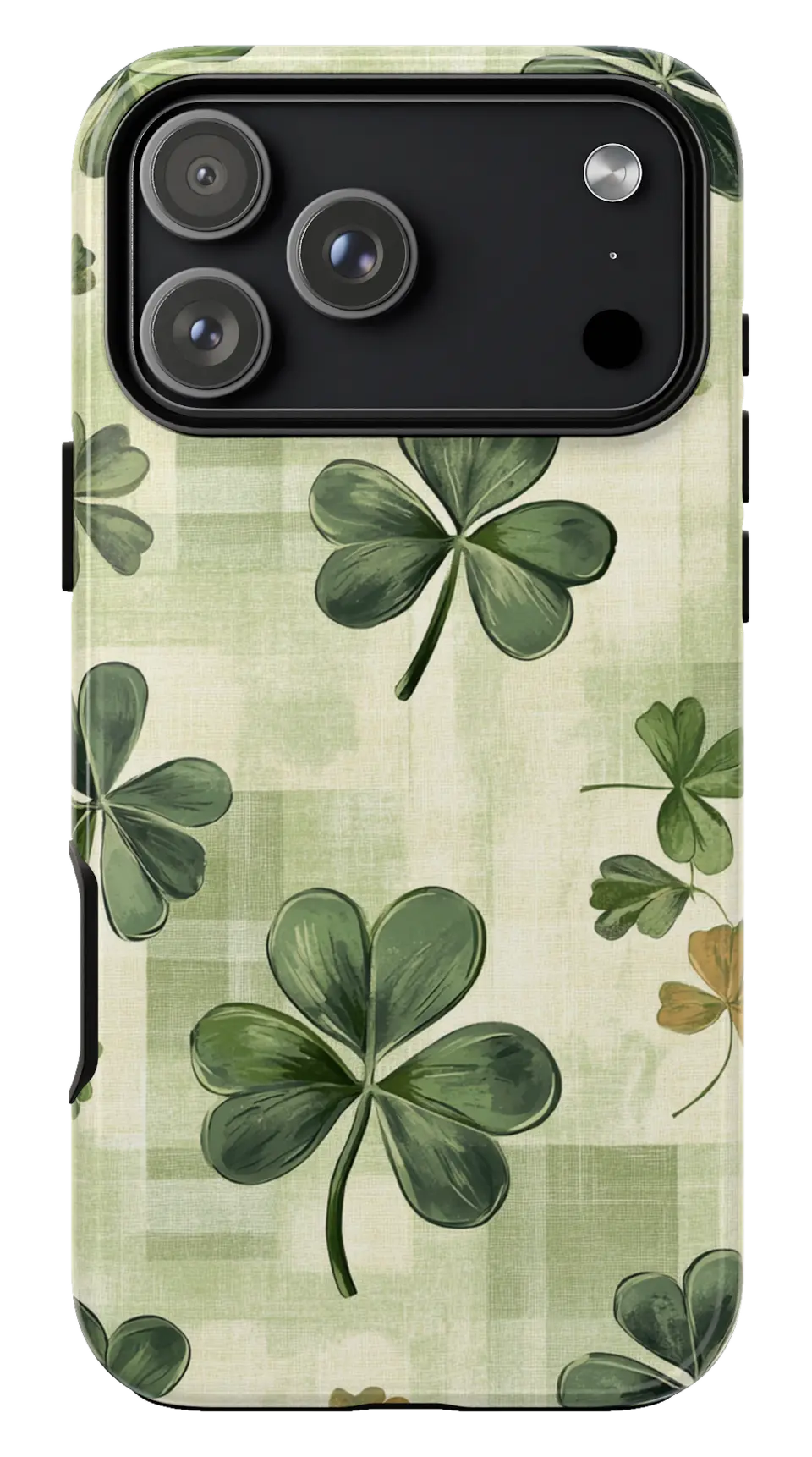 Shamrock Clover Phone CaseFrom$29.00Phone case · choose your model
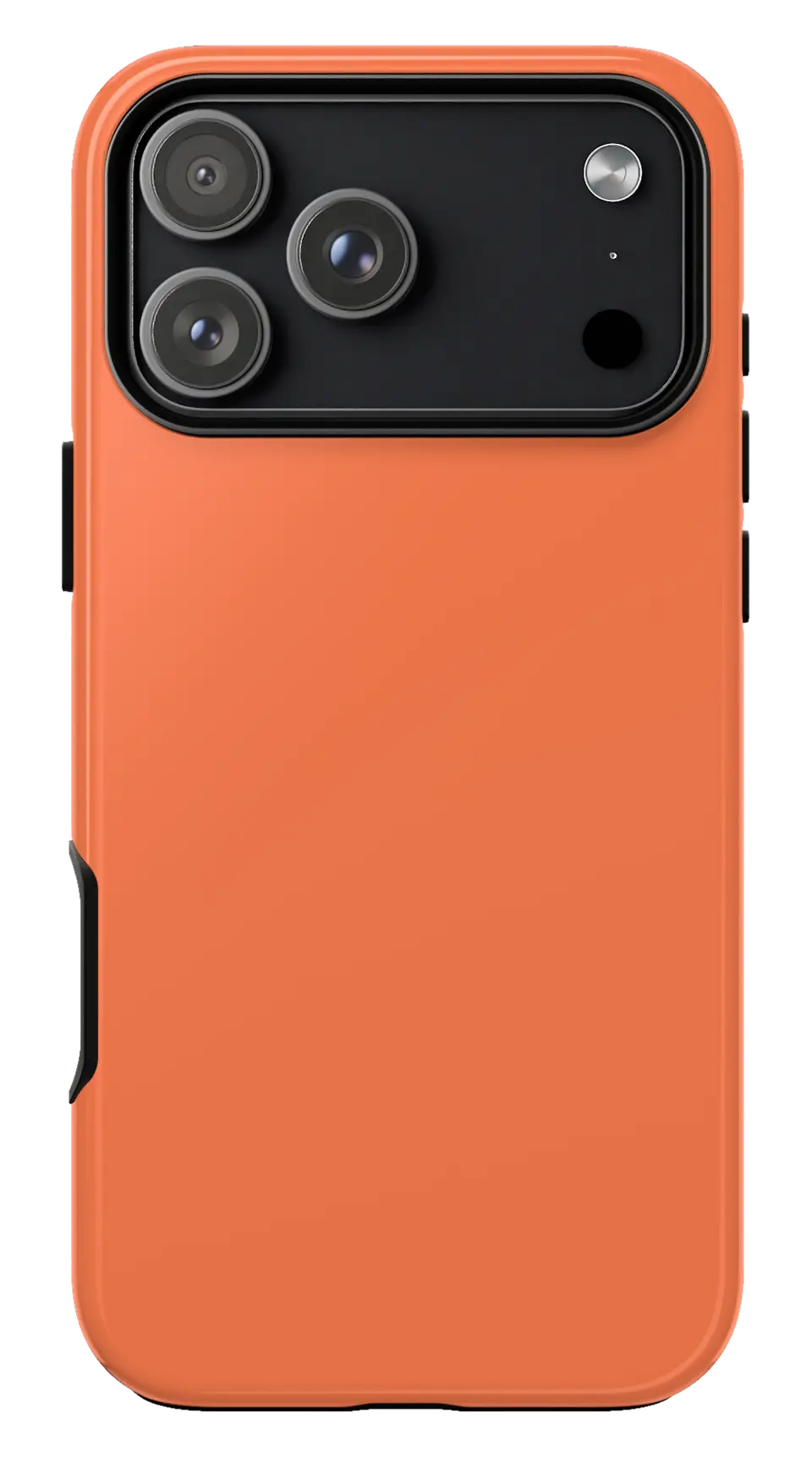 Coral Phone CaseFrom$29.00Phone case · choose your model
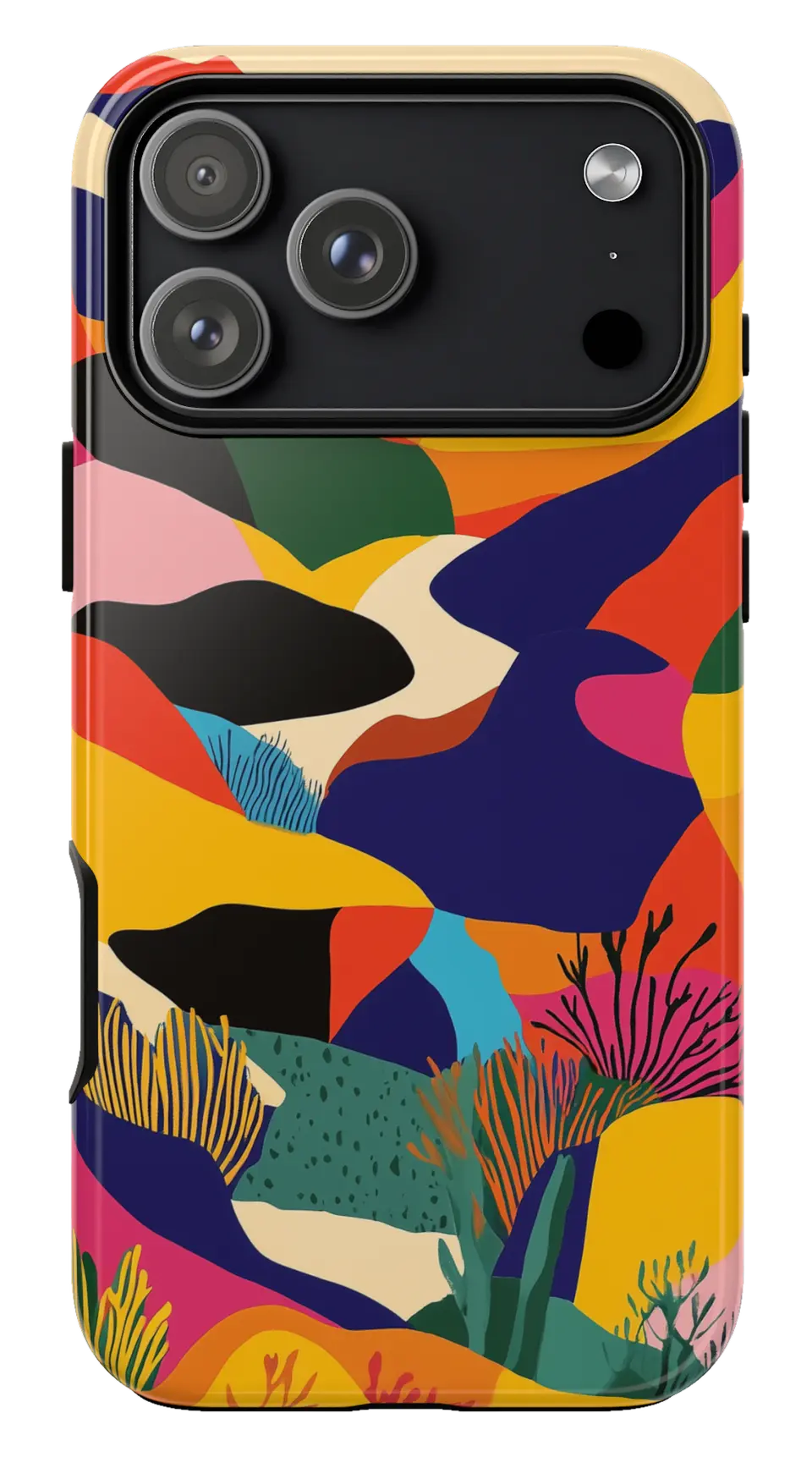 Colorful Mountain Abstract Phone CaseFrom$29.00Phone case · choose your model


