Can you charge AirPods in a different case? What works and how
AirPods charge in a case made for their own model, and a replacement case has to be set up first. Which cases match, and Apple's exact steps for both case types.
Written by the YOONIG team · Updated · 6 min read

Only in a case made for the same AirPods model
AirPods charge in a different case only if that case was made for the same AirPods model. A matching case that isn't your original, such as a replacement or a friend's, also has to be set up with your AirPods before the two work together as one set. A case from another model is not a substitute.
Apple treats each case as part of a specific product. Its identification page lists every charging case with its own model number and says which earbuds it is compatible with (Apple: Identify your AirPods). Its setup page for a replacement case then walks through pairing the new case with the AirPods you already own, which is the part most people skip.
Which charging case goes with which AirPods
The surprise in Apple's list is how narrow some matches are. The two versions of AirPods 4 look alike, yet Apple lists a separate case for each and names the earbuds each case is compatible with. The first two generations are the opposite: either of their cases works with either generation.
The model number of a case is printed on it, under the lid on most. If you need help reading it, which AirPods do I have shows where to look on each generation.
| Charging case | Case model | Apple says it works with |
|---|---|---|
| Lightning Charging Case | A1602 | AirPods 1 and AirPods 2 |
| Wireless Charging Case | A1938 | AirPods 1 and AirPods 2 |
| AirPods Pro 1 Charging Case and MagSafe Charging Case for AirPods Pro 1 | A2190 | AirPods Pro (1st generation) |
| MagSafe Charging Case and Lightning Charging Case for AirPods 3 | A2566, A2897 | Listed under AirPods 3 |
| MagSafe Charging Case for AirPods Pro 2 (Lightning or USB-C) | A2700, A2968 | Listed under AirPods Pro 2 |
| Charging Case for AirPods 4 | A3058 | Two AirPods 4 earbuds |
| Wireless Charging Case for AirPods 4 (ANC) | A3059 | Two AirPods 4 (ANC) earbuds |
| MagSafe Charging Case for AirPods Pro 3 | A3122 | Listed under AirPods Pro 3 |
| Charging Case for AirPods 5 | A3530 | Two AirPods 5 earbuds |
| Wireless Charging Case for AirPods 5 | A3529 | Two AirPods 5 with Wireless Charging Case earbuds |
A friend's case of the same model: what to expect
This is the situation behind most searches: your case is dead or at home, and someone next to you has the same AirPods. Apple doesn't publish a guide to borrowing a case for a quick top-up. What it publishes is the procedure for making AirPods and a case that didn't start life together into one set, and that procedure is a reset followed by a fresh pairing.
That tells you what to expect. Your AirPods are linked to your own case and your Apple Account. Dropped into another case of the same model, they aren't recognized as a set with it until you run the setup steps below. And once you do run them, the AirPods belong with that case; to go back to your own you repeat the steps with yours.
For a one-off, that's more ceremony than it's worth. Borrowing a cable or a charger for your own case is the simpler fix, and how to charge an AirPods case lists every way each case accepts power.
Earbuds are a separate question from cases. Whether a left and a right from two different pairs can be used together is covered in can you mix AirPods.
Set up a replacement case with a setup button
For AirPods 1, AirPods 2, AirPods 3, AirPods Pro 1 and AirPods Pro 2, Apple's steps are these (Apple: Set up your replacement AirPods or charging case). Don't skip the 20 minutes; a new case and a pair of earbuds that have been sitting loose both need the charge.
- Put both AirPods in the replacement case.
- Connect the case to power, close the lid and wait 20 minutes.
- Open the lid. If the status light flashes white, skip the next step.
- With the lid open, press and hold the setup button on the back of the case for 15 seconds, until the light flashes amber, then white.
- With the light flashing white, close the lid.
- On your iPhone, go to Settings, then Bluetooth. If your AirPods are listed, tap the More Info button, tap Forget This Device, then tap again to confirm.
- Open the lid and go to the Home Screen.
- When the setup animation appears, tap Connect, then Done.
AirPods 4, AirPods 5 and AirPods Pro 3: the double-tap version
These cases have no button, so the fourth step changes and everything else stays the same. With the lid open, double-tap the front of the case while the status light is on. Double-tap again when it flashes white. Double-tap a third time when it flashes faster. When the light flashes amber, then white, close the lid and carry on with the Bluetooth step.
The timing takes a try or two. You're tapping the front face of the case, near the light, not the lid, and each double-tap has to land while the light is in the state Apple describes. If nothing changes, start over from the open lid.
If the light won't flash white or the AirPods don't show up
The setup is a reset in disguise, and Apple's reset page adds the fallback for when it doesn't take: close the lid with the AirPods inside for 20 seconds, open it, and repeat the button hold or the three double-taps until the light flashes amber, then white (Apple: How to reset your AirPods). Then reconnect with the lid open and the AirPods next to your iPhone.
Three things account for most failures. The first is a case that hasn't actually charged, which is why Apple's steps start with 20 minutes on power. The second is skipping Forget This Device, so the phone keeps trying to talk to the old pairing. The third is a case that doesn't match the earbuds, in which case no number of attempts will help; check the model number against the table above.
More detail on each stage of a reset, and what it clears, is in how to reset AirPods.
Where a matching replacement case comes from
Apple's line on this is short: if you lose your AirPods or case, you can order a replacement, and the request starts on its service page (Apple: AirPods Service and Repair). Ordering through Apple is the dependable way to get a case that matches your earbuds, since the match is by model.
What to have ready, what Apple asks for and the options if your model is an older one are in how to replace a lost or broken AirPods case. Before you order, it's worth one more search: on several models the case shows up in Find My on its own, and how to find a lost AirPods case lists which.
A cover has to match the case too
The same rule applies one layer out. Charging cases differ in size and shape from one AirPods model to the next, so a protective cover is made for one model and won't sit right on another. If a replacement case arrives and it's the same model as the one you lost, your old cover fits it. If you changed models, it won't.
Our printed AirPods cases are glossy polycarbonate hard shells with a carabiner, one for each AirPods model we cover. The fit between generations is laid out in which AirPods case cover fits my AirPods.
Frequently asked questions
Can AirPods charge in any case?
No. Apple lists each charging case with the AirPods it is compatible with, and a case from a different model isn't a substitute. Even the two versions of AirPods 4 have separate cases.
Can I put my AirPods in someone else's case?
If it's a case for the same model, you can set your AirPods up with it using Apple's replacement-case steps, which reset and re-pair them. They then belong with that case until you repeat the steps with your own.
Are AirPods cases interchangeable?
Within the same model, yes, after setup. Across models, no, with one documented exception: Apple says the Lightning Charging Case and the Wireless Charging Case both work with AirPods 1 and AirPods 2.
How do I connect a new AirPods case?
Put both AirPods in it, charge for 20 minutes with the lid closed, then open the lid and hold the setup button for 15 seconds, or use three double-taps on AirPods 4, AirPods 5 and AirPods Pro 3. When the light flashes amber then white, forget the AirPods under Settings, Bluetooth and tap Connect on the setup card.
Do I need to reset my AirPods to use a replacement case?
In effect, yes. Apple's replacement setup uses the same button hold or double-tap sequence as a reset, followed by Forget This Device and a fresh connection.
Will my old cover fit a replacement AirPods case?
Yes if the replacement is the same model as the case it was made for. Covers are shaped for one AirPods model, so a different model needs a different cover.
Shop the story
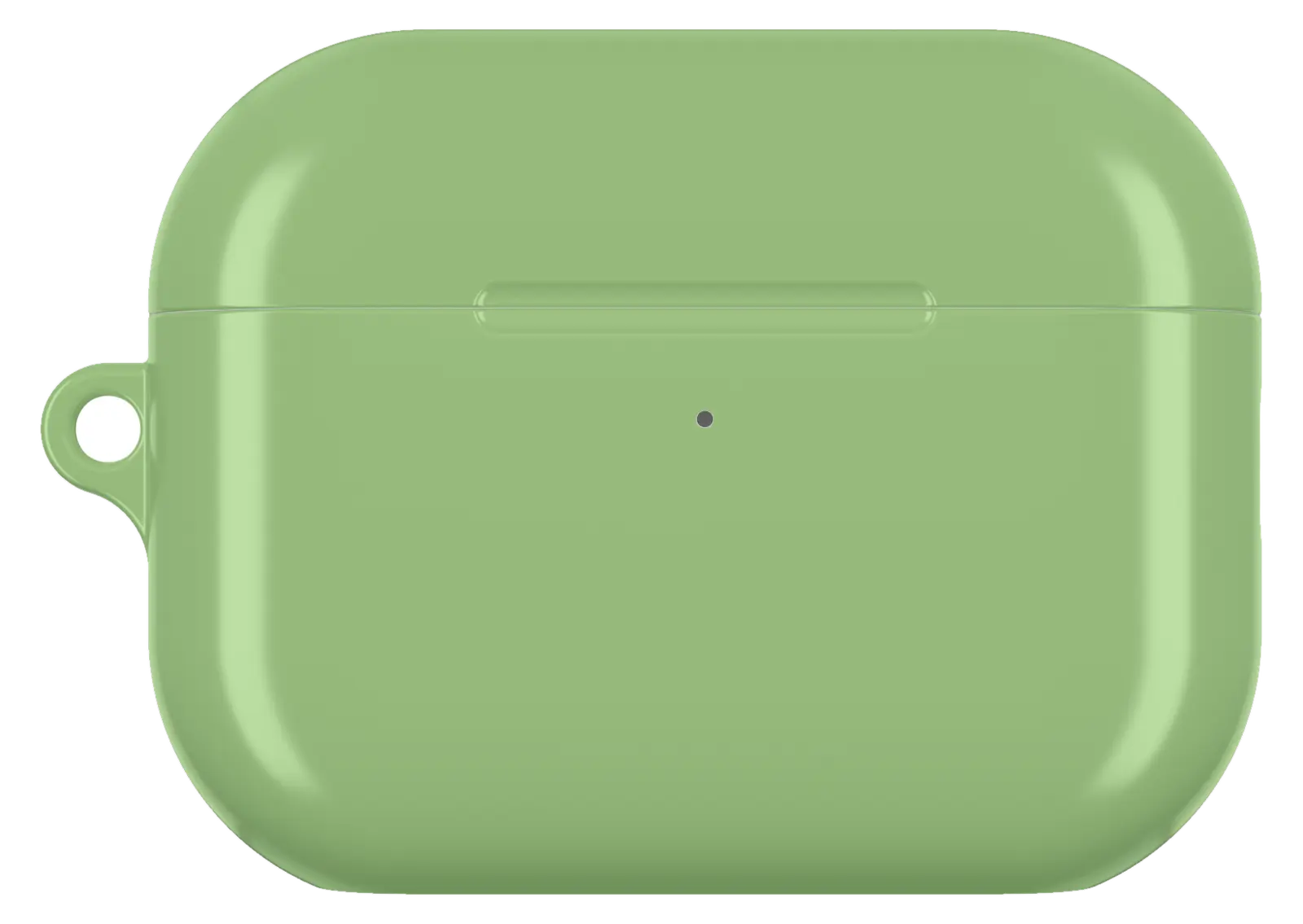 Sage Green AirPods caseFrom$29.00AirPods case · choose your model
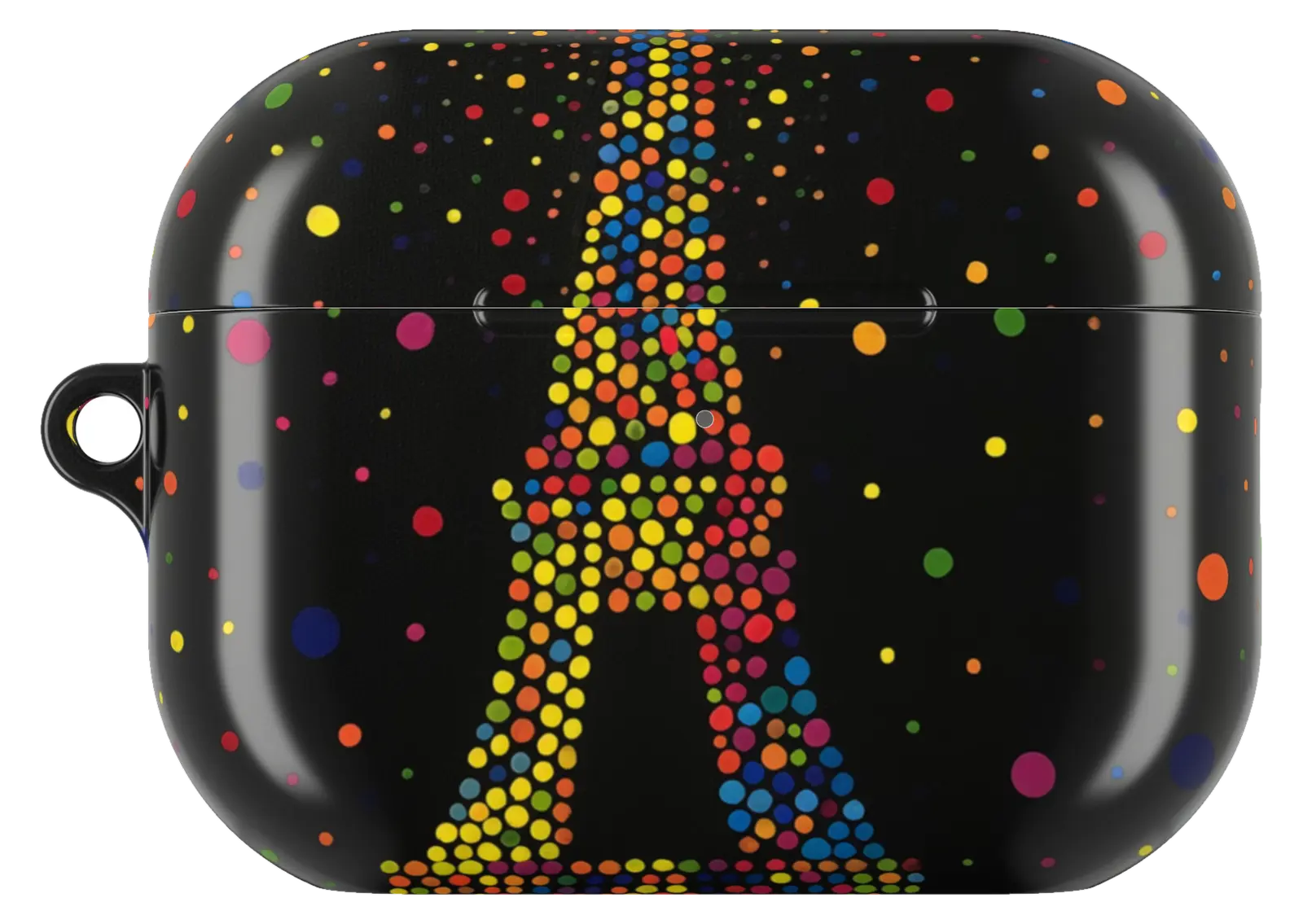 Paris Night AirPods caseFrom$29.00AirPods case · choose your model
 Daisy Flower AirPods caseFrom$29.00AirPods case · choose your model


