Why is my AirPods case lid loose, and can it be fixed?
A wobbly lid may be harmless or may stop your AirPods charging. A five-minute test tells you which, and Apple's pages tell you what can and can't be repaired.
Written by the YOONIG team · Updated · 7 min read

The short answer: test what the lid does, because Apple gives no number for wobble
Apple doesn't publish a tolerance for how much an AirPods case lid may move, so there's no official line between normal play and a fault. What decides it is function: if the lid still closes fully and stays closed, a little side-to-side movement isn't stopping anything. If it won't stay shut, sits crooked or has come away at the hinge, the case is damaged, and Apple's guidance is to stop using a damaged case and have it serviced or replaced.
The lid matters more than it looks. Apple says AirPods shut down and charge whenever they're in the case with the lid closed (Apple: Charge AirPods, AirPods Pro, or AirPods Max). A lid that doesn't close is a case that can't reliably do its one job.
A five-minute test: does the loose lid affect anything?
Do this with the bare case. If it wears a cover, take the cover off first, so you're testing the case and not the fit of something around it.
- Close the lid with both AirPods inside and let go. It should stay closed without being held.
- Turn the closed case upside down and give it a gentle shake over a table. The lid should not fall open.
- Look along the seam between lid and body. A gap on one side, or a lid sitting higher at the back than the front, means it isn't closing square.
- Open the lid with the AirPods inside. The status light should come on: green for fully charged, amber for less than one full charge.
- Open the lid next to your iPhone and check the battery status on screen. Both earbuds and the case should appear.
- Close it, leave it on the charger for a while, then check the earbuds' charge again. If the percentage has gone up, they're shutting down and charging as they should.
- Look at the hinge itself for a crack, a bent part or anything that has shifted out of line. Any of those is damage, however well the lid still closes today.
What you found, and what to do about it
Match your result to a row. The middle column is our reading of the test, not an Apple specification, since Apple hasn't published one for the lid.
| What you see | What it means in use | Next step |
|---|---|---|
| Slight wobble, closes and stays shut, AirPods charge | The case is doing its job | Keep using it; recheck if the play grows |
| Lid closes but springs or falls open | AirPods may not stay shut down or charging | Clean the rim and hinge area, retest, then contact Apple |
| Lid sits crooked or leaves a gap | Something is bent, cracked or blocked | Check for debris; if clean, treat as damage |
| Crack at the hinge, lid partly detached | Damaged case | Stop using it; service or a replacement case |
| Lid is fine but there is no light and no charging | Not a lid problem | Follow the charging checklist instead |
Clean first: grit and pocket lint keep a lid from seating
Before deciding the hinge has failed, rule out dirt. A case that lives in a pocket collects lint and grit around the rim where lid meets body, and anything sitting on that edge holds the lid open by a hair.
Apple's cleaning instructions for the charging case are short (Apple: How to clean your AirPods). Wipe the case with a soft, dry, lint-free cloth. If needed, dampen the cloth slightly with isopropyl alcohol, then let the case dry. Remove debris from the charging port with a clean, dry, soft-bristled brush. And the limits: don't get any liquid in the charging ports, don't put anything in the ports, and don't use abrasive materials.
Apple's page doesn't mention the hinge specifically, so apply the same rules there: dry cloth or soft brush, no liquid run into the gap, nothing sharp pushed in. Then repeat the test. If the lid now closes square and stays shut, you're done.
A cover can cause the same symptom from the outside. If a hard cover isn't seated fully on the lid or the body, it can get in the way before the case's own lid has closed. Seat the cover again, or test without it. Fitting is covered in how to put on and remove an AirPods case cover.
Can you fix a broken AirPods case yourself? What Apple's safety page rules out
Apple publishes no repair guide, part or procedure for an AirPods charging case hinge, so there's no maker-approved home fix to describe. What it does publish points the other way.
Its safety information says to handle AirPods and the charging case with care because they contain sensitive electronic components, including batteries, and can be damaged, impair functionality or cause injury if dropped, punctured, crushed or disassembled. It says case batteries should only be repaired by a trained technician, and that the product contains non-replaceable batteries (Apple: Important safety and handling information for AirPods). Prying the case open to reach the hinge is disassembly of a shell with a battery inside it.
The same page has the line that settles the question for a case with a cracked hinge: don't use damaged AirPods or charging case.
You'll find glue and tape methods described online. We can't point you to them. Apple documents none of them, they aren't reversible, and they put adhesive on a shell that holds a battery and charging contacts. If the lid has failed, the real choices are service or a new case.
Service or a replacement case: which coverage applies
What it costs you depends on how the lid got loose, and Apple's coverage draws a clear line between a defect and an accident.
The Apple Limited Warranty covers AirPods against manufacturing issues for one year from the date you bought them, and Apple states that the warranty doesn't cover accidental damage (Apple: Service and Repair for AirPods). A hinge that loosened with no drop, inside that year, is worth raising as a manufacturing issue. Whether it qualifies is Apple's decision after it looks at the case; we can't predict it.
A lid that came loose after a fall is accidental damage. That's what AppleCare is for: Apple says AirPods and the charging case are covered for unlimited repairs for drops and spills under the plan. Without it, damage from a fall isn't something the warranty pays for, and Apple will tell you the options when you start a request.
Either way you don't have to replace the earbuds. Apple sells the case separately, and a new one is paired to your existing AirPods with a short procedure. Which case to ask for and how to pair it are in how to replace a lost or broken AirPods case.
Have the details ready before you contact Apple. The serial number of a charging case is printed on the underside of the lid, and the model is listed in Settings under Bluetooth when you tap the Info button next to your AirPods (Apple: Identify your AirPods).
Until it's sorted, and how to spare the next hinge
Your AirPods don't depend on the case to play. Each earbud has its own battery, so you can keep listening while the case is away; what you lose is the recharge. The details are in do AirPods work if the case is dead, and the same logic applies to a case that's in the mail.
If the lid still closes but you don't trust it, check the earbuds' charge before you leave the house instead of assuming the case topped them up. Our guide on how to check AirPods battery lists every way to do it.
Apple gives no figure for how many openings a hinge is built for, so nobody can honestly promise a way to extend it. The things that plainly damage hinges are within your control, though: drops onto the open lid, the case sat on in a back pocket, the lid used as a fidget. Most of that happens to cases carried loose.
A cover won't repair a hinge and we wouldn't sell it as one. What our printed AirPods cases do is put a polycarbonate hard shell over the body and the lid, which the maker describes as scratch-resistant, and add a carabiner so the case hangs from a bag instead of riding in a pocket. Each is made for one model, for example AirPods Pro (2nd generation).
Frequently asked questions
Is it normal for an AirPods case lid to wiggle?
Apple publishes no specification for lid movement, so there's no official answer. Judge it by function: if the lid closes fully, stays closed and the AirPods charge, the movement isn't affecting anything.
Will AirPods charge if the case lid won't close?
Don't count on it. Apple says AirPods shut down and charge when they're in the case with the lid closed, so a lid that stays open takes away one of the two conditions.
Can Apple fix a loose AirPods case lid?
Apple services AirPods and sells replacement charging cases. Manufacturing issues are covered for one year under the limited warranty, accidental damage is not, and AppleCare covers drops and spills. Start a request on Apple's AirPods service page.
Can I glue a broken AirPods case hinge?
Apple documents no such repair, and its safety information warns against disassembling the case and says not to use a damaged one. We don't recommend it; service or a replacement case are the supported routes.
Do I need to buy new AirPods if the case is broken?
No. A charging case can be replaced on its own, as long as it matches your AirPods model, and then paired with your existing earbuds.
Shop the story
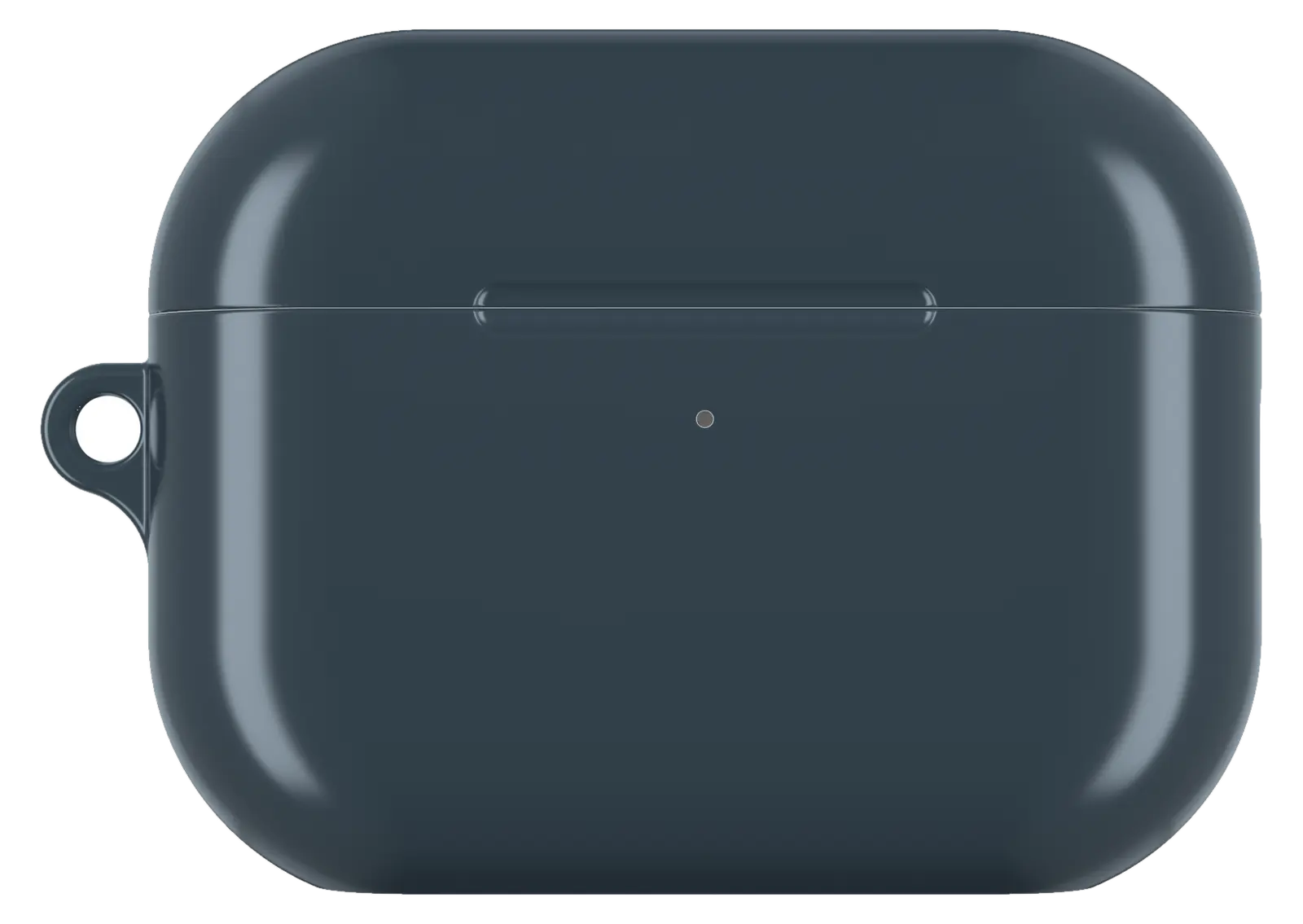 Charcoal Gray AirPods caseFrom$29.00AirPods case · choose your model
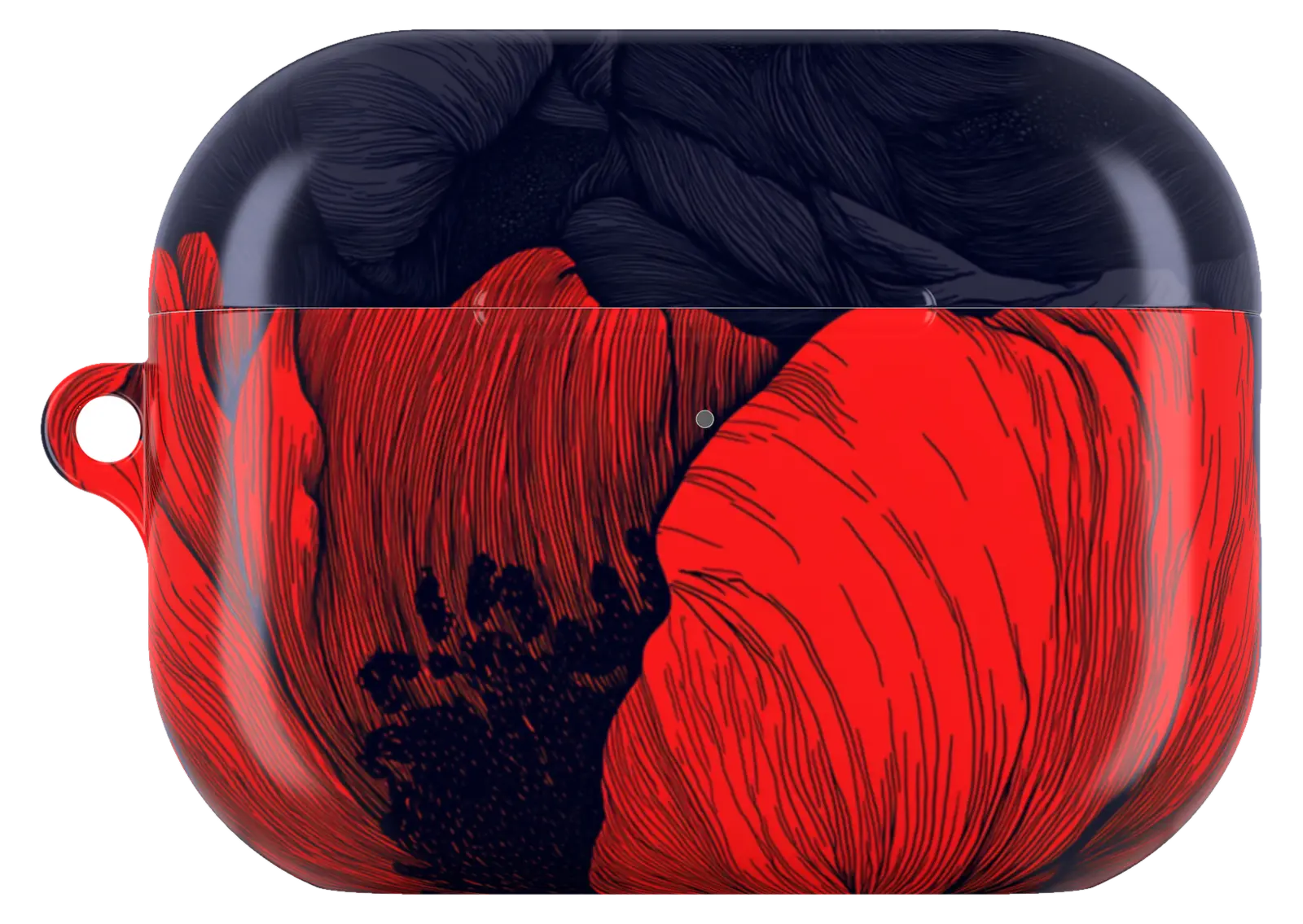 Red Poppy Floral AirPods caseFrom$29.00AirPods case · choose your model
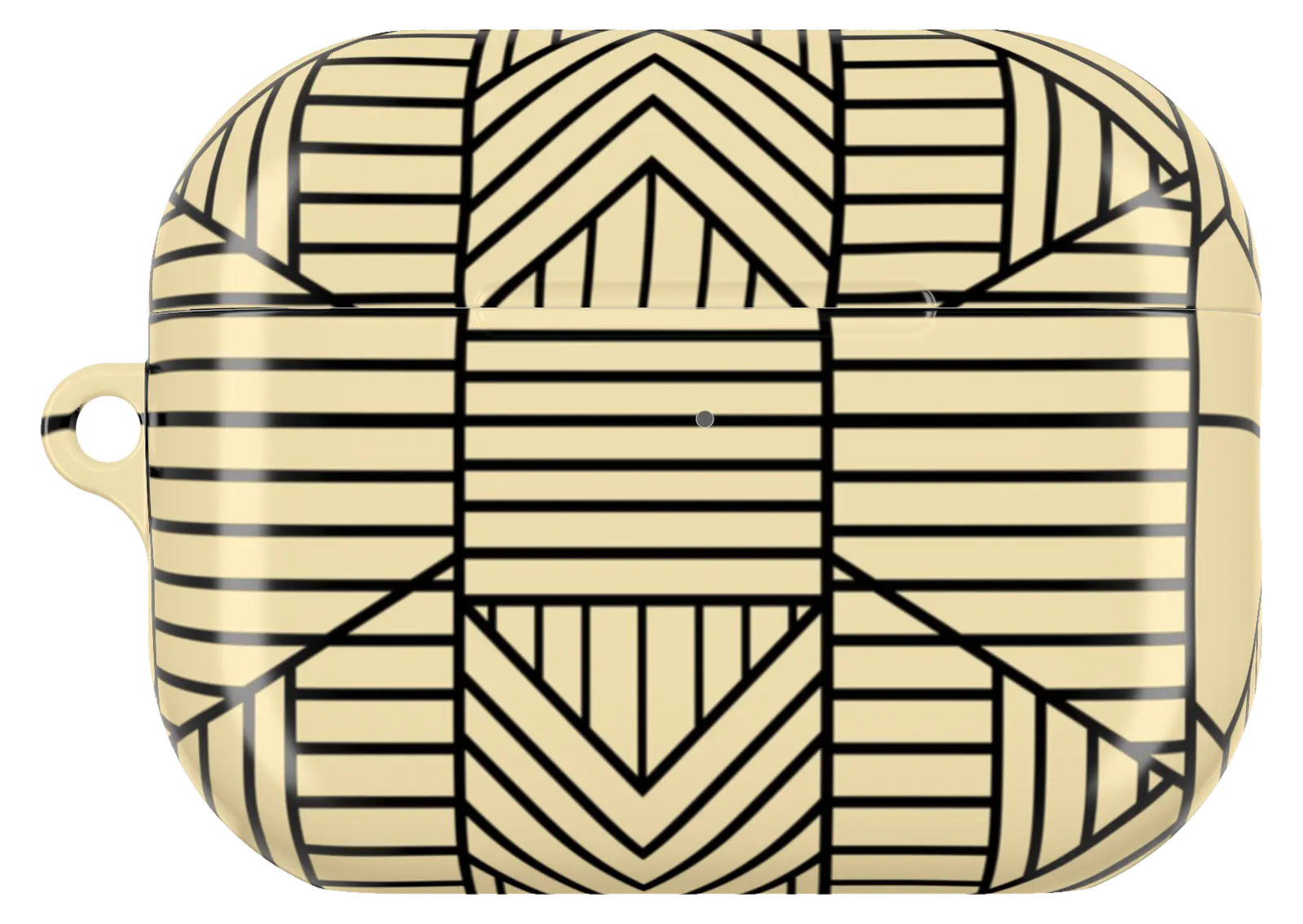 African Geometric Pattern AirPods caseFrom$29.00AirPods case · choose your model


