What to do with old AirPods: fix, pass on or recycle
Four sensible ends for an old pair of AirPods, the Find My step most people skip before giving them away, and what Apple says about recycling them.
Written by the YOONIG team · Updated · 7 min read

Four options, and one thing never to do
Old AirPods have four reasonable ends: get the worn part serviced or replaced, keep them as a spare, hand them to someone else, or recycle them through Apple, which takes them for free. The one thing not to do is drop them in the household trash, because each earbud and the case contain a battery.
Which option fits depends on what's wrong with them. A pair that only lasts an hour is a battery problem. A pair with one dead earbud is a parts problem. A pair that works fine but has been replaced is a hand-me-down. The table below sorts the common cases.
| State of the old AirPods | Sensible route | Do this first |
|---|---|---|
| Work fine, you've bought new ones | Give away, sell, or keep as a spare | Remove them from your Apple Account in Find My |
| Battery runs down much sooner than it used to | Battery service through Apple, or recycle | Check whether you have AppleCare coverage |
| One earbud lost or dead, the rest fine | Order a single replacement AirPod | Note the model so the replacement matches |
| Case lost or broken, earbuds fine | Order a replacement case and pair it | Identify the case model |
| Damaged, swollen, cracked or wet inside | Stop using them and recycle | Remove them from your Apple Account |
Before they leave your hands: remove them from your Apple Account
This is the step people skip. Apple says AirPods can be paired with only one Apple Account at a time, so you should remove them from yours before you sell them or give them away. That's what lets the next owner use every feature, Find My included (Apple: Before you sell, give away, return, or recycle your AirPods).
Forget This Device in Bluetooth settings is a different action. It unpairs the AirPods from your devices; the Find My removal below is the one Apple's hand-over page asks for. You only need to do it on one device, and the AirPods don't have to be connected, though Apple notes it may go faster if they're nearby.
- On an iPhone or iPad, open the Find My app and tap the Devices tab.
- Tap your AirPods, then swipe up on the card.
- Tap Remove This Device and confirm.
- On a Mac: open Find My, select the AirPods under Devices, click the More Info button, then Remove This Device.
- If the AirPods have an AppleCare plan, Apple says you can cancel it or transfer it to the new owner.
- Clean them before you hand them over. Our guide to cleaning AirPods and the charging case follows Apple's instructions.
Recycling through Apple: what its pages promise
Apple's recycling page says its Trade In program lets you recycle any Apple device at an Apple Store location and on apple.com for free, and that the items accepted for recycling include the device as well as batteries (Apple: Apple Trade In and recycling). AirPods are an Apple device, so both doors are open: walk them into a store, or start online.
For mail-in, Apple says it either sends a prepaid trade-in kit or emails drop-off instructions. One line on that page is worth repeating because of what AirPods are made of: do not ship loose batteries. Send the earbuds and the case whole. Don't try to open them to separate anything.
The reason the trash is out: Apple's battery page says putting batteries directly in the trash is dangerous for the environment, and its AirPods safety information says batteries should be recycled or disposed of separately from household waste, according to local environmental laws and guidelines. If an Apple Store isn't practical, your local electronics or battery recycling point is the alternative; rules differ by state and city, so check locally.
Old accessories can go in the same trip. Apple says it will recycle chargers, cables and cases you send in.
Trade-in credit: AirPods aren't on Apple's list
When we read Apple's trade-in page for this article, the device categories it named for credit were iPhone, iPad, Mac and Apple Watch, plus some third-party smartphones. AirPods and headphones weren't listed (Apple: Apple Trade In). The page's line for everything else is that if your device isn't eligible for trade-in, Apple will recycle it for free.
Programs change, so look at the page before you plan around it. As it stands, expect recycling from Apple for old AirPods, not money.
When only one part is tired: battery service and single replacements
A pair of AirPods is three separate things: two earbuds and a case, each with its own battery. Often only one of them has given up, and Apple deals with them individually.
Battery first. Apple's service page says its warranty doesn't cover batteries that wear down from normal use, and that with AppleCare it replaces the battery for no extra charge if capacity drops below 80% (Apple: Service and Repair for AirPods). With or without that coverage, the way in is the same: start a request on that page and Apple will tell you what applies to your pair. We don't quote service costs here because they change and depend on the model.
This is not a job for a kitchen table. Apple's safety information states that the product contains non-replaceable batteries and that AirPods and case batteries should only be repaired by a trained technician, to avoid battery damage that could cause overheating, fire or injury.
Lost or dead parts are simpler. Apple says that if you lose your AirPods or case, you can order a replacement, and it publishes the steps for joining the new part to the old ones. Those steps, and how to work out which case you need, are in how to replace a lost or broken AirPods case.
How long is too long to keep fixing them? Apple publishes no lifespan for AirPods in years, so there's no official point at which a pair is finished. The figures Apple does publish are in how long AirPods last.
Keeping an old pair: what it's still good for
A pair with a shortened battery is still useful anywhere a charger is close. The desk drawer at work, the gym bag and the bedside table are the classic places: short sessions, case nearby.
A single surviving earbud isn't scrap either. Apple's settings page says that if you use only one AirPod, that AirPod acts as the microphone, so one earbud handles calls on its own. There's more on that in using AirPods with one earbud.
What you can't do is repurpose the old case for a different model. Apple's identification page lists each charging case against the specific AirPods it works with: the AirPods 4 case with AirPods 4 only, for example, and the Lightning and Wireless Charging Cases with AirPods 1 and 2 (Apple: Identify your AirPods). An old AirPods 2 case won't charge AirPods Pro 3.
If you're keeping them long term, keep them in the case, and stop using them if either the earbuds or the case are visibly damaged. Apple's instruction on that is one line: don't use damaged AirPods or charging case.
The cover goes with the model, not with you
If your old pair wore a protective cover, it stays with that pair. Charging cases differ in shape between models, and a cover is made for one of them. Passing the old AirPods on in their cover is the tidy answer: the next owner gets a case that's protected from scratches.
For the new pair, start from the model name. We make one printed polycarbonate cover with a carabiner for each AirPods model we carry, including AirPods 4 and AirPods Pro 3. If you're not sure which model the new ones are, which AirPods do I have shows where to read it.
Frequently asked questions
Can I throw old AirPods in the trash?
No. They contain batteries, and Apple says batteries should be recycled or disposed of separately from household waste. Apple recycles any Apple device for free at an Apple Store or through apple.com.
Does Apple take back old AirPods?
Yes, for recycling. Apple's recycling page says you can recycle any Apple device at an Apple Store location and on apple.com for free. The trade-in page we checked did not list AirPods among the devices eligible for credit.
Can I give my old AirPods to someone else?
Yes. First remove them from your Apple Account: in the Find My app, tap Devices, tap your AirPods, swipe up and tap Remove This Device. Apple says that lets the new owner use all features, including Find My.
Can the battery in old AirPods be replaced?
Not by you: Apple says the batteries are non-replaceable and should only be repaired by a trained technician. Under AppleCare, Apple replaces the battery at no extra charge if capacity has dropped below 80%; start a service request with Apple to see what applies to yours.
What can I do with just one old AirPod?
Use it alone, since a single AirPod works as both speaker and microphone, or order a matching replacement for the missing one and pair them with Apple's replacement steps. If neither appeals, recycle it.
Can I use my old AirPods case with new AirPods?
Only if the new AirPods are a model that case is made for. Apple lists each charging case with the specific AirPods it works with, and cases are not shared across different models.
Shop the story
 Olive Green AirPods caseFrom$29.00AirPods case · choose your model
 Botanical Bliss AirPods caseFrom$29.00AirPods case · choose your model
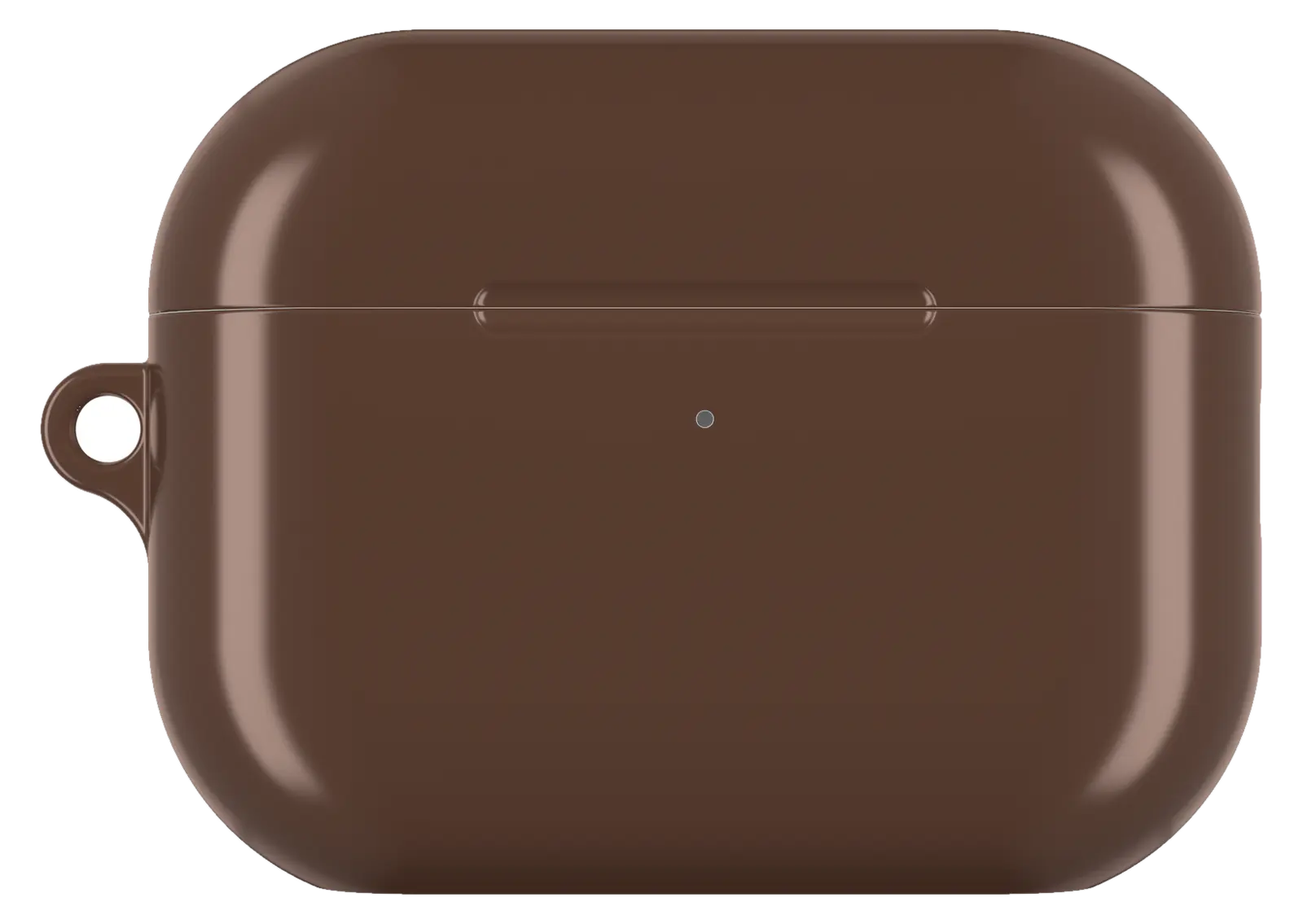 Walnut Brown AirPods caseFrom$29.00AirPods case · choose your model


