Do AirPods work with Android? How to pair them and what you lose
AirPods work with any Android phone over Bluetooth. Here are the pairing steps for each model and the features that only run on Apple devices.
Written by the YOONIG team · Updated · 7 min read

Yes: AirPods work with Android as regular Bluetooth earbuds
AirPods work with Android phones, Samsung Galaxy and Google Pixel included. They pair over Bluetooth like any other wireless earbuds, and you can listen and take calls on them. What you give up is the Apple-only layer: Apple's own guide says you can't use Siri on a non-Apple device, and the setup, battery and update tools all live on an iPhone, iPad or Mac.
Apple's wording is short: you can use AirPods as a Bluetooth headset with a non-Apple device, and you can't use Siri, but you can listen and talk (Apple: Pair AirPods with a non-Apple device). That covers every model, from the first AirPods to AirPods Pro 3 and AirPods Max. The only thing that changes between models is how you put them into pairing mode.
Pair AirPods with an Android phone, step by step
The whole job takes about a minute. Keep both AirPods in the charging case until the last step, because pairing mode starts at the case, not at the earbuds.
- On the phone, open the Bluetooth settings. Apple's guide gives the path Settings, then Connections, then Bluetooth, which is how Samsung Galaxy phones lay it out.
- With both AirPods in the charging case, open the lid.
- Put the AirPods in pairing mode using the method for your model in the table below. You're looking for one signal: the status light flashing white.
- On the phone, wait for the AirPods to appear in the list of available Bluetooth devices, then tap their name.
- Accept the pairing request if the phone shows one, take the AirPods out and play something. From now on they reconnect to this phone from its saved devices list.
| AirPods model | How to start pairing mode | What you should see |
|---|---|---|
| AirPods (1st, 2nd and 3rd generation) | Lid open, press and hold the setup button on the back of the case for about 5 seconds | Status light flashes white |
| AirPods Pro (1st and 2nd generation) | Lid open, press and hold the setup button on the back of the case for about 5 seconds | Status light flashes white |
| AirPods 4, AirPods 5 and AirPods Pro 3 | Open the case with the AirPods inside, hold it next to the phone and double-tap the front of the case | Status light flashes white |
| AirPods Max | Press and hold the listening mode button for about 5 seconds | Status light flashes white |
Where the Bluetooth menu is on Samsung Galaxy and Google Pixel
Android phones don't all name their menus the same way, which is where most people get stuck. On a Samsung Galaxy, Apple's path is the right one: Settings, Connections, Bluetooth. Turn Bluetooth on and the phone starts scanning; new devices show under the available list.
On a Pixel and other phones that follow Google's layout, Google's own steps start from the quick settings panel: pull down from the top of the screen, press and hold the Bluetooth icon, then tap Pair new device (Google: Connect through Bluetooth on your Android device). If the AirPods don't show, Google says to check under Available devices or tap More, then Refresh. Google notes that some of those steps only work on Android 15 and up, so an older phone may word them differently.
Look for the entry with AirPods in its name and tap it. If you aren't sure which generation you're holding, and so which pairing method to use, which AirPods you have is quick to settle from the model number.
What works on Android and what stays behind
Apple documents the Android experience in one sentence, so the table below sticks to what its support pages state. Where Apple is silent, the table says so instead of guessing.
| Feature | On Android | Why |
|---|---|---|
| Music, video and podcasts | Works | Apple: you can listen |
| Phone and video calls with the built-in microphones | Works | Apple: you can listen and talk |
| Siri | Doesn't work | Apple: you can't use Siri on a non-Apple device |
| Pop-up setup card when you open the lid | iPhone and iPad only | It's part of Apple's setup on iOS; Android uses the Bluetooth list |
| Automatic setup on your other devices, automatic switching, Find My | Needs an Apple Account | Apple ties these to the Apple Account the AirPods are linked to |
| Battery percentage on screen | Not through Apple's method | Apple's steps use Settings on an iPhone or iPad; the case light still works |
| Firmware updates | Not from Android | Apple delivers them through an iPhone, iPad or Mac |
| Ear Tip Fit Test and Acoustic Seal Test (AirPods Pro) | Not from Android | Apple runs both tests on an iPhone or iPad |
| Noise control and other on-bud controls | Apple doesn't say | The non-Apple guide promises listening and talking, nothing else |
Battery and firmware when you don't own an iPhone
Without an iPhone you read the battery from the case. Apple's rule: with the AirPods in the case and the lid open, the status light shows the charge of the AirPods; with the case empty, it shows the charge of the case. Green means fully charged, amber means less than one full charge remains, and no light means you may need to charge before you can use them again (Apple: Charge your AirPods). The longer version, including the pulsing and flashing amber on newer models, is in how to check AirPods battery.
Firmware is the bigger gap. Apple delivers updates automatically while the AirPods are charging and within Bluetooth range of an iPhone, iPad or Mac that's connected to Wi-Fi. An Android phone can't stand in for that. Apple's page gives two ways around it: borrow an Apple device (connect the AirPods to it, put them in the powered case with the lid closed, keep them in range and wait at least 30 minutes), or book an appointment at an Apple Store or an Apple Authorized Service Provider to have the firmware updated (Apple: About firmware updates for AirPods).
Charging is identical on either platform. The case takes a Lightning or USB-C cable depending on the model, and a wireless-capable case sits on a Qi charger the same way no matter whose phone is in your pocket.
If the AirPods don't show up in the Bluetooth list
Work through these in order. Most failed pairings come down to the first two.
- Check the light. No light at all means the case or the AirPods are flat. Charge the case with the AirPods inside, then try again.
- Check the model. On AirPods 4, AirPods 5 and AirPods Pro 3 there is no button to press: the double-tap goes on the front of the case, with the lid open and the AirPods inside. On the others, the button is on the back and needs about 5 seconds.
- If a double-tap doesn't register and the case is wearing a cover, take the cover off and tap the bare case.
- If the same AirPods are also set up on an iPhone or iPad in the room, disconnect them there first so only one device is asking for them.
- Refresh the phone's list: on Google's layout, tap More, then Refresh. Toggling Bluetooth off and on does the same on most phones.
- Still nothing: reset the AirPods. The case-side steps don't need an iPhone, and our guide to how to reset AirPods has them for every model.
Sharing one pair between an iPhone and an Android phone
You can keep the same AirPods paired with both. Apple links AirPods to one Apple Account to enable automatic switching and Find My, and those keep working on the Apple side. The Android phone is simply one more Bluetooth device they remember. Nothing moves them to it automatically, though: when you want them on the Android phone, open its Bluetooth list and tap the AirPods.
Used AirPods deserve a check before you buy them for an Android phone. Apple says that if someone else has used the AirPods, that person must first remove them from their Apple Account. Ask the seller to do it before handing them over.
The charging case doesn't care which phone you use, and neither does a cover for it. Our printed AirPods cases are made per AirPods model, not per phone, so a Galaxy owner picks by the earbuds. If you'd like a case for the phone as well, we print Samsung Galaxy cases too. Pixel owners will find theirs under Google Pixel cases.
Frequently asked questions
Can AirPods connect to a Samsung phone?
Yes. Open Settings, Connections, Bluetooth on the Galaxy, put the AirPods in pairing mode with the lid open until the light flashes white, and tap them in the list. They work as a Bluetooth headset for listening and calls.
How do I pair AirPods Pro with Android?
For AirPods Pro (1st and 2nd generation), open the lid and hold the setup button on the back of the case for about 5 seconds until the light flashes white. AirPods Pro 3 have no button: double-tap the front of the open case instead. Then select them in the phone's Bluetooth list.
Does Siri work on AirPods connected to Android?
No. Apple states that you can't use Siri when AirPods are paired with a non-Apple device, only listen and talk.
Can I update AirPods firmware with an Android phone?
No. Apple delivers firmware through an iPhone, iPad or Mac on Wi-Fi while the AirPods charge nearby. Without one, Apple says you can make an appointment at an Apple Store or an Apple Authorized Service Provider to update them.
Do AirPods Max work with Android?
Yes, as a Bluetooth headset. Press and hold the listening mode button for about 5 seconds until the status light flashes white, then choose AirPods Max in the phone's Bluetooth list.
Can I see the AirPods battery level on Android?
Apple's on-screen battery check is for iPhone and iPad. On Android, use the status light on the case: green is fully charged, amber is less than one full charge.
Shop the story
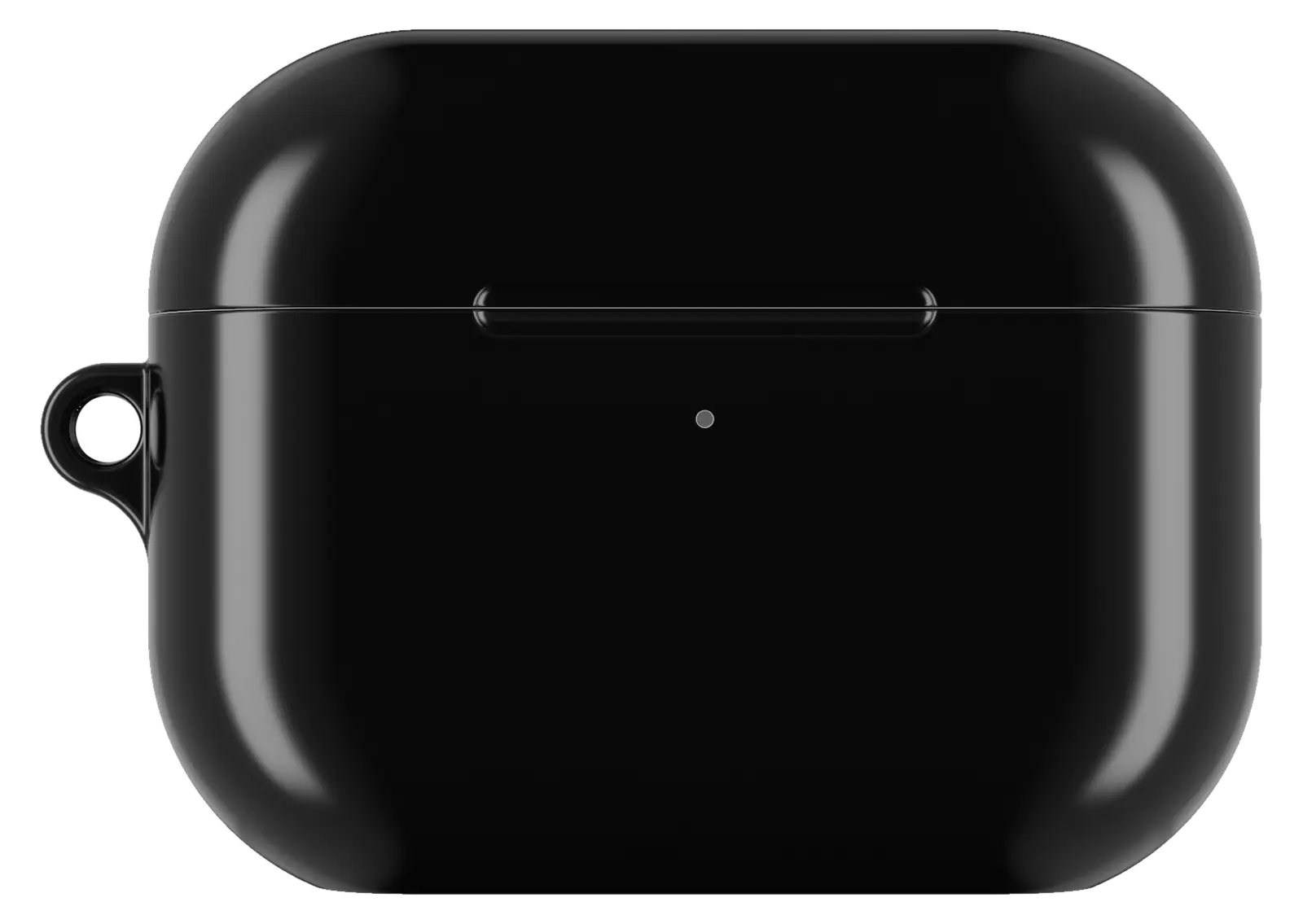 Deep Black AirPods caseFrom$29.00AirPods case · choose your model
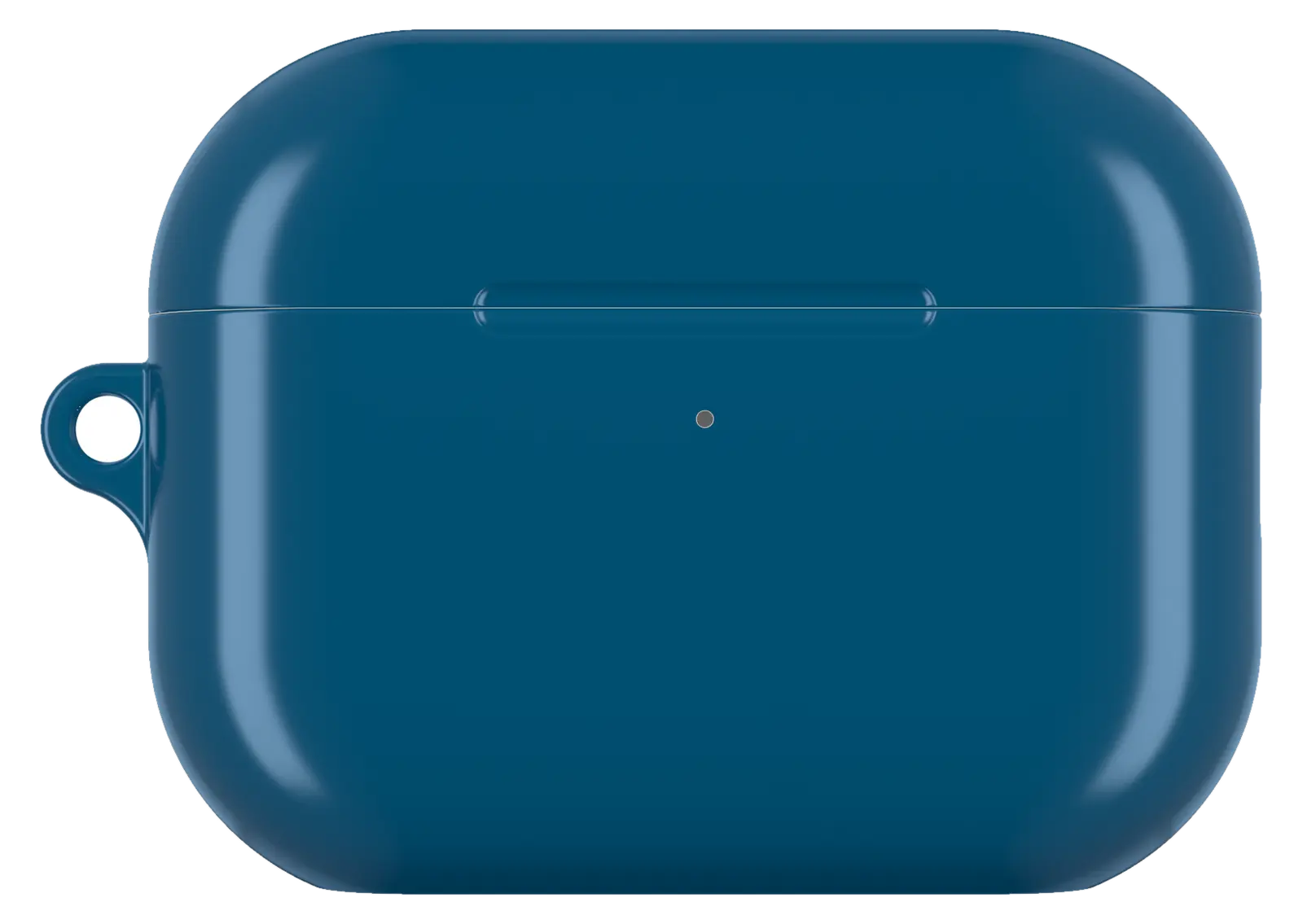 Ocean Blue AirPods caseFrom$29.00AirPods case · choose your model
 Chess Pattern AirPods caseFrom$29.00AirPods case · choose your model


