How fast does MagSafe charge? Watts and times by iPhone
Apple's MagSafe wattage for each iPhone tier, the adapter and charger each one needs, how it compares with a cable, and the things that quietly drop you to 7.5W.
Written by the YOONIG team · Updated · 7 min read

Up to 25W on recent iPhones, up to 15W on older ones
MagSafe charges at up to 25W of peak power on the iPhone 16 Plus, 16 Pro Max, 17, 17 Pro and 18 Pro models, and at up to 15W on the iPhone 17e and the iPhone 15 and earlier. For the recent Pro models Apple quotes up to 50 percent in 30 minutes on a MagSafe Charger. That is faster than an ordinary Qi pad and slower than the fastest cable charging on the same phones.
Those are ceilings, not promises. Apple says the actual power delivered varies with the iPhone model, the wattage of the power adapter and system conditions (Apple: How to use your MagSafe Charger). The charger and the adapter both have to be the right ones, and a couple of ordinary habits can cut the speed by more than half without any warning on screen.
MagSafe wattage by iPhone, with the adapter and charger each tier needs
The part number is printed on the charger or its cable. It matters because the older MagSafe Charger, A2140, appears only in Apple's 15W tier. A recent iPhone on an A2140 puck will not reach 25W, whatever adapter is behind it. One oddity: the iPhone 16 spec page says up to 25W, while the MagSafe Charger page gives the iPhone 16 and 16 Pro 22.5W peak. The table uses the charger page.
For a yes or no on every individual model back to the iPhone X, see which phones have MagSafe. This table is about what each speed tier requires.
| iPhone | Peak MagSafe power | Power adapter | MagSafe Charger part number |
|---|---|---|---|
| 18 Pro, 18 Pro Max, 17 Pro, 17 Pro Max, 17, 16 Plus, 16 Pro Max | Up to 25W | 30W or greater, rated 15V/2.0A or higher | A3502, A3503, A2580 or A3250 |
| iPhone 16, iPhone 16 Pro | 22.5W | 30W or greater, rated 15V/2.0A or higher | A3502, A3503, A2580 or A3250 |
| iPhone Air | 20W | 30W or greater, rated 15V/2.0A or higher | A3502, A3503, A2580 or A3250 |
| iPhone 17e, iPhone 15 and earlier with MagSafe | Up to 15W | 20W or greater USB-C, rated 9V/2.22A or 9V/2.56A or higher | A2140 |
| iPhone 13 mini, iPhone 12 mini | Up to 12W | At least 9V/2.03A | A2140 |
| iPhone 16e, iPhone 11 and other non-MagSafe models | Not stated by Apple for this charger | Any of the above | Charges as a Qi device, without magnetic alignment |
How long it takes: MagSafe against a cable
Apple doesn't publish a zero-to-full time for any iPhone on MagSafe. What it publishes, on each model's spec page, is the time to 50 percent from a drained phone, and only for some models. The figures below are Apple's, taken from the spec pages for the iPhone 17 Pro, the iPhone 16 and the iPhone 18 Pro.
Read across the rows and the answer to 'is MagSafe faster' depends on the phone. On an iPhone 16, Apple gives the same 30 minutes to half for a 20W cable setup and for MagSafe with a 30W adapter. On the 17 Pro and 18 Pro the cable pulls ahead, because those phones accept far more power through the port than through the coil.
Don't double the figure to estimate a full charge. Apple quotes only the first half, measured from a drained phone, and Optimized Battery Charging can deliberately hold the phone at 80 percent until closer to the time you usually unplug.
| iPhone | By cable | On a MagSafe Charger |
|---|---|---|
| iPhone 18 Pro | Around 15 minutes with a 60W-capable adapter or higher | 30 minutes with a 35W adapter or higher |
| iPhone 17 Pro | 20 minutes with a 40W adapter or higher | 30 minutes with a 30W adapter or higher |
| iPhone 16 | 30 minutes with a 20W adapter or higher | 30 minutes with a 30W adapter or higher |
| iPhone 15 | Around 30 minutes with a 20W adapter or higher | No time published (up to 15W) |
Getting the top speed: the setup Apple describes
Most slow MagSafe charging comes down to one of these six points.
- Check the adapter's fine print, not just its headline watts. For the 25W tier Apple asks for 30W or greater at 15V/2.0A or higher. For the 15W tier it asks for 20W or greater at 9V/2.22A or 9V/2.56A.
- Check the charger's part number. A3502, A3503, A2580 and A3250 are the ones Apple lists for up to 25W. A2140 is the 15W charger.
- Plug the charger into power before you put the phone on it. Apple says this allows MagSafe to verify it is safe to deliver maximum power.
- If you did it the other way round, lift the phone off, wait three seconds and put it back. That is Apple's instruction for resuming maximum power delivery.
- Unplug anything from the phone's port. Wired headphones or other USB-C and Lightning accessories put a regulatory cap on wireless charging.
- Use a flat surface clear of metal objects, and let the magnets seat the charger in the center.
What cuts the speed, with Apple's numbers
An accessory in the port. While USB-C or Lightning accessories such as headphones are connected, Apple limits MagSafe charging to 16W on the iPhone 18 Pro, 18 Pro Max, 17 and Air, to 10W on the 17 Pro and 17 Pro Max, and to 7.5W on the iPhone 16 family and on the iPhone 15 and earlier. Apple says this is to comply with regulatory standards.
A weak adapter. The MagSafe Charger will work with an adapter that provides a minimum of 12W (5V/2.4A), but Apple says this results in slower charging. A USB-C port on a Mac or PC also works as a power source; Apple lists it as an option without quoting a speed.
Heat. Apple says the system adapts to conditions, and that if the battery gets too warm, software might limit charging above 80 percent. A phone in the sun or under a pillow will charge more slowly on MagSafe than the same phone on a cool desk. There is more on this in is MagSafe bad for your battery.
A cable plugged in as well. If the iPhone is connected to a MagSafe Charger and to power through its connector at once, it charges through the connector, so the MagSafe figure no longer applies.
If the phone isn't charging at all, or keeps starting and stopping, that is a different problem from slow charging, and why your MagSafe charger isn't working goes through it in order.
MagSafe against an ordinary Qi pad or a Qi2 charger
Against a plain Qi pad, MagSafe is clearly faster. Apple says many Qi-certified chargers charge an iPhone at up to 7.5 watts (Apple: How to wirelessly charge your iPhone). That is half the 15W tier and less than a third of the 25W one, and a flat pad adds the risk of sitting off-center.
Qi2 chargers are a closer match. Apple's spec pages list a Qi2 figure next to the MagSafe one: up to 15W on the iPhone 15, up to 20W on the iPhone Air and up to 25W on the iPhone 17 Pro, the same numbers as MagSafe on those models. Whether a particular third-party charger reaches them depends on its certification tier and its adapter; how the labels differ is explained in MagSafe vs Qi vs Qi2.
One thing no charger changes: a phone without MagSafe doesn't gain MagSafe speed from a MagSafe puck. Apple says power and charge times are different when the charger is used with a non-MagSafe, Qi-compatible device such as the iPhone 16e or iPhone 11.
Does a case slow MagSafe down?
A case can't add speed, and Apple publishes no figure for how much a given case costs. What a case changes is alignment and distance. One with a built-in magnet ring keeps the charger centered through the case. One without magnets leaves the charger free to sit slightly off, and a thick or metal case can slow charging or stop it, which is why Apple's advice for slow wireless charging includes taking such a case off.
For the iPhone 13 and later we make builds with magnets inside, listed under MagSafe phone cases. On the Pro models from the 16 Pro onward there is also a MagSafe + camera guard build, which you can see on the iPhone 17 Pro cases page. Our Tough and Slim builds are wireless charging compatible but have no magnets. The detail on which case types pass is in does MagSafe work through a case.
People often ask about one more speed trick, switching on Low Power Mode before charging. That has its own page: does Low Power Mode charge faster.
Frequently asked questions
Is a MagSafe charger faster than a regular wireless charger?
Yes, on an iPhone with MagSafe. Apple says many Qi-certified chargers charge an iPhone at up to 7.5W, while MagSafe delivers up to 15W on older models and up to 25W on recent ones with the right charger and adapter.
Does MagSafe charge faster than a cable?
No. At best it matches it: Apple gives the iPhone 16 the same 30 minutes to 50 percent either way. On the iPhone 17 Pro the cable reaches 50 percent in 20 minutes against 30 on MagSafe, and on the 18 Pro in around 15 against 30.
What wattage adapter do I need for MagSafe?
For up to 25W, Apple specifies a 30W or greater adapter rated 15V/2.0A or higher. For up to 15W, a 20W or greater USB-C adapter rated 9V/2.22A or 9V/2.56A or higher. The charger works with as little as 12W (5V/2.4A), only more slowly.
Why is my MagSafe charger so slow?
The usual causes are an adapter below the required rating, an older A2140 charger with a newer iPhone, something plugged into the phone's port, the phone put on the charger before the charger was plugged in, or a warm battery. Work through the setup list above.
How fast does MagSafe charge an iPhone 15?
Up to 15W, with a 20W or greater USB-C adapter. Apple's spec page gives no MagSafe time for the iPhone 15; the published fast-charge figure, around 30 minutes to 50 percent, is for a cable with a 20W adapter.
Does a higher-wattage adapter make MagSafe faster than 25W?
No. Apple says higher wattage adapters at or above 15V/2.0A will also deliver a maximum of up to 25W peak power to the iPhone. The phone and charger set the ceiling.
Shop the story
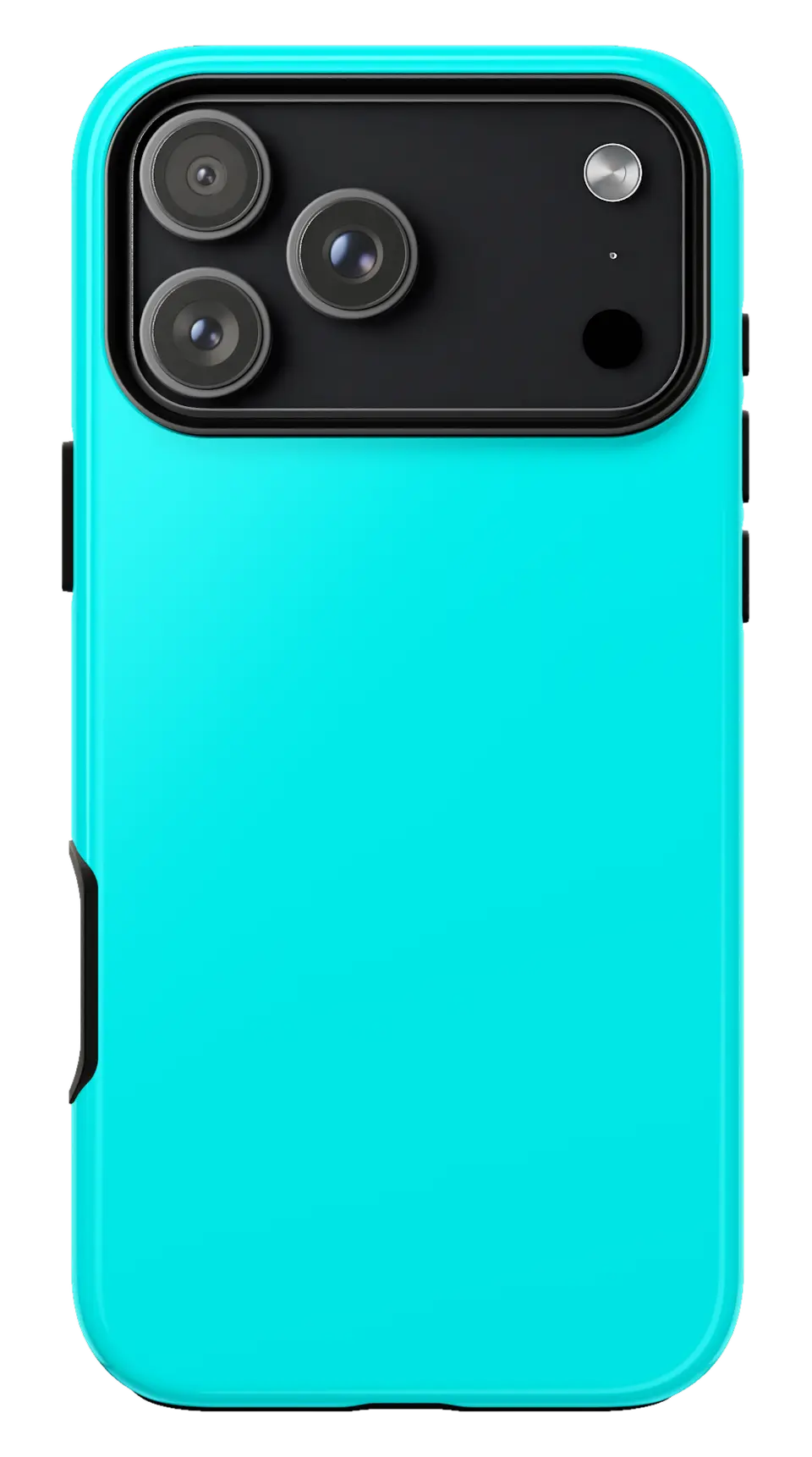 Cyan Phone caseFrom$29.00Phone case · choose your model
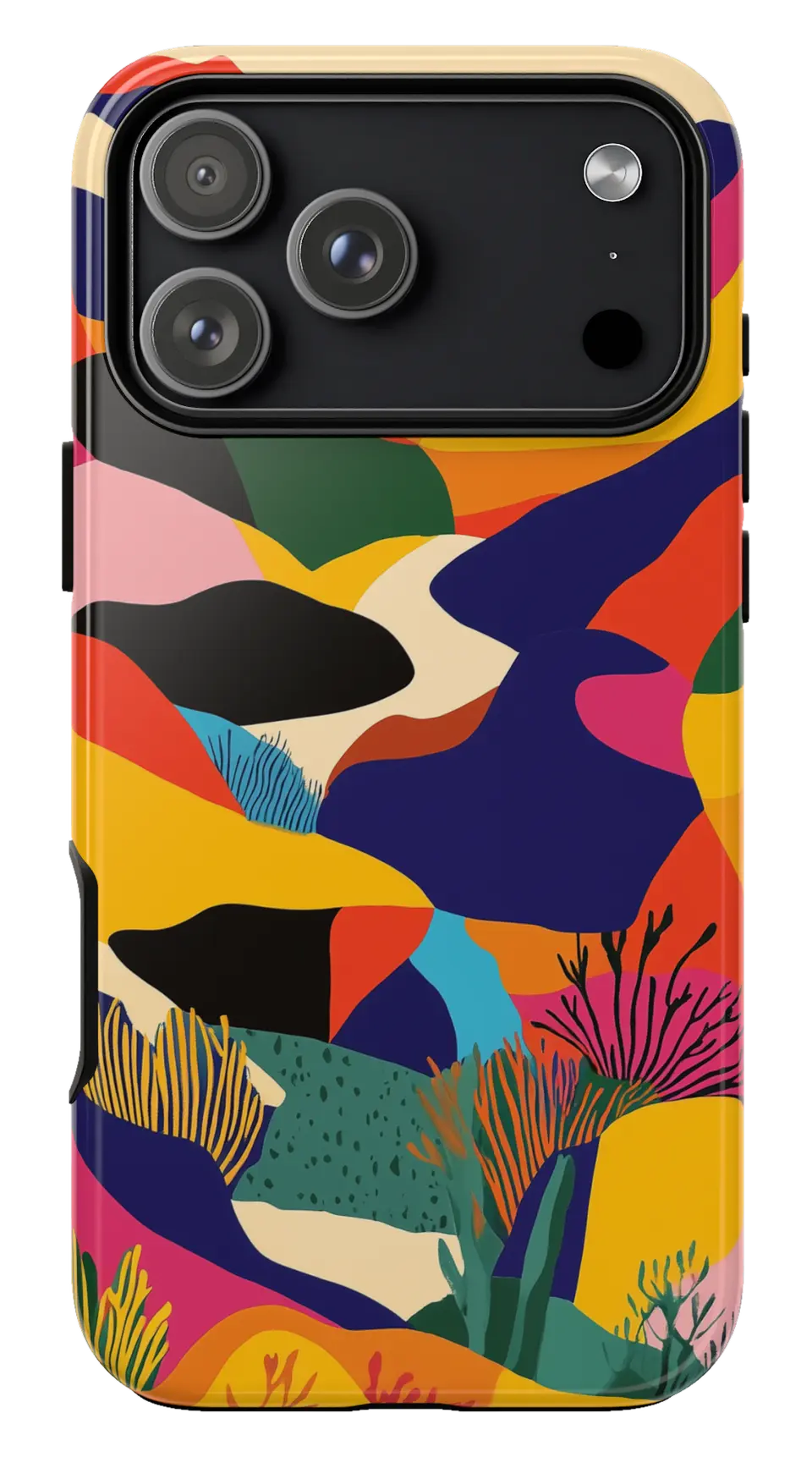 Colorful Mountain Abstract Phone caseFrom$29.00Phone case · choose your model
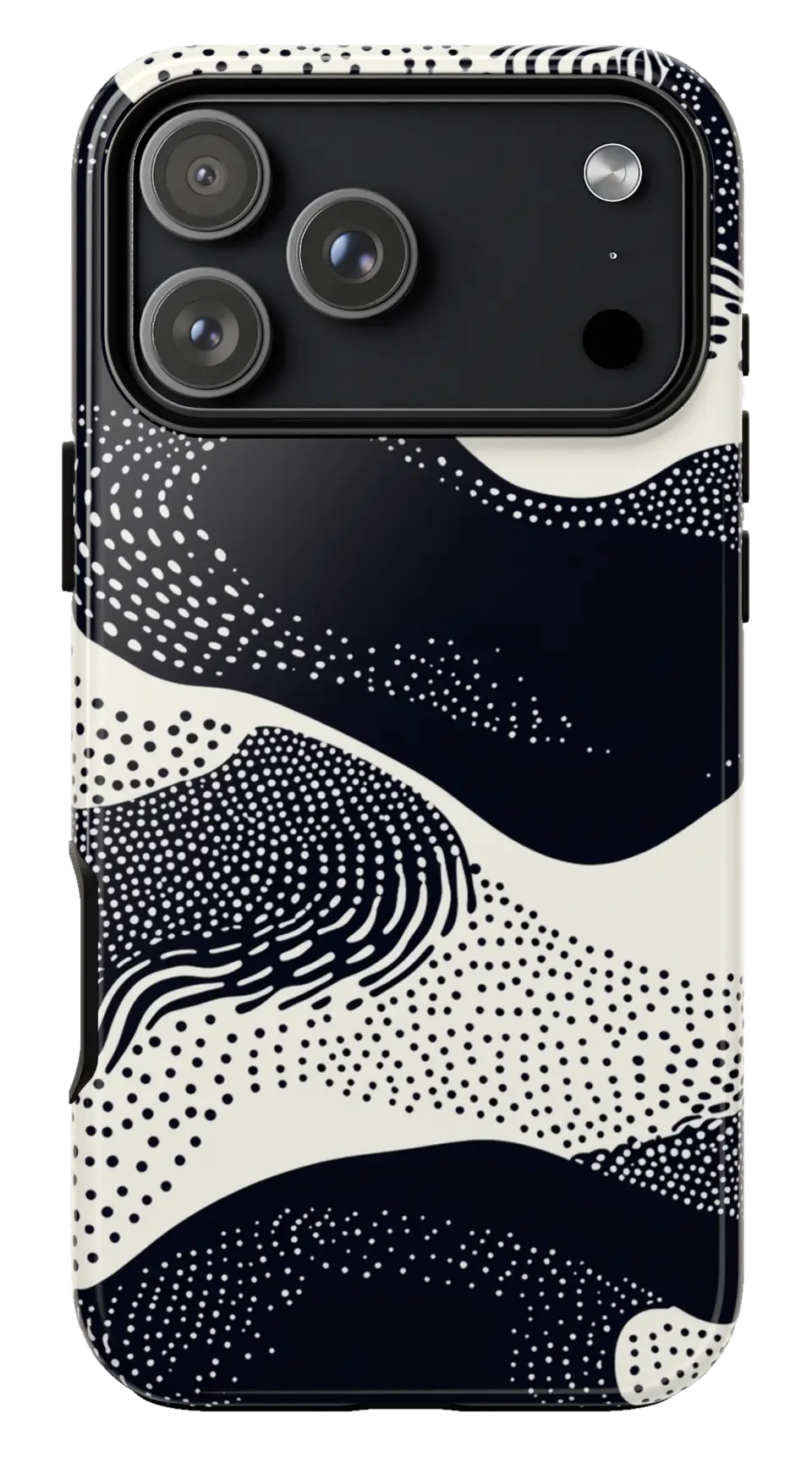 Black White Dot Waves Phone caseFrom$29.00Phone case · choose your model


