Does MagSafe work through a case? Which cases pass and which don't
MagSafe is two jobs, charging and holding. Thin plastic passes the first and fails the second. Here is what each kind of case does, and what Apple says to take off first.
Written by the YOONIG team · Updated · 8 min read

Charging gets through most cases, the magnetic hold doesn't
MagSafe charging works through most thin cases that aren't metal, so you don't need a MagSafe case just to get power into the phone. The magnetic hold is another matter: through a case with no magnets of its own, the charger sits loosely and can slide off-center, and wallets, grips and car mounts won't stay on. A case with a built-in magnet ring keeps both working.
That split explains nearly every confusing experience people have with MagSafe and cases. The charger lights up the charging symbol, so MagSafe 'works'. Then the phone is at 40 percent in the morning because the puck drifted overnight, so it 'doesn't'. Both are true. MagSafe is two jobs done by two different parts, and a case affects each one differently.
Two parts, two ways a case can get in the way
The power moves between two coils, one in the charger and one in the phone. The magnets carry no power at all. The Wireless Power Consortium, the body behind the Qi standards, puts it in one line: the magnets align, the coils charge (WPC: how magnetic chargers work).
A case can interfere with the coils in two ways. It can add distance, which is what a thick case does, or it can put metal in the path, which is what a metal case, a steel plate for a car mount or a ring holder does. The WPC's description is that thick and metal cases aren't damaged by charging, but they widen the gap between the coils or weaken the magnetic hold, and either one costs you speed.
The magnets are more sensitive to distance than the coils are. Every bit of plain material between the phone's ring and the charger's ring weakens the pull. That is why a thin shell with no magnets can charge perfectly well when you set the phone down carefully on a flat puck, and still fail completely as a mount for a wallet or a car holder.
A MagSafe case solves the second problem by carrying its own ring of magnets, lined up with the one in the phone. The accessory then grips the case's ring instead of reaching through the case for the phone's.
Case by case: what happens on a MagSafe charger
Apple doesn't publish a maximum case thickness for MagSafe, and it doesn't certify which third-party cases pass. What it does publish is a short list of things to remove, and that is where the firm rows of this table come from. The rest follows from how the coils and magnets behave.
| Case or add-on | Does it charge? | Does it hold? | What to do |
|---|---|---|---|
| Thin plastic or silicone, no magnets | Usually yes | Weakly, can slide | Fine on a flat puck you don't touch. Not for stands, mounts or wallets. |
| Case with a built-in magnet ring | Yes | Yes | Nothing. This is what the case is for. |
| Thick or heavily padded case | Slowly or not at all | No | Apple says to try removing a thick case if the phone charges slowly or won't charge. |
| Metal case | Poorly, and it can get warm | Unreliable | Apple's safety guide says to remove metallic cases on a wireless charger. |
| Battery case | Slowly or not at all | No | On Apple's list of cases to take off if charging is slow or doesn't start. |
| Card slot or wallet case with a card inside | It may, but the card is at risk | Depends on the case | Take the card out first, every time. |
| Stick-on metal plate, ring holder or grip | Often blocked | No | Remove it, or move it clear of the charging area. |
What Apple tells you to take off before charging
Three instructions come straight from Apple, and they apply whatever case you own.
Cards first. Apple says not to place credit cards, security badges, passports or key fobs between your iPhone and a MagSafe Charger, because this might damage magnetic strips or RFID chips in those items. If your case holds any of them, remove them before charging or make sure they aren't between the back of the phone and the charger (Apple: How to use your MagSafe Charger).
Wallets second. The iPhone User Guide says that if an iPhone Leather Wallet is attached, you remove it before placing the MagSafe Charger on the back of the phone, and it repeats the instruction for MagSafe battery packs. A wallet stuck to the back is a thick, card-filled layer exactly where the charger needs to sit.
Metal third. Apple's safety information says to remove metallic cases when you use a wireless charger and to keep metal objects such as keys, coins, batteries or jewelry off the charger, because they may become warm or interfere with charging. For slow or failed charging in general, Apple's advice for a thick case, metal case or battery case is the same in each instance: try removing it (Apple: How to wirelessly charge your iPhone).
A two-minute test for the case you already own
You can't tell from the product photos whether a case will pass, and 'supports wireless charging' on a listing says nothing about magnets. Test it instead.
- Plug the MagSafe Charger into its power adapter first, then bring the phone to it. Apple says this order lets MagSafe verify it is safe to deliver maximum power.
- With the case on, hold the phone upright and let the charger hang from the back. If it stays put when you tilt and gently shake the phone, the hold is good. If it slides or drops, the case has no working magnet ring.
- Lay the phone on the charger and check that the charging symbol appears within a few seconds and is still there a minute later.
- Leave it for 20 minutes, then feel the back. Slightly warm is normal according to Apple. If it is hot, take the case off and compare.
- Repeat the charge test with the case off. If the phone charges clearly faster bare, the case is costing you speed.
- If you use a wallet, stand or car mount, test each one separately. A hold that is good enough for a light charger may not be good enough for a wallet in a pocket.
Which YOONIG cases hold MagSafe accessories, by iPhone
Our magnetic builds are for iPhone, and they start at the iPhone 13. The MagSafe compatible build is a two-layer case, polycarbonate shell over a TPU liner, with a magnetic module built in. Clear MagSafe is a clear polycarbonate back with TPU edges and embedded magnets. MagSafe + camera guard puts the magnets in the TPU frame and is made for the iPhone 16 Pro, 17 Pro, 17 Pro Max, 18 Pro and 18 Pro Max. All of them are in MagSafe phone cases.
Not every build exists for every phone. The iPhone 13 mini comes in Clear MagSafe but not the two-layer MagSafe compatible build, and the iPhone 18 Pro models come in MagSafe compatible and the camera guard build but not Clear MagSafe. The device page for your model shows what is actually available.
Our Tough and Slim builds have no magnets. The maker lists both as wireless charging compatible and says outright that Tough does not include MagSafe, so they belong in the first row of the table above: they charge, they don't hold. For the iPhone 12 family, which has MagSafe in the phone, iPhone 12 cases from us come in Tough and Slim only, so expect charging without the snap. The same goes for the iPhone 16e and 17e, where we make Tough and Clear.
The Card holder build is listed by its maker as MagSafe compatible and holds one card in a slot on the back. Treat it by Apple's rule: card out before the phone goes on a charger. You'll find it under card holder phone cases.
Mistakes that make a good case look broken
A grip or ring stuck over the middle of the back is the most common one. It lifts the charger off the case and sits right over the coil. If you want both, read where to put a phone grip on your case before you peel the backing off.
The second is a cable left in the port. If the iPhone is connected to a MagSafe Charger and to power through its Lightning or USB-C connector at the same time, Apple says it charges through the connector. With headphones or another accessory plugged in, wireless charging is capped at a lower wattage on every model.
Third, blaming the case for a phone without MagSafe. An iPhone 11 or an iPhone 16e charges on a MagSafe Charger as a plain Qi phone, with no magnetic alignment, whatever case it wears. The full list is in which phones have MagSafe.
If none of that applies and you are deciding whether to switch cases, do you need a MagSafe case covers when the magnets are worth having. The ring itself is explained in what a MagSafe case is. For non-magnetic pads and Android phones, see wireless charging with a phone case.
Frequently asked questions
Do I need a MagSafe case to use a MagSafe charger?
No. A MagSafe Charger can charge an iPhone through a thin non-metal case, or with no case at all. You need a case with magnets only if you want the charger and other accessories to stay firmly attached through the case.
Will a MagSafe wallet stick to a regular case?
Not reliably. A wallet depends entirely on magnetic pull, and a case without its own magnet ring weakens that pull. Use a case with built-in magnets, or attach the wallet to the bare phone.
How thick can a case be for MagSafe to work?
Apple doesn't publish a number. Its guidance is practical: if the phone charges slowly or not at all in a thick case, take the case off. Test your own case as described above instead of trusting a figure from a product listing.
Can I leave a card in my case while it charges on MagSafe?
Apple says no. Credit cards, security badges, passports and key fobs shouldn't sit between the iPhone and the charger, because the magnetic strips or RFID chips might be damaged. Remove them first.
Does a MagSafe case make charging faster?
It can't raise the phone's limit, but it keeps the coils lined up, and misalignment is one of the things that slows wireless charging. In a case without magnets you get the same result only if the phone happens to sit dead center and stays there.
Shop the story
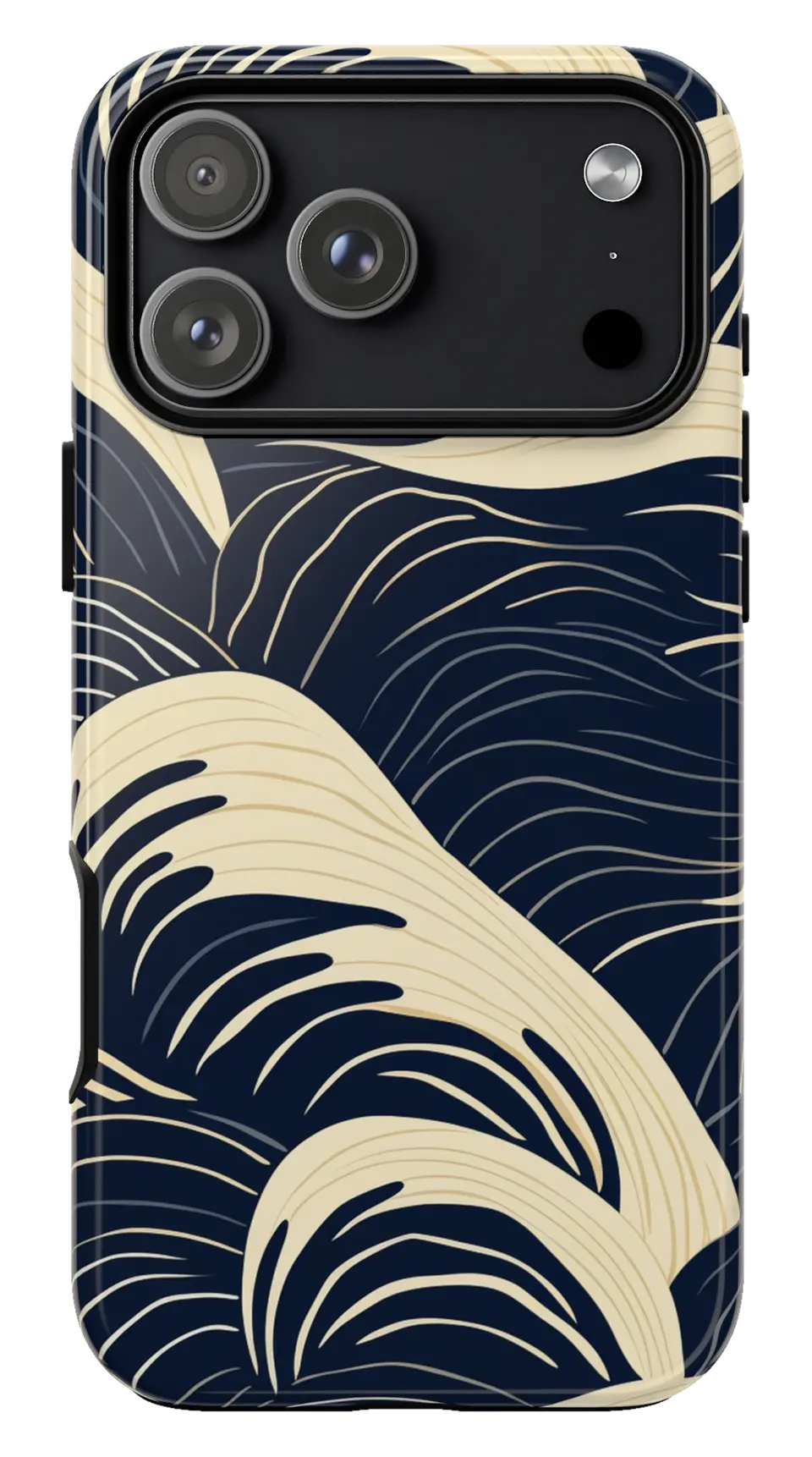 Navy Cream Waves Phone caseFrom$29.00Phone case · choose your model
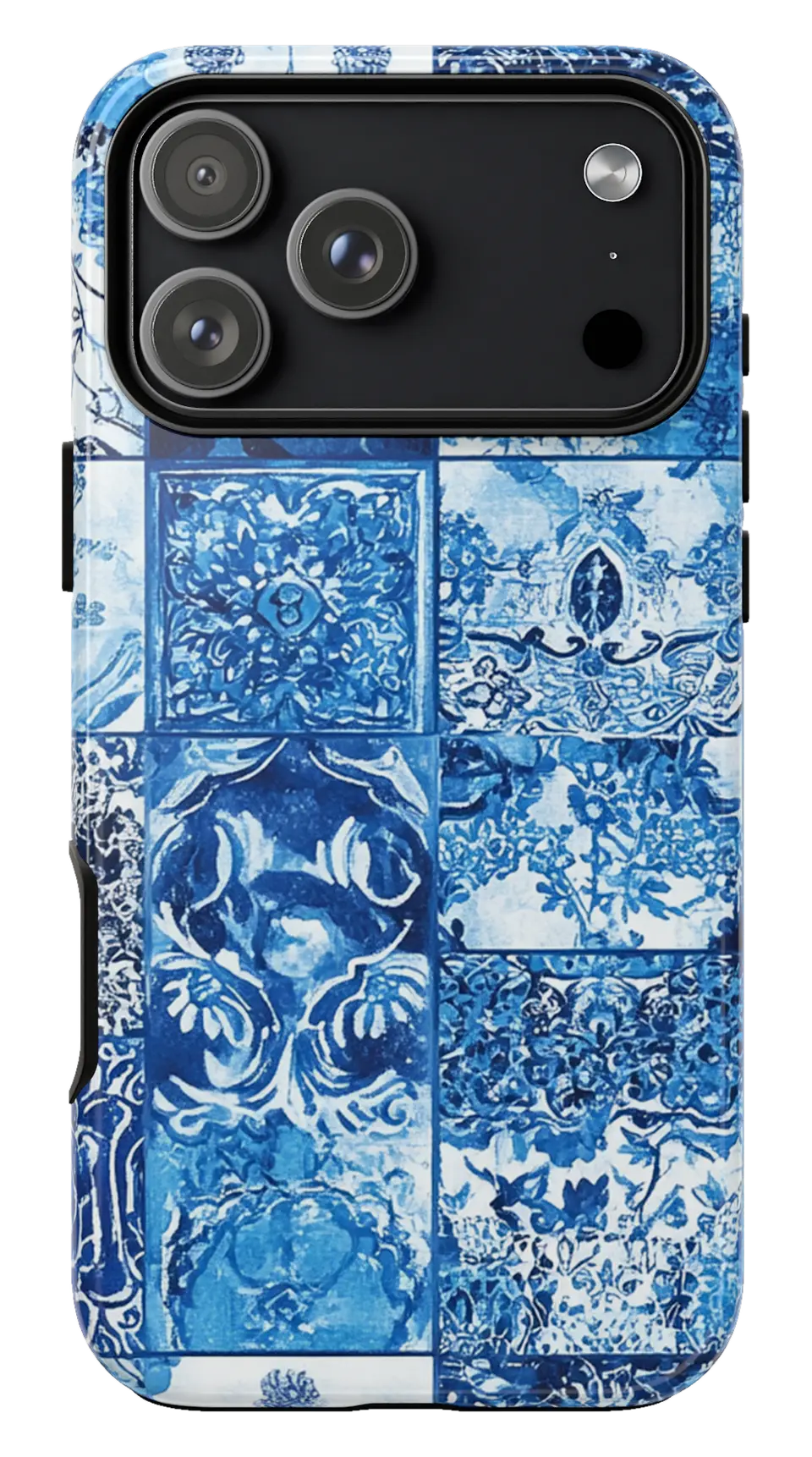 Blue Mosaic Tiles Phone caseFrom$29.00Phone case · choose your model
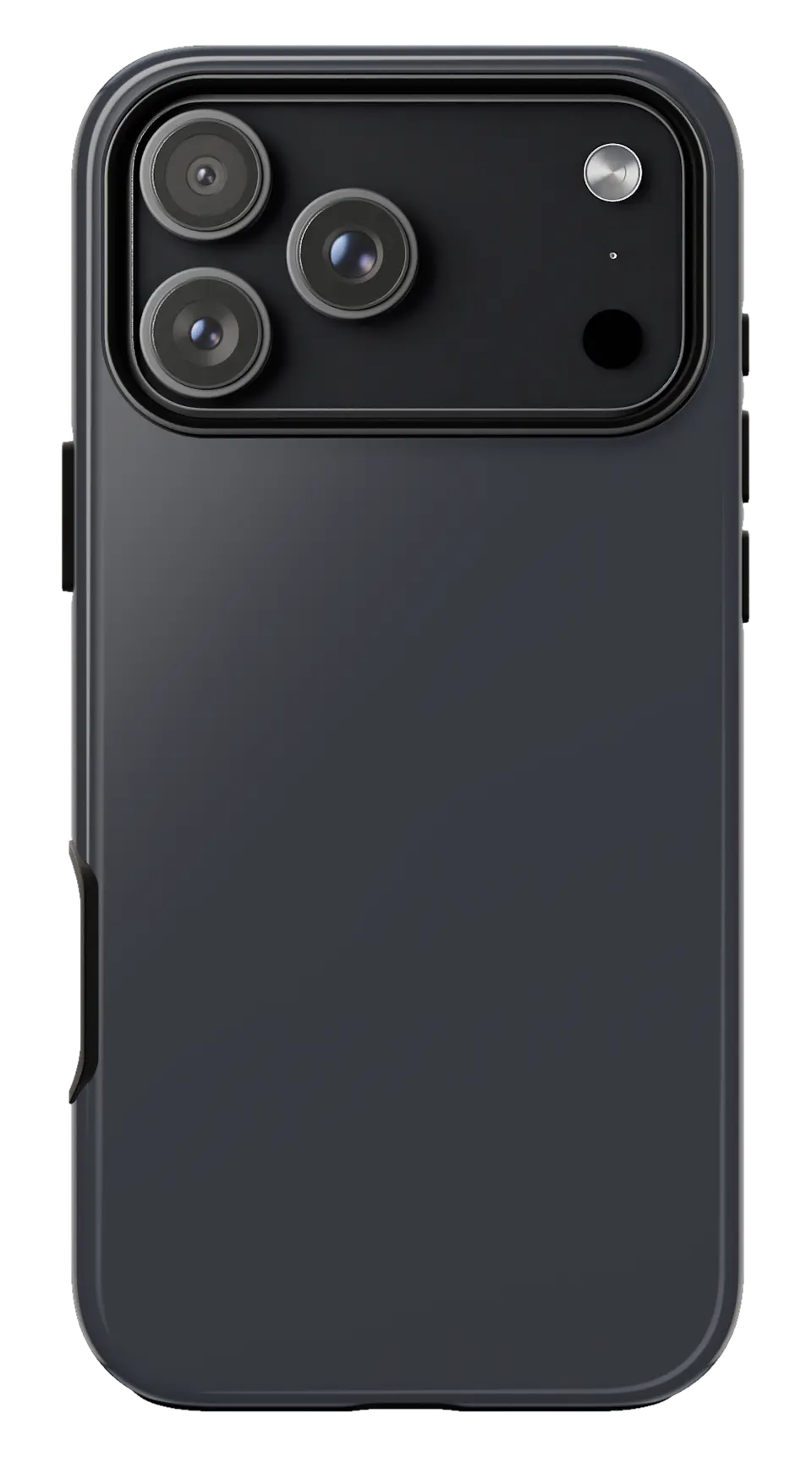 Graphite Phone caseFrom$29.00Phone case · choose your model


