Is MagSafe charging bad for your iPhone battery?
The magnets do nothing to the battery. Heat is the real question, and Apple publishes the numbers: where the limits are, what iOS does about them, and what you can change.
Written by the YOONIG team · Updated · 8 min read

MagSafe itself isn't the problem, heat is
MagSafe charging is not bad for an iPhone battery in itself, and the magnets have no effect on the battery at all. What ages a battery faster is heat and long stretches at full charge, and wireless charging of any kind runs a little warmer than a cable. Apple builds in protections for exactly that, so with a normal setup MagSafe is safe to use every day.
Apple doesn't publish a figure comparing battery wear on MagSafe against a cable, so anyone quoting a percentage is not quoting Apple. What it does publish is how batteries age, the temperatures that matter and what iOS does when they are exceeded. That is enough to answer the practical question: when is MagSafe harmless, and when are you making it harder on the battery than it needs to be.
What actually wears out an iPhone battery
Apple describes battery lifespan in terms of chemical age, which is more than the time since the battery was made. Chemical age results from a combination of several factors, including temperature history and charging pattern. As a lithium-ion battery chemically ages, the amount of charge it can hold diminishes (Apple: Charge Limit and Optimized Battery Charging).
Two things in that description are under your control. One is temperature. The other is how long the phone sits fully charged, which is why Optimized Battery Charging exists: Apple says it reduces wear by reducing the time the iPhone spends fully charged.
Nothing in Apple's account mentions how the power arrives. A battery doesn't know whether the current came through a coil or a connector. It responds to how warm it got and how full it stayed.
Why wireless charging runs warmer, and what the magnets do about it
Apple lists wireless charging among the normal situations in which an iPhone feels warmer, next to restoring from a backup and streaming high-quality video. On its MagSafe page it says the same thing plainly: as with other wireless chargers, the iPhone or MagSafe Charger might get slightly warmer while charging (Apple: How to use your MagSafe Charger).
The extra warmth comes from the transfer itself. Energy that doesn't make it across the gap between the two coils ends up as heat. The Wireless Power Consortium describes what happens on a flat pad when the phone is a centimeter off: charging slows down while the missed energy turns into heat (WPC: how magnetic chargers work).
This is the part where MagSafe helps the battery compared with an ordinary pad. The magnet ring pulls the phone's coil directly over the charger's every time, so the transfer runs with the least waste it can. Apple says MagSafe includes technologies that reduce energy waste compared with other wireless charging methods. The magnets themselves take no part in it: the WPC notes that holding position takes no energy and that the alignment magnets don't drain the battery.
Put those statements together and the order for heat is cable first, then a properly aligned magnetic charger, then a flat pad with the phone off-center. Nobody publishes how big the gaps are.
The temperatures Apple publishes
These are ambient temperatures, meaning the room or the car, not the phone's own surface. They come from Apple's battery pages (Apple: maximizing battery life and lifespan).
The line that matters most is 95° F. Apple says it is especially important to avoid ambient temperatures above it, because they can permanently damage battery capacity, and that charging in high ambient temperatures can damage the battery further. A dashboard mount in summer sun is the textbook case, and it is worse with a wireless charger running behind the phone.
| Condition | Temperature | What Apple says |
|---|---|---|
| Ideal comfort zone | 62° to 72° F (16° to 22° C) | The range Apple calls ideal for the device. |
| Works best | 32° to 95° F (0° to 35° C) | Recommended ambient range for use and for charging. |
| Too hot | Above 95° F (35° C) | Can permanently damage battery capacity. Charging in this heat can damage it further. |
| Battery too warm while charging | Not published as a number | Software may limit charging above 80 percent until the battery cools. |
| Storage | -4° to 113° F (-20° to 45° C) | Don't leave the device in a parked car, which can exceed this range. |
What iOS does to protect the battery on a charger
Three protections work without you doing anything.
The 80 percent hold. If the battery gets too warm, software might limit charging above 80 percent, and Apple says this is done to extend the lifespan of the battery. Charging continues when the temperature drops. If your phone sits at 80 on a MagSafe stand for a while, that is the protection working, not a fault.
Thermally Limited Charging. When the iPhone becomes too warm or too cold, iOS may slow or pause charging, and you might see the Lock Screen message 'Charging On Hold. Charging will resume when iPhone returns to normal temperature.' Apple says these protections apply whether you use a cable, a MagSafe Charger or another wireless charger, that they work automatically and that they can't be turned off (Apple: Thermally Limited Charging).
Optimized Battery Charging. It is on by default. The iPhone learns your routine and delays charging past 80 percent when it predicts a long stay on the charger, aiming to be full when you unplug. Apple says it needs at least 14 days to learn your habits before it engages.
Settings and habits that make MagSafe easier on the battery
The settings below are Apple's own, and the habits follow from its temperature guidance. None of them requires giving up the charger.
- On iPhone 15 and later, set a charge limit: Settings > Battery > Charging, then choose a limit between 80 and 100 percent in 5 percent steps. With a limit below 100, Apple says the phone will still occasionally charge to 100 to keep its battery estimate accurate.
- On iPhone 14 and earlier, go to Settings > Battery > Battery Health & Charging and leave Optimized Battery Charging on. Apple warns that turning charging optimizations off can increase wear.
- Keep the charger and phone in the open. Apple's safety guide says to keep the iPhone, power adapter and any wireless charger in a well-ventilated area, and not under a blanket, pillow or your body while connected to power.
- Keep it out of direct sun and hot cars. Both are on Apple's list of conditions to avoid, with or without a charger.
- If the phone gets hot while charging, take it out of its case first. That is Apple's wording, and it adds that certain styles of cases may generate excess heat during charging, which can affect battery capacity.
- Use a magnetic charger properly aligned, or a flat pad carefully centered. Misalignment is wasted energy, and wasted energy is heat.
- In a warm place, use the cable. Wireless charging is on Apple's list of things that make an iPhone feel warmer, and cable charging is not.
Does the case make MagSafe harder on the battery?
It can, in two ways. A case that holds heat in makes any charging warmer, which is the reason behind Apple's advice to remove the case if the iPhone tends to heat up while charging. And a case that lets the charger sit off-center makes wireless charging less efficient. A thick case or a metal one does both.
A case with its own magnet ring fixes the second problem, because the charger lands in the same spot every time. For iPhone 13 and later we make magnetic builds in MagSafe phone cases; check your model's page, since the range differs by iPhone. Our Tough and Slim builds charge wirelessly but have no magnets, so on a magnetic puck it is up to you to center the phone. Which kinds of case pass and fail is covered in does MagSafe work through a case.
If heat is your main worry, start with does a phone case cause overheating. The fixes for a phone that is already hot are in how to cool down your phone. For the question of how the ring works and what it can affect, see how MagSafe magnets work.
Frequently asked questions
Is it OK to leave an iPhone on a MagSafe charger overnight?
Yes. Optimized Battery Charging is designed for exactly that: it holds the phone at 80 percent and finishes shortly before you usually unplug. Keep the charger in the open, not under a pillow or bedding, which Apple's safety guide warns against.
Why does my iPhone stop at 80 percent on MagSafe?
Either the battery got warm and software paused charging above 80 percent, or a charging option is doing it on purpose: Optimized Battery Charging, or a charge limit you set on iPhone 15 or later. Check Settings > Battery > Charging, and move the phone somewhere cooler.
Is MagSafe worse for the battery than a cable?
Apple publishes no comparison. Wireless charging runs slightly warmer than a cable, and heat is one of the things that ages a battery, so a cable is the gentler option in hot conditions. In normal room temperatures the built-in protections are there to manage the extra warmth.
Do MagSafe magnets drain or damage the battery?
No. The magnets only hold the phone in position and carry no power. The Wireless Power Consortium notes that holding position takes no energy, so a phone snapped to an unpowered charger loses nothing.
Is it normal for an iPhone to get warm on a MagSafe charger?
Slightly warm is normal, and Apple says so on its MagSafe page. If it gets hot, take the case off, move the phone and charger to a cooler spot and let iOS resume charging by itself. A Charging On Hold message means the phone is waiting to cool down.
Does faster 25W MagSafe charging wear the battery faster?
Apple doesn't publish wear figures by wattage. It does say the charger adapts to conditions and that actual power varies with system conditions, and the temperature protections apply at every speed. The model-by-model speeds are in how fast MagSafe charges.
Shop the story
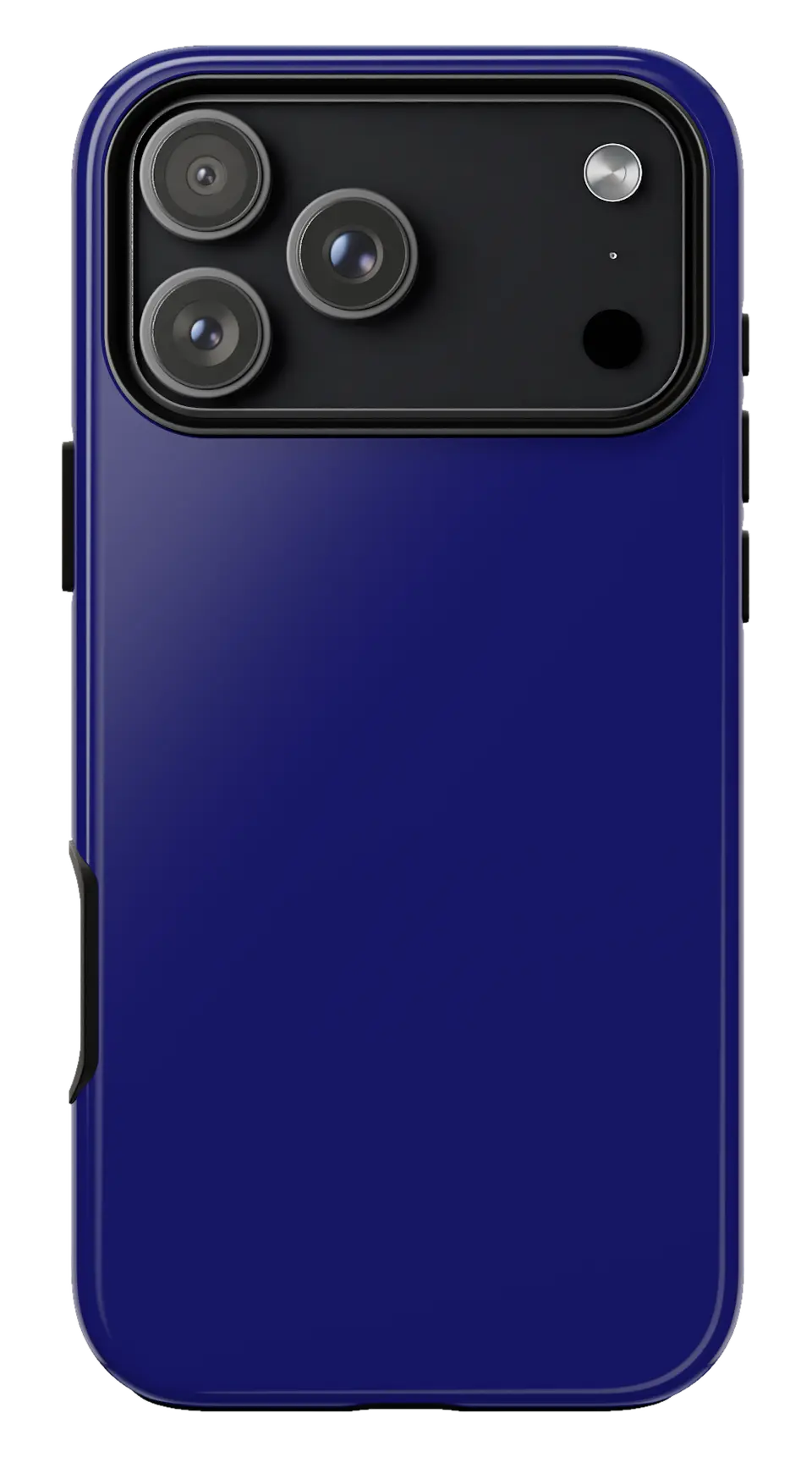 Midnight Blue Phone caseFrom$29.00Phone case · choose your model
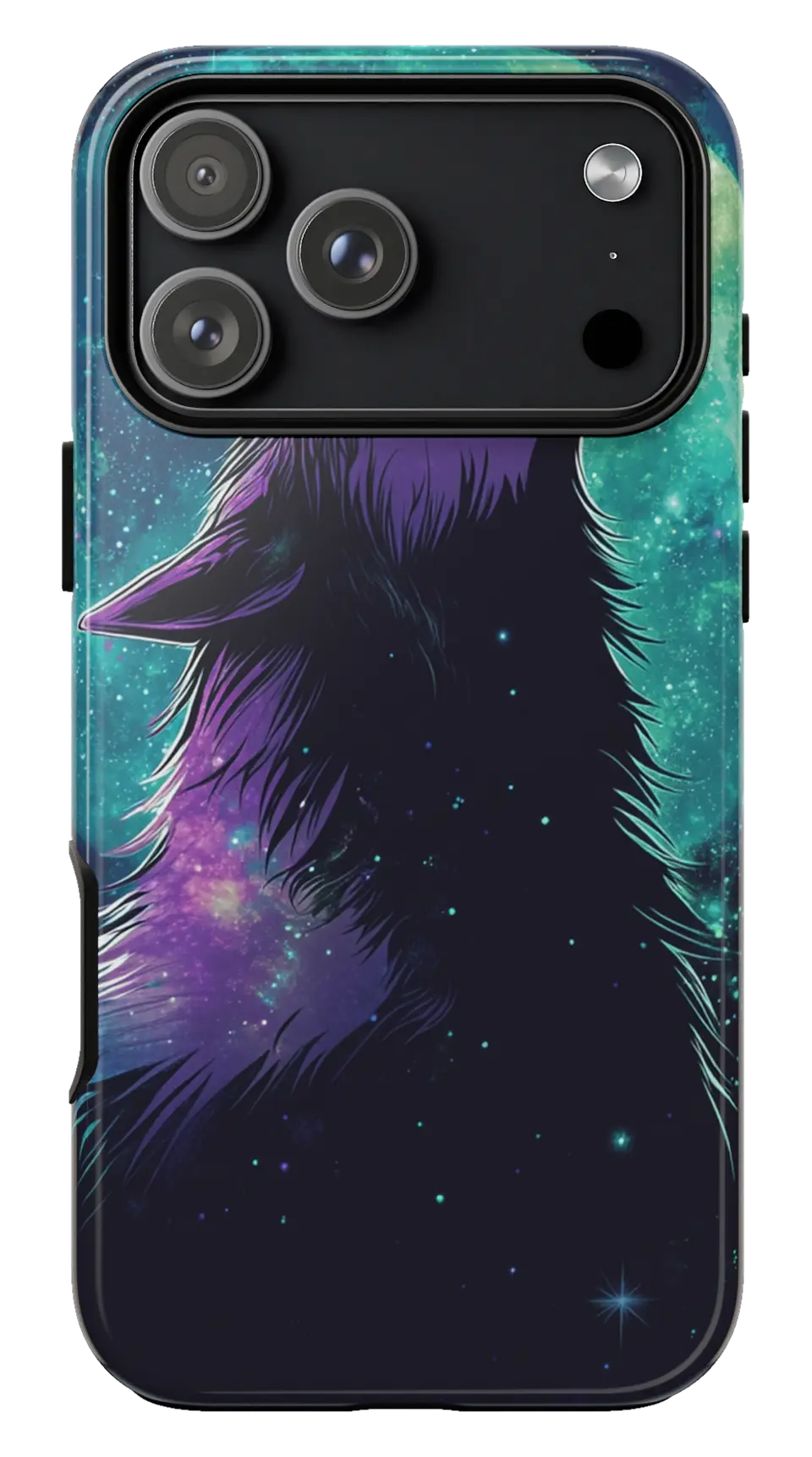 Howling Wolf Moon Phone caseFrom$29.00Phone case · choose your model
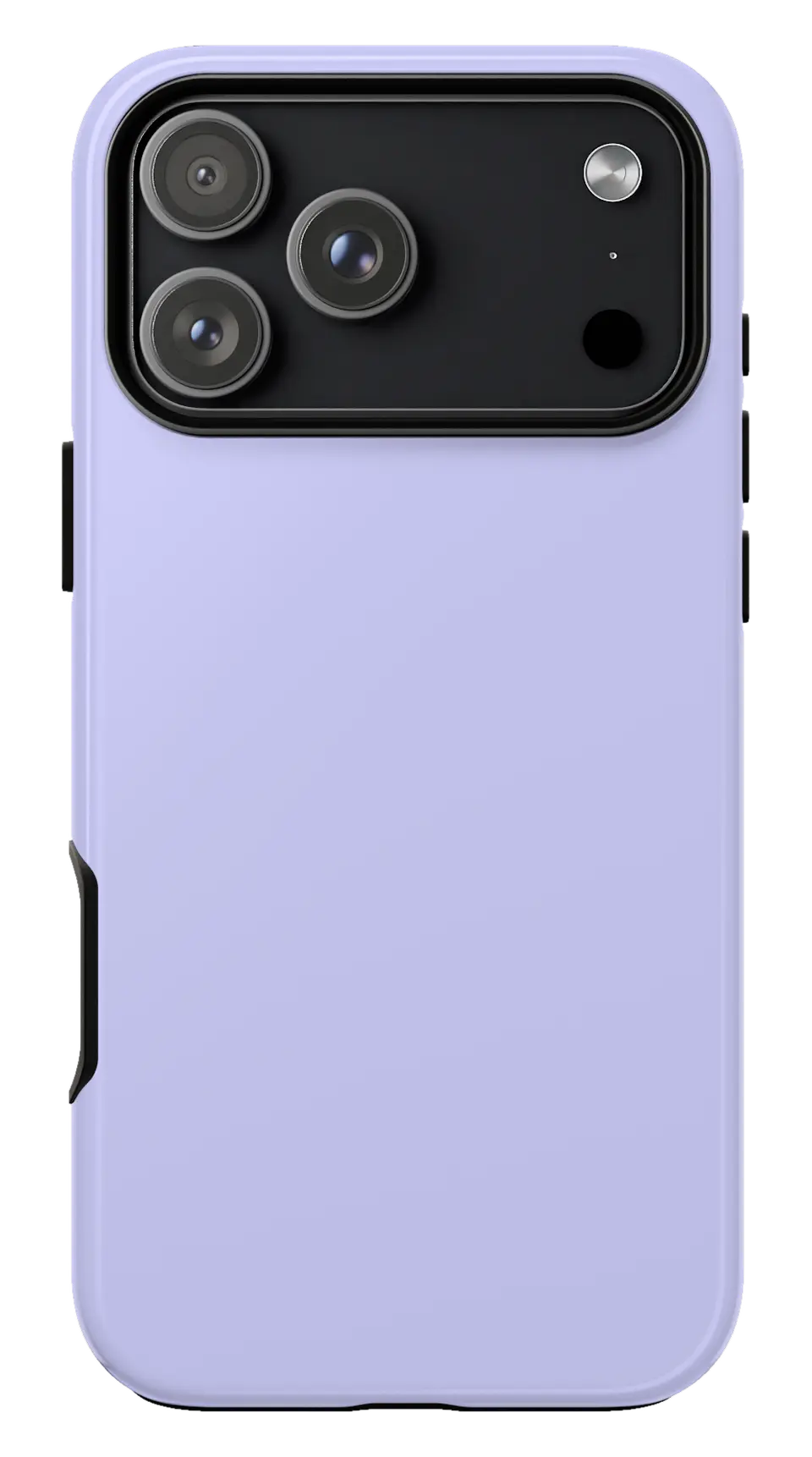 Lavender Phone caseFrom$29.00Phone case · choose your model


