How to replace a lost or broken AirPods case and pair the new one
A lost or broken case doesn't mean new AirPods. How to identify the case you need, what coverage applies, and Apple's pairing steps for every model.
Written by the YOONIG team · Updated · 7 min read

You replace the case, not the AirPods
If your AirPods case is lost or broken, you can order a replacement case on its own from Apple and keep the earbuds you have. Apple's service page says it plainly: if you lose your AirPods or case, you can order a replacement (Apple: Service and Repair for AirPods). The new case has to be the one made for your AirPods model, and it has to be paired with your earbuds before the three work as a set, which takes about 20 minutes on a charger and a few taps.
The order of work is: confirm the case is really gone, identify exactly which case you have, request the replacement, then pair it. Each step is below.
First, make sure it's gone: Find My and Lost Mode
Some cases can be found on their own. On AirPods 4 with Active Noise Cancellation, AirPods 5 with the Wireless Charging Case, AirPods Pro 2 and AirPods Pro 3, the case shows on the Find My map and can play a sound. On other models Find My tracks the earbuds, which helps only if they were in the case. The steps for both situations are in how to find a lost AirPods case.
A case that still has its earbuds inside is a lost pair, not a lost case, and Lost Mode is the first move. Order a replacement once you're satisfied it isn't coming back.
Which case you need: Apple's case list by model
A charging case is tied to specific AirPods. Apple's identification page lists every case with its model number and the earbuds it works with, and the pairings are narrow: the AirPods 4 case works with AirPods 4 only, and the wireless case for AirPods 4 with Active Noise Cancellation works with that version only (Apple: Identify your AirPods).
The case model number and serial number are printed on the underside of the lid, which doesn't help if the case is at the bottom of a lake. In that situation, identify the earbuds instead: go to Settings, tap Bluetooth, and tap the Info button next to your AirPods to see the model. The model number is also printed on the underside of each AirPod and starts with the letter A. Our guide to which AirPods you have decodes the numbers.
| Charging case | Case model | Port | Wireless charging | Works with |
|---|---|---|---|---|
| MagSafe Charging Case for AirPods Pro 3 | A3122 | USB-C | Yes | AirPods Pro 3 |
| MagSafe Charging Case (USB-C) for AirPods Pro 2 | A2968 | USB-C | Yes | AirPods Pro 2 |
| MagSafe Charging Case (Lightning) for AirPods Pro 2 | A2700 | Lightning | Yes | AirPods Pro 2 |
| AirPods Pro 1 cases (2019, and MagSafe from 2021) | A2190 | Lightning | Yes | AirPods Pro 1 |
| Charging Case for AirPods 5 | A3530 | USB-C | No | AirPods 5 only |
| Wireless Charging Case for AirPods 5 | A3529 | USB-C | Yes | AirPods 5 with Wireless Charging Case only |
| Charging Case for AirPods 4 | A3058 | USB-C | No | AirPods 4 only |
| Wireless Charging Case for AirPods 4 (ANC) | A3059 | USB-C | Yes | AirPods 4 (ANC) only |
| MagSafe Charging Case for AirPods 3 | A2566 | Lightning | Yes | AirPods 3 |
| Lightning Charging Case for AirPods 3 | A2897 | Lightning | No | AirPods 3 |
| Wireless Charging Case | A1938 | Lightning | Yes | AirPods 1 and 2 |
| Lightning Charging Case | A1602 | Lightning | No | AirPods 1 and 2 |
Lost versus broken: what the warranty and AppleCare cover
How you lost the use of the case decides who pays, and Apple's pages split it three ways. We don't list what a replacement costs: Apple sets that per model and it changes, so read it off Apple's page when you start the request.
A defect. The Apple Limited Warranty covers AirPods and the accessories that came in the box against manufacturing issues for one year from purchase. A case that stopped working without being dropped or soaked, inside that year, belongs here.
An accident. Apple says its warranty doesn't cover accidental damage. AppleCare does: Apple describes AirPods and the charging case as covered for unlimited repairs for drops and spills under the plan, and says it will send replacement AirPods even before you send yours back.
A loss. On Apple's AppleCare page, theft and loss coverage is listed for iPhone, iPad and Apple Watch; the headphones section doesn't mention it (Apple: AppleCare products, Headphones). So a lost case is an order for a replacement part, with or without a plan. If your plan documents say otherwise, they win.
To start, go to Apple's AirPods service page and tell it what happened. Apple offers a mail-in route with a prepaid shipping box, and in-person help at the Genius Bar or an Apple Authorized Service Provider.
How to connect AirPods to a new case: cases with a setup button
These are Apple's steps for AirPods 1, 2 and 3 and AirPods Pro 1 and 2 (Apple: Set up your replacement AirPods or charging case). The 20 minutes is not optional padding. Start there even if the new case arrived with charge.
- Put both AirPods in the new charging case.
- Connect the case to power, close the lid, and wait 20 minutes.
- Open the lid. If the status light flashes white, skip the next step.
- With the lid open, press and hold the setup button on the back of the case for 15 seconds, until the status light flashes amber, then white.
- Close the lid while the light is flashing white.
- On your iPhone, go to Settings, then Bluetooth. If your AirPods appear in the list, tap the More Info button next to them, tap Forget This Device, and confirm.
- Open the lid next to your iPhone and go to the Home Screen.
- In the setup animation, tap Connect, then Done.
AirPods 4, AirPods 5 and AirPods Pro 3: the double-tap version
These cases have no button on the back, so one step changes. Everything before and after it is the same as above: both AirPods in, 20 minutes on power with the lid closed, then open the lid.
If the light isn't already flashing white, double-tap the front of the case while the light is on. Double-tap again when it flashes white, and a third time when it flashes faster. Wait for the light to flash amber, then white, and carry on: close the lid, forget the AirPods under Settings, Bluetooth if they're listed, open the lid by your iPhone, tap Connect, then Done.
Forgetting the old pairing is the step people leave out. Your iPhone still remembers the set that included the old case. Apple's instruction is to remove that entry before you tap Connect, so the earbuds and the new case are set up together as one.
If the light won't flash white, and what changes afterwards
Work through the likely causes in this order. First, power: the case needs those 20 minutes on a cable, and a wireless pad that isn't lined up may not have charged it at all. If the case shows no light when opened, treat it as a charging problem and use what to check when an AirPods case won't charge.
Second, the match. A case for a different model isn't made for your earbuds, and no amount of button pressing changes that. Compare the model number under the lid with the table above.
Third, the reset itself. Apple's reset procedure asks you to put the AirPods in the case, close the lid and wait 30 seconds before opening it and holding the button or double-tapping (Apple: Restart, unpair, or reset AirPods). Check that the lid is open when you press, and that you hold for the full 15 seconds. The full routine is in how to reset AirPods. If it still fails, go back to Apple with the new case's serial number.
Once paired, the AirPods behave as before, but anything you'd customized is worth checking, since a reset returns them to factory settings. If you had Find My set up, open the app and confirm the AirPods and, on models that support it, the new case appear.
Your old cover should have a second life. A replacement that's the same case model as the one you lost is the same product, so a cover made for that model is made for it. The exception is when you end up with a different case version than before, such as a wireless case in place of a wired one: check the cover against the new case before you rely on it. We make one printed polycarbonate cover with a carabiner per model, listed under AirPods cases, and a bright one makes the next search shorter.
Frequently asked questions
Can I buy just an AirPods case without the AirPods?
Yes. Apple says that if you lose your AirPods or case, you can order a replacement. Start on Apple's AirPods service page and choose the case for your exact model.
Will any AirPods Pro case work as a replacement?
No. Apple lists the AirPods Pro 3 case for AirPods Pro 3, the two AirPods Pro 2 cases for AirPods Pro 2, and the AirPods Pro 1 case for AirPods Pro 1. Order the case listed for your generation.
Why do I have to wait 20 minutes before pairing a new case?
It's the second step in Apple's own procedure: connect the case to power with both AirPods inside and the lid closed, and wait 20 minutes before you open it and continue.
Does AppleCare replace a lost AirPods case?
Apple's AppleCare page lists theft and loss coverage for iPhone, iPad and Apple Watch, and doesn't mention it for headphones. Accidental damage to the case, such as drops and spills, is covered. Check your own plan's terms to be sure.
Can I use my AirPods while I wait for the new case?
Yes, for as long as their charge lasts. Each AirPod runs on its own battery, but without a case there's no way to recharge them.
Do I need to reset my AirPods to use a replacement case?
Only if the status light doesn't flash white when you first open the lid after the 20-minute charge. In that case you hold the setup button for 15 seconds, or use the double-tap sequence on AirPods 4, AirPods 5 and AirPods Pro 3.
Shop the story
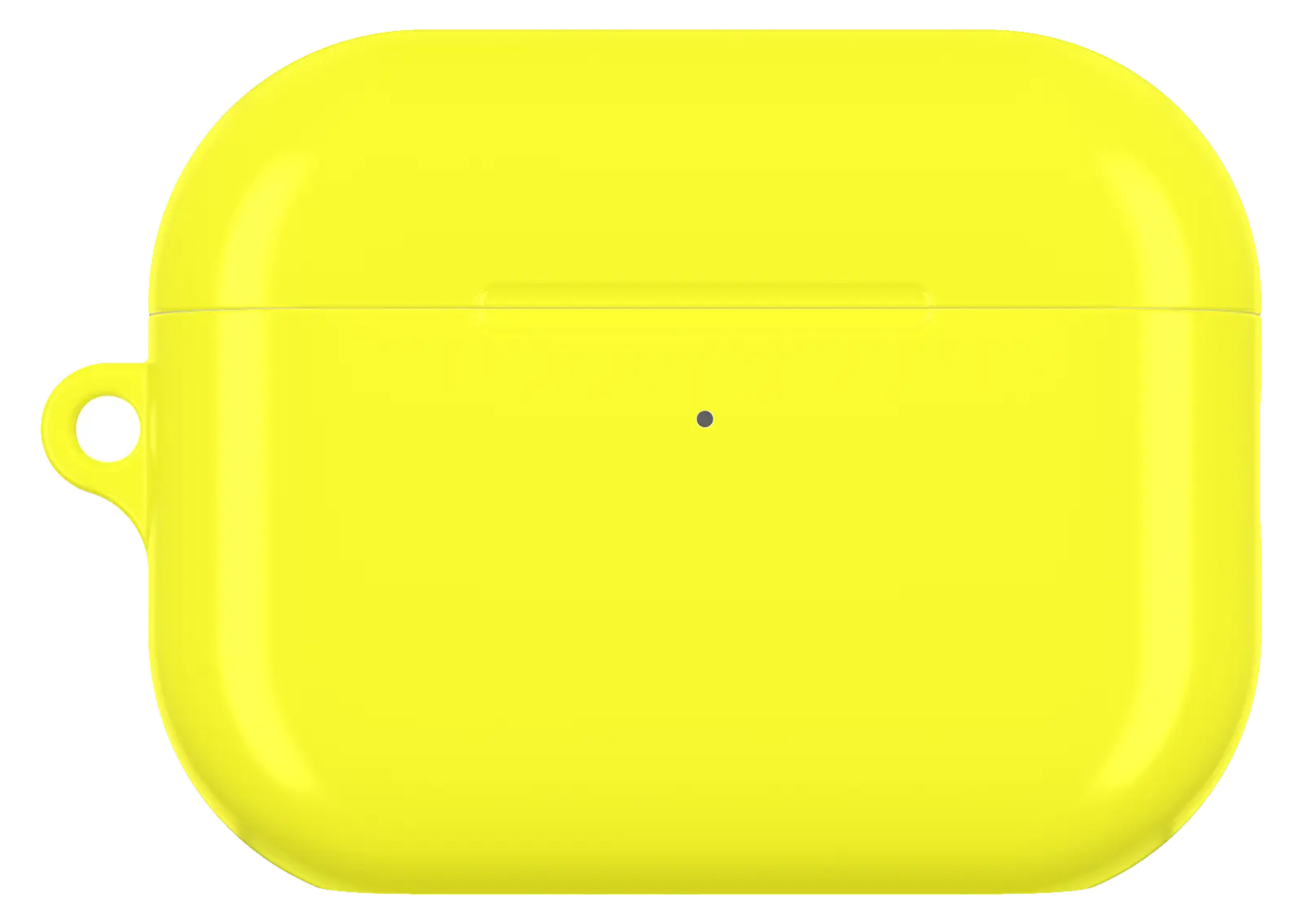 Neon Yellow AirPods caseFrom$29.00AirPods case · choose your model
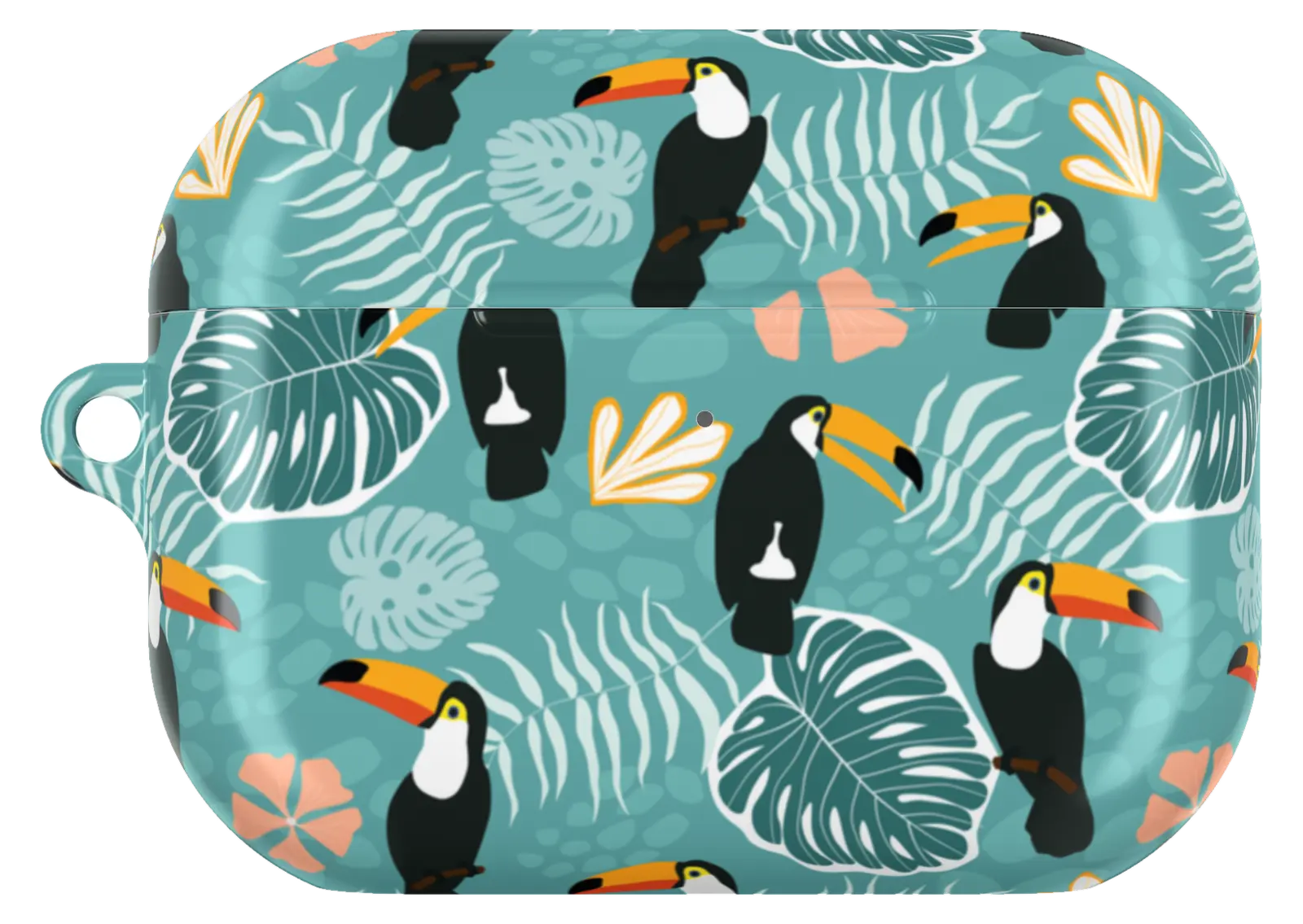 Tropical Toucan AirPods caseFrom$29.00AirPods case · choose your model
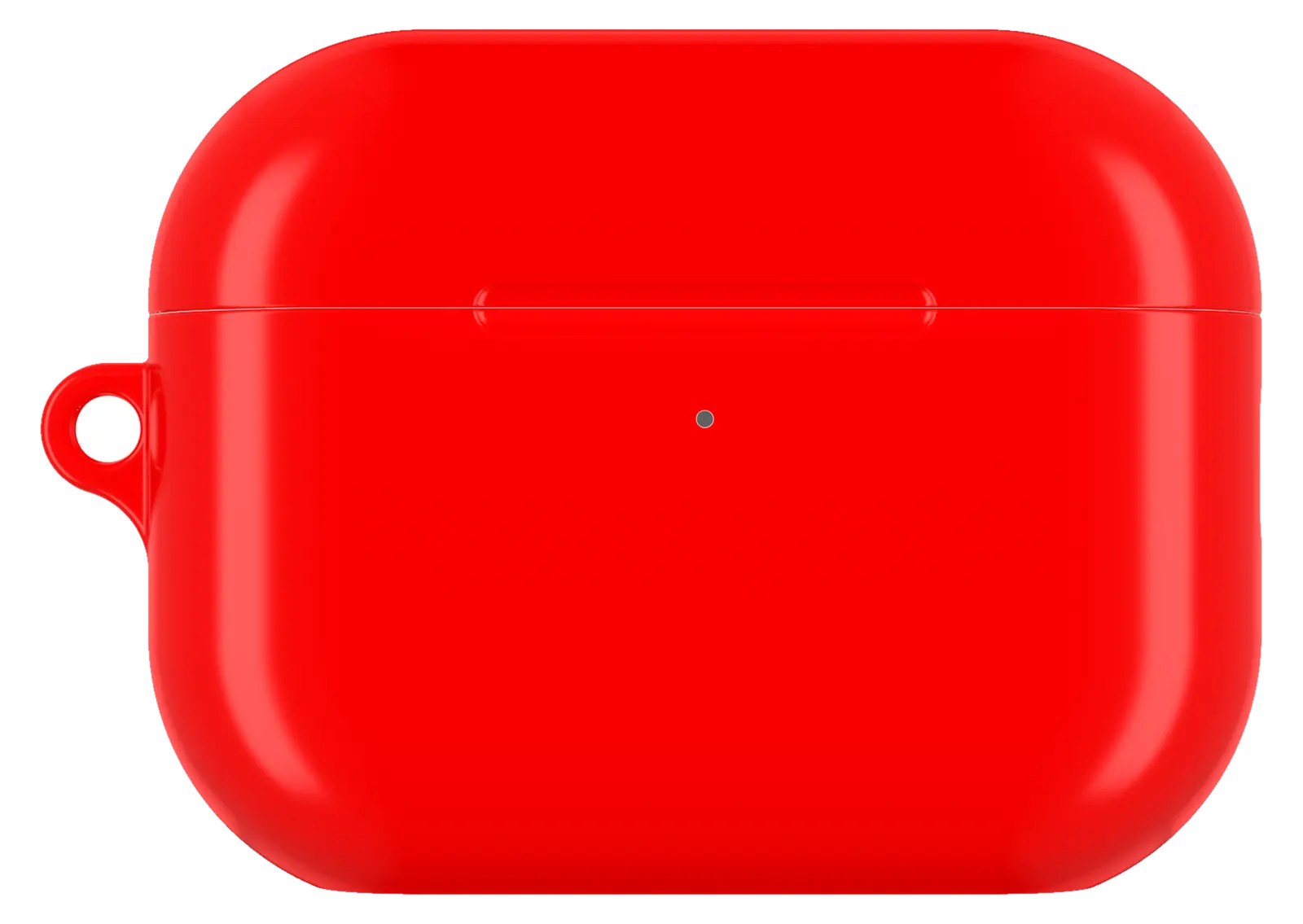 Bright Red AirPods caseFrom$29.00AirPods case · choose your model


