How to turn off AirPods: the case is the only off switch
There's no off button on AirPods or their case. What shuts them down, what only pauses them, how AirPods Max sleep, and how to turn them back on.
Written by the YOONIG team · Updated · 7 min read

Put them in the case and close the lid: that's off
AirPods and AirPods Pro have no power button, and neither does the charging case. To turn them off, put both earbuds in the case and close the lid. Apple's wording is exact: AirPods shut down and charge whenever they're in the case with the lid closed (Apple: Charge AirPods, AirPods Pro, or AirPods Max).
That sentence has two conditions, and both matter. In the case with the lid open, they aren't shut down; that's the state you use for pairing. Out of the case on a desk, they aren't shut down either. Apple doesn't describe any other off state for the earbuds, and there's no setting on the iPhone that powers them down remotely.
So when people ask how to turn AirPods off when they're not in use, the honest answer is a habit, not a menu: the earbuds live in the case, lid shut, whenever they're not in your ears.
Off, paused or disconnected: what each action really does
Most of what looks like switching AirPods off is one of three other things. This table sorts them, using Apple's own descriptions.
| What you do | What happens | Are they off? |
|---|---|---|
| Both AirPods in the case, lid closed | They shut down and charge | Yes |
| AirPods in the case, lid open | The light shows their charge; this is the position for pairing and reset | No |
| Take one AirPod out of your ear | With Automatic Ear Detection on, audio pauses | No, paused |
| Take both out | With Automatic Ear Detection on, playback stops and sound goes to the device's speakers | No |
| Forget This Device in Settings | The pairing is removed from the devices on your Apple Account; you have to pair again to use them | No, unpaired |
| AirPods Max in the Smart Case | They go into an ultralow power mode and can't play audio | Asleep, which is as close as it gets |
No case with you: ways to stop the sound or the connection
Without the case you can't shut the earbuds down, but you can stop them doing the thing that's bothering you. Pick by what you want to stop.
- To stop the music: take an AirPod out. Automatic Ear Detection is on by default, and Apple says the AirPods pause when you remove one and stop playback when you remove both.
- To stop them grabbing audio while they sit on the table: leave Automatic Ear Detection on. With it on and the AirPods not in your ears, audio plays through your device's speakers. With it off, Apple says all audio plays to your AirPods whether or not you're wearing them.
- To check the setting on an iPhone or iPad: wear the AirPods, open Settings, tap the name of your AirPods, and look for Automatic Ear Detection. If it isn't shown, tap Audio & Routing first.
- To send sound somewhere else: open Control Center and tap the AirPlay button. Apple uses that list for choosing your AirPods, and it's the same list where you choose a different output.
- To cut the link completely: Settings, tap the name of your AirPods, then Forget This Device. This is a heavy tool. Apple says you must pair them again with a device signed in to your Apple Account before you can use them.
- To make them stop when you doze off: on AirPods 4, AirPods 5, AirPods Pro 2, AirPods Pro 3 and AirPods Max 2, turn on Pause Media When Falling Asleep in the same settings screen.
AirPods Max: the Smart Case puts them to sleep
AirPods Max don't have a power button either. Apple's instruction is to keep them in the Smart Case when you're not using them, which puts them into an ultralow power mode that preserves battery charge (Apple: Charge your AirPods Max). Apple's user guide calls it sleep mode and adds a detail that confirms it: you can't play audio on AirPods Max while they're in the Smart Case.
Taking them off your head only pauses them. Apple says audio pauses when you remove AirPods Max, and if you put them back on within 15 seconds, play resumes automatically. Lifting one ear cup pauses too (Apple: Connect and use your AirPods Max).
You'll find timers quoted around the web for how many minutes or hours AirPods Max take to drop into low power when left out of the case. Apple's current charging page doesn't give any of those figures, so we haven't repeated them. What it does say is enough to act on: Smart Case for sleep, and never loose in a bag, where Apple warns they can be damaged.
One button combination gets passed around as an off switch and isn't one. Holding the Digital Crown and the listening mode button together until the status light flashes amber restarts AirPods Max. Keep holding for about 15 seconds, until the light goes from flashing amber to flashing white, and you've reset them to factory settings. More on storage in do AirPods Max need a case.
Turning off the case, its light and its sounds
The charging case can't be switched off. It has no button for that: the setup button on the back of older cases, and the double-tap on the front of AirPods 4, AirPods 5 and AirPods Pro 3 cases, are for pairing and reset only.
The status light goes out by itself. On a wireless charger, Apple says the light turns on for several seconds and then turns off while the case continues to charge, so a dark case on the pad is normal. With the lid open it shows charge: green for full, amber for less than one full charge. What each color and flash means is in our guide to AirPods case light colors.
The chime is the one thing you can switch off. On AirPods 4 with Active Noise Cancellation, AirPods 5 with the Wireless Charging Case, AirPods Pro 2 and AirPods Pro 3, go to Settings, tap the name of your AirPods, and turn Enable Charging Case Sounds off (Apple: Change settings for AirPods or AirPods Pro).
A case that shows no light at all when you open it isn't off in any useful sense. Apple says no light means you may need to charge before you can use the AirPods again.
How to turn AirPods back on
Open the lid and take them out. That's all the switching on there is: once AirPods are set up with one Apple device, Apple says they connect automatically to your other devices signed in to the same Apple Account.
If they don't show up, Apple's sequence is short (Apple: If your AirPods or AirPods Pro won't connect). Check that Bluetooth is on, put the AirPods in your ears, open Control Center, tap the AirPlay button and select them. Still nothing: put both back in the case, close the lid, wait 15 seconds and open it again.
Pairing mode is the last step, and it depends on the case. On AirPods 4, AirPods 5 and AirPods Pro 3, double-tap the front of the case until the status light flashes white. On every other model, press and hold the setup button on the back until it flashes white. Then hold the open case next to your iPhone.
A restart is the lid again: Apple's restart for AirPods and AirPods Pro is to put them in the case and close the lid for at least 10 seconds. If that doesn't clear the problem, the next step is a full reset of your AirPods.
Why the off habit matters, and how to make it stick
Apple doesn't publish how much charge AirPods use while they sit idle outside the case, so nobody can give you an honest percentage per hour. The practical point survives without a number: out of the case they aren't shut down and aren't charging, and in the case they're both. If your pair seems to empty between uses, why AirPods die so fast walks through the causes in order.
The other half of the habit is knowing where the case is when you take the earbuds out. Ours hang on a bag strap: the printed AirPods cases we make are polycarbonate hard shells with a carabiner, one for each model we carry, so the case is within reach when the earbuds come out. Apple's own caution applies to any clip or strap: make sure it doesn't get caught on other objects.
Leaving them in the case for long stretches is fine, by the way. Whether that includes all night on the charger is its own question, answered in can you leave AirPods charging overnight.
Frequently asked questions
Can you turn off AirPods without the case?
Not fully. Apple describes only one shut-down state: in the case with the lid closed. Without the case you can pause them by taking them out of your ears, switch the audio output in Control Center, or unpair them with Forget This Device.
Do AirPods turn off automatically when you take them out?
They pause, they don't shut down. With Automatic Ear Detection on, removing one AirPod pauses audio and removing both stops playback. They shut down when they're back in the case with the lid closed.
How do I turn off the light on my AirPods case?
You can't switch it off, and you don't need to: it goes out on its own. On a wireless charger Apple says the light comes on for several seconds, then turns off while the case keeps charging.
How do you turn off AirPods Max?
Put them in the Smart Case. Apple says that places them in an ultralow power mode to preserve battery charge, and they can't play audio while they're in it. There is no power button.
Does turning off Bluetooth turn off my AirPods?
No. It only stops your phone from connecting to them. Apple describes one shut-down state for AirPods, in the case with the lid closed, and a Bluetooth switch on the phone isn't it.
Shop the story
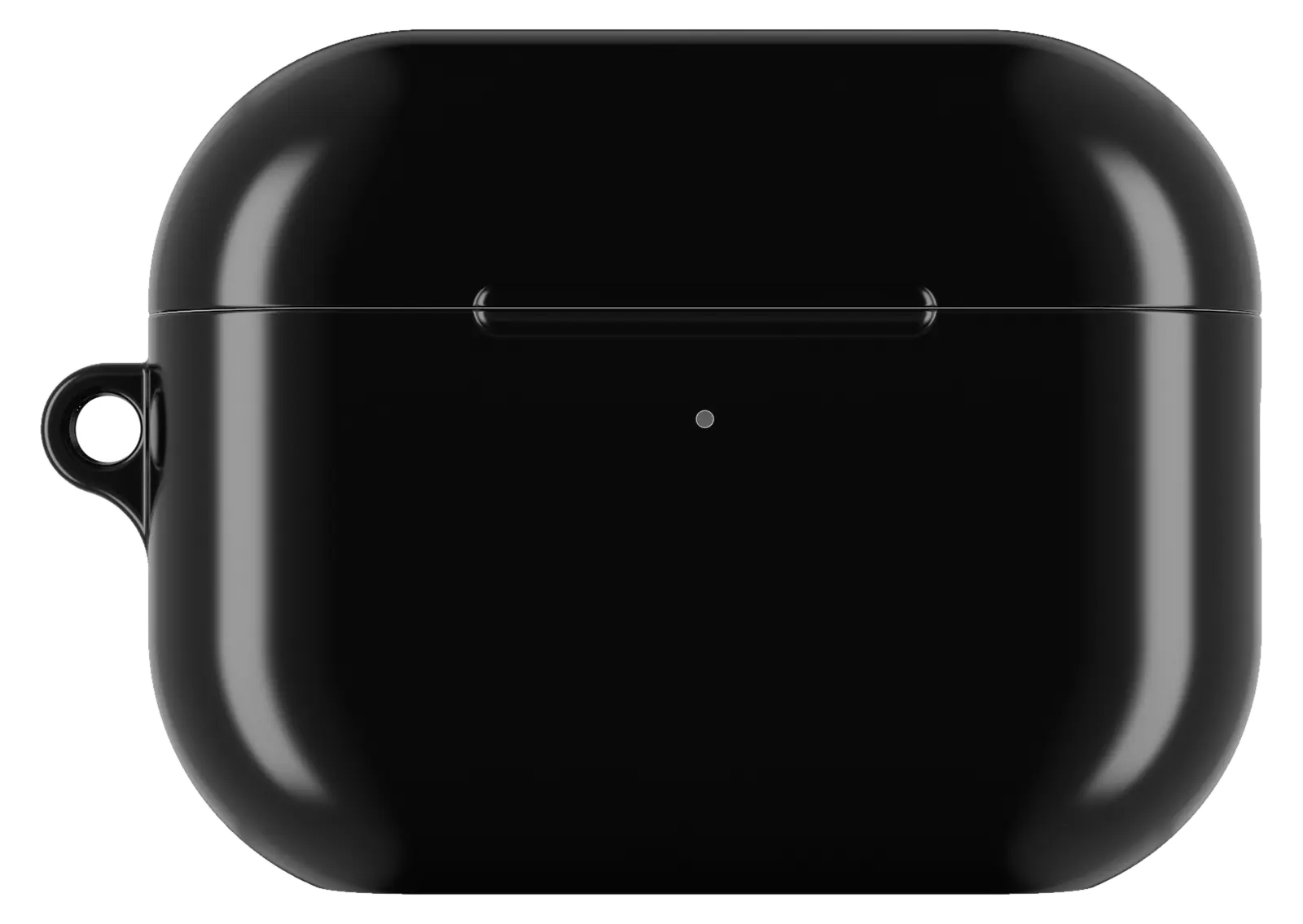 Matte Black AirPods caseFrom$29.00AirPods case · choose your model
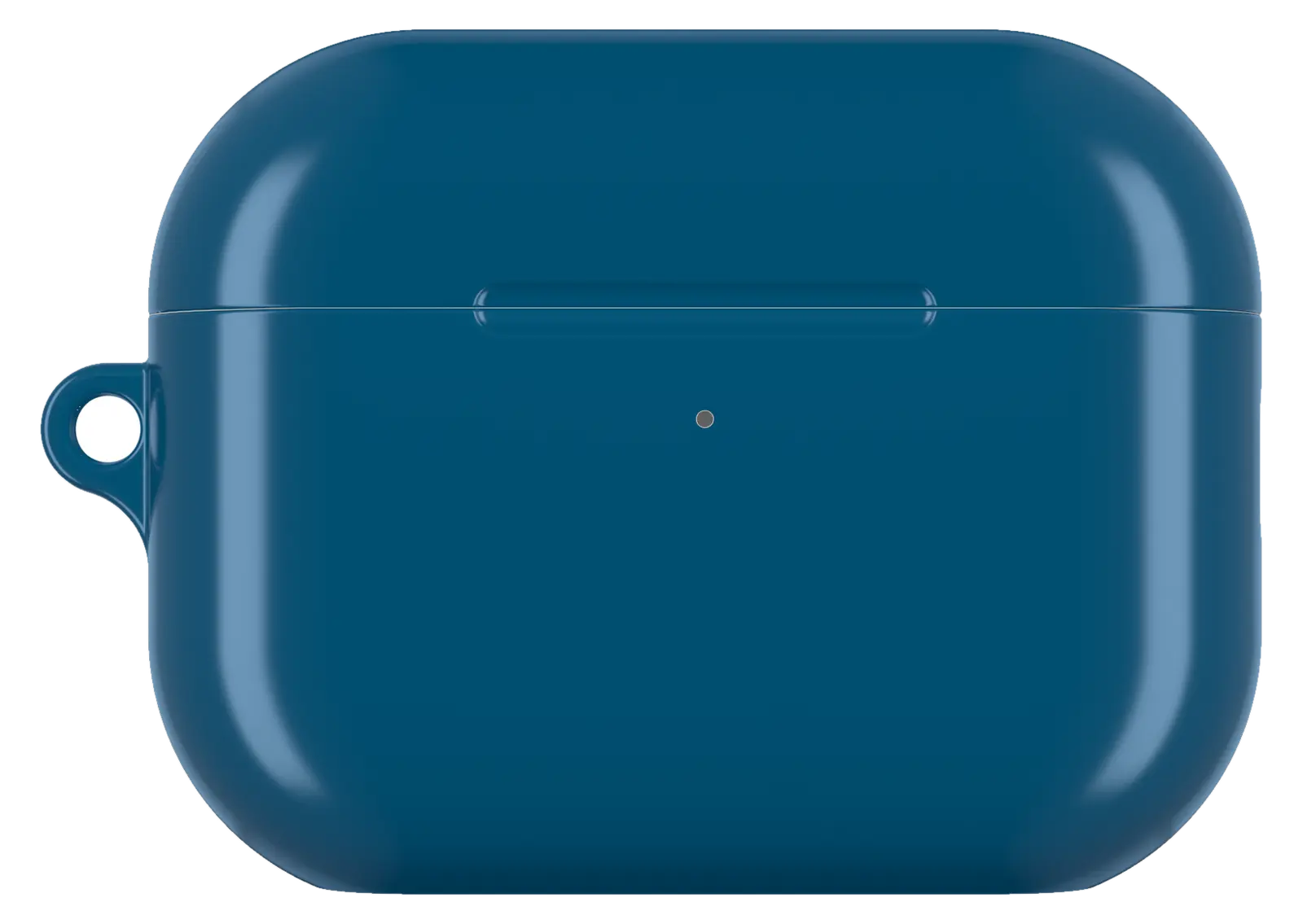 Ocean Blue AirPods caseFrom$29.00AirPods case · choose your model
 Daisy Flower AirPods caseFrom$29.00AirPods case · choose your model


