Why are my AirPods charging so slowly? Causes and fixes
A slow AirPods case is usually on a weak power source, off-center on a mat, too warm, or being held back by a charging setting. How to find out which one it is.
Written by the YOONIG team · Updated · 7 min read

Four usual suspects: power source, placement, heat and charge settings
AirPods usually charge slowly for one of four reasons: the case is on a weaker power source than the one Apple calls fastest, it's sitting badly on a wireless charger, it's warm enough that charging has slowed, or a setting such as Optimized Battery Charging is holding the charge back on purpose. A dirty port or a worn cable comes after those.
First, a reality check. Apple publishes no full-charge time for the case, so there's no official figure your case is failing to meet. What it does publish is that 5 minutes in a charged case gives the earbuds around 1 hour of listening on AirPods 3, AirPods 4 and AirPods Pro. If your earbuds manage that, the earbud side is healthy and the slowness is in how the case takes power.
Match the symptom to the cause
Slow means different things, and each version points somewhere else.
| What you see | Most likely cause | First thing to try |
|---|---|---|
| Case takes far longer than it used to on the same charger | Cable, adapter or port | Different cable and adapter, then clean the port |
| Slow only on a wireless charger | Placement, or something between case and charger | Re-center with the light facing up; remove any cover; compare with a cable |
| Slow from a computer, hub or car port | Power source | An iPhone or iPad USB charger in a wall outlet |
| Charges, then stalls near the top | Normal trickle charging or an optimized-charging setting | Check Settings under your AirPods' name, then Battery |
| Case feels warm and progress stops and starts | Temperature protection | Move it somewhere cooler and out of its cover |
| AirPods still low after hours in a case that shows green | The earbuds may not be charging in the case | Reseat both AirPods, wait 30 seconds and check each one on your iPhone |
Start with what the case is plugged into
Apple makes one statement about speed, and it's about the source: charging is fastest when you use an iPhone or iPad USB charger or connect to your Mac (Apple: Charge your AirPods). Read the other way round, anything else may be slower. Apple doesn't rank the alternatives, so we won't pretend to know how a particular hub, power bank or car socket compares. The test is simple enough: move the case to an iPhone or iPad charger in a wall outlet and see whether the problem goes away.
Then the links in between. Apple's checklist for charging problems asks you to make sure the cable is plugged firmly into the case and into the USB power adapter, and that the adapter is properly plugged into a working outlet (Apple: If your AirPods won't charge). A cable that only works at a certain angle is a cable to replace: Apple's safety information warns against using damaged cables or chargers at all.
Use the right cable for the case. AirPods 4, AirPods Pro 3 and the USB-C version of AirPods Pro 2 take USB-C; the first three generations of AirPods, the first AirPods Pro and the earlier AirPods Pro 2 take Lightning. If you aren't sure which pair you own, which AirPods do I have helps you identify them.
On a wireless charger: placement, and what's in between
A wireless charger adds a variable that a cable doesn't have. Apple's instructions are specific: status light facing up, lid closed, and for AirPods 4 with Active Noise Cancellation, the case centered flat on the charger. The light should show the charge level for 8 seconds when charging starts.
If it doesn't, Apple's advice is to reposition the case, and if it still won't charge, to connect a cable instead. That second step doubles as a diagnosis. A case that fills at a normal pace on a cable and crawls on the mat has a charger or placement problem, not a battery problem.
Anything between the case and the charger is part of placement. Apple tells you to keep metallic objects such as keys, coins or jewelry off a wireless charger because they can become warm or interfere with charging. A cover is the other thing in the gap. Our printed AirPods cases are polycarbonate hard shells, and we don't claim that wireless charging works through them. If your case is slow or silent on a mat with a cover on, take the cover off and try again before you judge the charger.
Not every case charges wirelessly in the first place. AirPods 4 without noise cancellation and the Lightning Charging Cases for AirPods 1, 2 and 3 are cable-only, so a mat will do nothing for them. The full list by model is in how to charge an AirPods case. Phones have the same placement issue, as we cover in does wireless charging work with a phone case.
Heat slows charging on purpose
Apple says that when AirPods or the case get too warm, the device tries to regulate its temperature, and charging might slow or stop (Apple: Keeping AirPods within acceptable operating temperatures). Some warmth during charging is normal by the same page. The slowdown is protection, not a defect.
The conditions that trigger it are ordinary ones: a case charging on a sunny windowsill, on a dashboard, or under a pillow. Apple's operating range is 32 to 95 degrees Fahrenheit, and it says not to leave AirPods in a parked car at all. Move the case to a cool, open surface and let it settle before you judge the speed again.
Apple's general battery advice adds one more step: if a device gets hot while charging, take it out of its case first, because charging inside certain styles of cases may generate excess heat. That was written about Apple devices broadly, and it applies just as sensibly to a cover on an AirPods case.
When slow is the software doing its job
A charge that races at first and dawdles at the end is how Apple's batteries are meant to behave. Apple describes its lithium-ion charging as fast up to 80% of capacity, then a slower trickle for the rest (Apple: Why Lithium-ion). The last stretch will always feel slow by comparison.
Two AirPods settings pause the charge deliberately. Optimized Battery Charging, on AirPods Pro and AirPods 3 or later, learns your routine and waits to finish charging until shortly before you usually use them. Optimized Charge Limit, on AirPods Pro 3, sets a limit that adapts to your use. Both are on by default, and both are on your iPhone or iPad in Settings: tap your AirPods' name, then Battery. On AirPods Pro 3 you can switch the limit off for a day or for good, and Apple's troubleshooting page points to exactly this when the AirPods won't charge fully.
There's also the plain fact of size. Apple says the case holds multiple full charges for the AirPods, so an empty case with empty earbuds inside has several fills' worth of battery to take on. It will take noticeably longer than a top-up, and that isn't a fault. The quick-charge figures for each model are in how long AirPods take to charge.
Work through it in this order
If you'd sooner follow steps than read causes, this is the sequence, cheapest check first. Cleaning comes with one caution from Apple: use a clean, dry, soft-bristled brush for the charging port, and don't put anything into the port or let liquid get into it (Apple: How to clean your AirPods). The longer version is in how to clean AirPods and the charging case.
- Take the cover off and move the case to a cool, open surface.
- Plug it into an iPhone or iPad USB charger in a wall outlet with a cable you trust.
- Give it 15 minutes, then check the level on your iPhone under Settings, Bluetooth, Info, and again 15 minutes later.
- If the number is climbing, the old charger, cable or mat was the problem. Swap them back in one at a time to find which.
- If it stalls near the top, look at Optimized Battery Charging or Optimized Charge Limit under Battery in your AirPods settings.
- If one earbud lags, reseat both AirPods, let them charge for 30 seconds, then open the case near your iPhone and check that each one is charging.
- If nothing moves at all, treat it as a case that won't charge and follow AirPods case not charging, which ends with a reset and Apple Support.
Frequently asked questions
Why is my AirPods case taking so long to charge?
Most often it's the power source or the placement. Apple says charging is fastest from an iPhone or iPad USB charger or a Mac, and on a wireless charger the case has to sit light-up, lid closed and properly positioned.
Why do AirPods take so long to reach 100%?
Apple's lithium-ion batteries fast-charge to 80% and then trickle. On top of that, Optimized Battery Charging delays the end of the charge until shortly before you normally use your AirPods.
Do AirPods charge slower on a wireless charger?
Apple doesn't publish a wireless charging speed for the case. The only setup it names as fastest is a cable from an iPhone or iPad USB charger or a Mac, so use the cable when time matters.
Can a hot case make AirPods charge slowly?
Yes. Apple says that if AirPods get too warm, charging might slow or stop while the device regulates its temperature. Move the case somewhere cooler, out of direct sun.
Does a case cover slow down AirPods charging?
On a cable it shouldn't matter as long as the plug seats fully. On a wireless charger a cover sits between the case and the mat, so if charging is slow or doesn't start, remove the cover and compare.
Shop the story
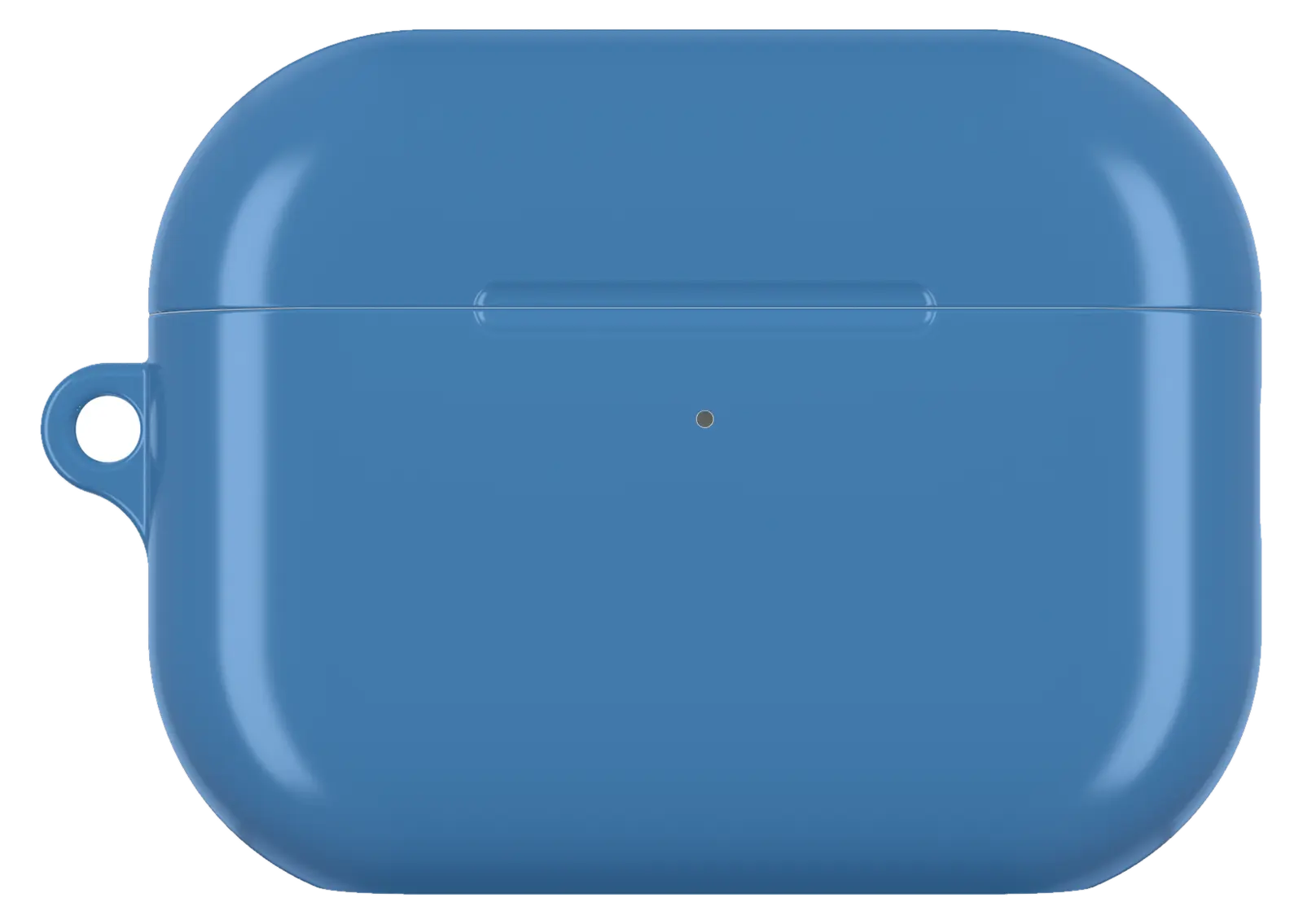 Steel Blue AirPods caseFrom$29.00AirPods case · choose your model
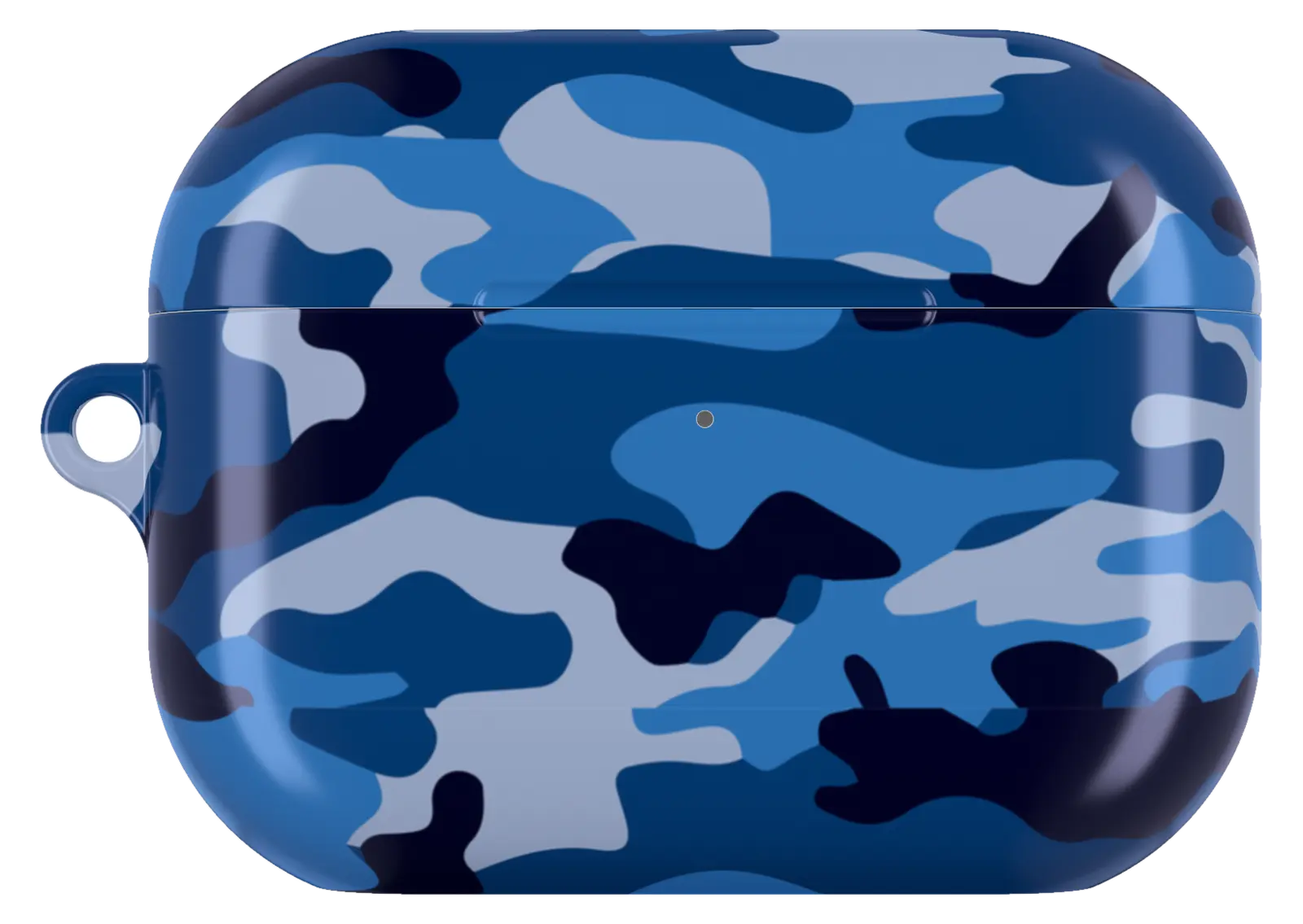 Blue Army Camo AirPods caseFrom$29.00AirPods case · choose your model
 Retro Citrus Garden AirPods caseFrom$29.00AirPods case · choose your model


