Do AirPods work if the case is dead? What still works and what stops
A dead charging case doesn't switch your AirPods off. Here is what keeps working, what needs the case, and the quickest way to get a flat case going again.
Written by the YOONIG team · Updated · 6 min read

Yes: each AirPod has its own battery, so a dead case doesn't stop playback
AirPods keep working when the charging case is dead, as long as the earbuds themselves still have charge. Each AirPod has its own battery and connects straight to your phone, so the case plays no part while you're listening. What you lose is the refill: once the earbuds run down, a flat case can't recharge them.
That also answers the worry behind the question. A dead case doesn't drain or switch off AirPods that are already in your ears. The case is a charger and a storage box: Apple describes it as holding multiple full charges for your AirPods, and the earbuds shut down and charge whenever they sit inside with the lid closed (Apple: Charge AirPods, AirPods Pro, or AirPods Max). Take the case out of the picture and the earbuds simply run on whatever they had when you took them out.
What works and what doesn't with a dead case
The split is simple: anything the earbuds do on their own carries on, and anything that starts at the case waits until the case has power again.
| What you want to do | With a dead case | Why |
|---|---|---|
| Listen or take calls on a device you've already set up | Works | The earbuds use their own batteries and their own Bluetooth connection |
| Recharge the earbuds | Doesn't work | The case is what charges them, and it has nothing left to give |
| Read the charge from the case light | Doesn't work | No light appears; Apple says that means you may need to charge before using them again |
| Pair with a new phone, tablet or computer | Wait until the case has charge | Apple's pairing steps start at the case: lid open, AirPods inside, then the button or a double-tap until the light flashes white |
| Reset the AirPods | Wait until the case has charge | The reset is done on the case and confirmed by its light |
| Get a firmware update | Doesn't happen | Apple delivers updates while the AirPods are charging |
How long the earbuds keep going on their own
From a full charge, Apple's published listening time runs from 4 hours to 8 hours depending on the model and on whether noise cancellation is on. AirPods 4 are rated at up to 5 hours, AirPods Pro 2 at up to 6, AirPods Pro 3 at up to 8 with Active Noise Cancellation. The model-by-model figures are in our guide to how long AirPods last.
The catch with a dead case is that you rarely start from full. If the case died days ago, the earbuds went in at whatever level they had and got nothing back. Check before you leave the house: on an iPhone or iPad, go to Settings, tap Bluetooth, then tap the Info button next to your AirPods (Apple: Charge your AirPods).
You also get warnings as they run down. Apple says your iPhone or iPad shows a notification when the charge reaches 20, 10 and 5 percent, and the AirPods play a tone at 10 percent and a second one right before they turn off. When you hear the first tone, you're on the last stretch.
Two things stretch that last stretch, both taken from Apple's own figures. Noise control costs battery: AirPods 4 with Active Noise Cancellation are rated at up to 4 hours with it on and up to 5 with it off, and the first AirPods Pro at 4.5 hours against 5. And Apple's tests run at 50% volume, so playing louder than that won't match the rated hours. If only one earbud is empty, using a single AirPod is the other option.
Connecting AirPods when the case is dead
On a device you've used them with before, there's nothing to do with the case at all. Take the AirPods out, put them in your ears, and they connect as usual. If they don't, Apple's steps are to check that Bluetooth is on, then open Control Center, tap the AirPlay button and pick your AirPods from the list of devices (Apple: If your AirPods or AirPods Pro won't connect).
A device you've never paired is a different story. Apple's instructions for pairing mode all begin with the AirPods in the case and the lid open: on AirPods 4 and AirPods Pro 3 you double-tap the front of the case, on other models you press and hold the setup button on the back, and you wait for the status light to flash white. Apple doesn't say what a case with an empty battery does here, and with no light you have no way to confirm pairing mode. Treat pairing with a new device, and a reset, as jobs for after the case has had some time on a charger.
There is one shortcut. If the new device is signed in to the same Apple Account as the one you set the AirPods up with, Apple says they're set up automatically with your supported devices, so they may already be in its Bluetooth list without any pairing.
Reviving a dead case: what to do in the first 15 minutes
A flat case needs a cable more than it needs patience. Apple's troubleshooting page asks for at least 15 minutes on power before you conclude anything is wrong (Apple: If your AirPods won't charge).
- Put both AirPods in the case and close the lid, so the earbuds and the case charge together.
- Plug in the case with its Lightning or USB-C cable, whichever your model takes. Apple says charging is fastest from an iPhone or iPad USB charger or a Mac.
- Leave it for at least 15 minutes.
- Open the lid. With the AirPods inside, the light now shows their charge: amber means less than one full charge, green means full.
- On a wireless charger, set the case down with the status light facing up and the lid closed. If no light comes on, move the case; if it still won't start, Apple's advice is to switch to a cable.
If the light never comes back, and what a long-dead case means
Once the case has a little charge, the earbuds recover quickly. For AirPods 3, AirPods 4 and every AirPods Pro, Apple quotes around 1 hour of listening from 5 minutes in the case; for the first two generations it's up to 3 hours from 15 minutes. Those figures assume a case that has charge to give, which is why the case goes on the cable first.
If there's still no light after 15 minutes on a cable you know is good, work through what to check when an AirPods case won't charge. It covers the outlet, the port and the reset in Apple's order.
Does it hurt the AirPods to sit in a dead case for weeks? Apple doesn't publish anything specific to AirPods on that. Its general advice for lithium-ion devices going into storage is to leave them at around half charge instead of empty or full, so a case that sits flat in a drawer for months is not how Apple suggests storing a battery. If the case has been dead for a long time and now won't hold a charge, a replacement AirPods case is the fix, and it has to match your model.
A case that goes missing is the other way people end up with earbuds and no charger. A printed cover with a carabiner makes it harder to leave behind: our AirPods cases are polycarbonate hard shells made for one exact model each, and the carabiner clips to a bag or a belt loop.
Frequently asked questions
Will my AirPods die if the case is dead?
Not because of the case. They run until their own batteries are empty, and then they stay empty until the case is charged again. A dead case doesn't pull charge out of AirPods that are in your ears.
Can you use AirPods without the case at all?
Yes, on any device they're already set up with, for as long as one charge lasts. You need the case to recharge them, to pair with a new device and to reset them.
How do I connect AirPods to a new phone when the case is dead?
Charge the case first. Apple's pairing steps start with the AirPods in the case, the lid open and the status light flashing white, and a dead case shows no light. Give it at least 15 minutes on a cable, then pair.
Do AirPods charge in a dead case if I plug the case in?
Yes. Apple says you can charge the case with or without the AirPods inside, so plugging in a flat case with both earbuds in it charges everything at once.
Why is there no light on my AirPods case?
Apple's explanation for no light is that you may need to charge your AirPods before you can use them again. Plug the case in for 15 minutes with the AirPods inside, then open the lid and look again.
Shop the story
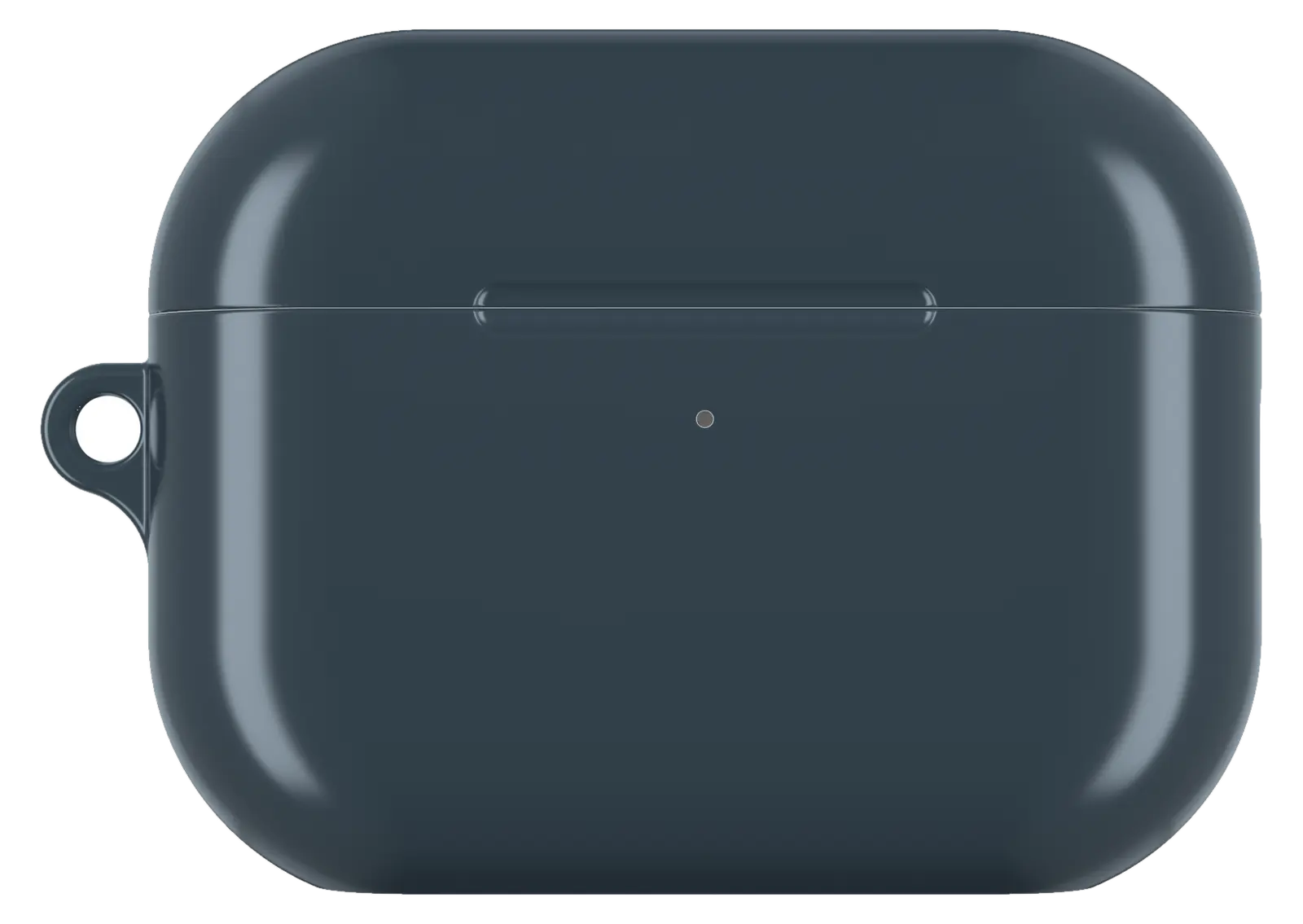 Charcoal Gray AirPods caseFrom$29.00AirPods case · choose your model
 Palm Pattern AirPods caseFrom$29.00AirPods case · choose your model
 Paris Night AirPods caseFrom$29.00AirPods case · choose your model


